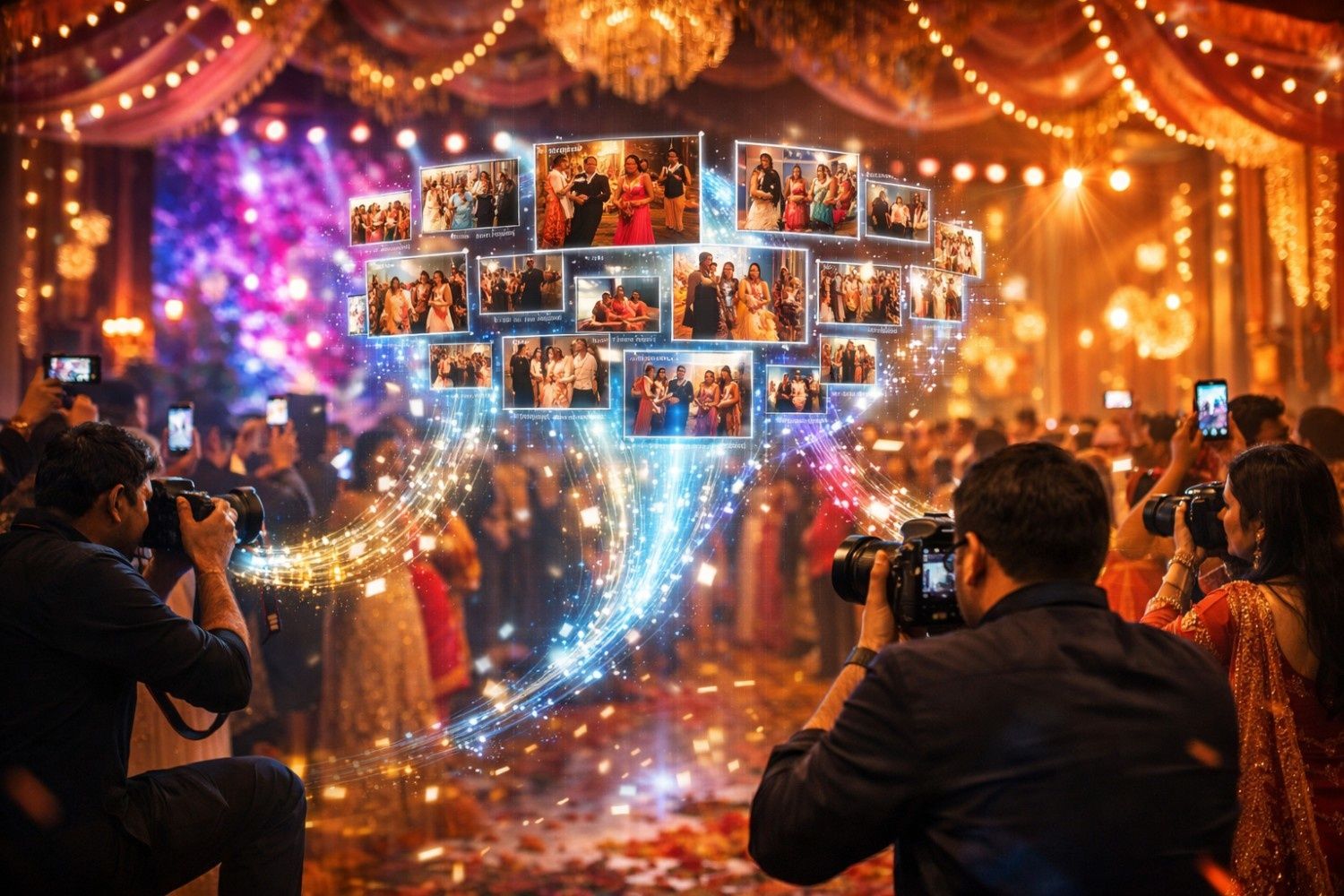
Big events don’t wait for photographers to “sort it later.”
It’s the sangeet. The entry just happened. The family’s already posting Stories. The planner wants “10 best candids” for the LED wall. And while you’re still shooting, three photographers (plus maybe a drone + a photobooth) are all uploading to the same event.
This is the exact moment where most teams realize: your camera work can be world-class… but your multi camera photo workflow is held together by folders, luck, and late nights.
The pain point nobody plans for: duplicates, mismatched folders, and chaos at scale
When multiple shooters upload simultaneously, the problems aren’t “technical.” They’re operational:
- Duplicates everywhere: burst shots, repeated angles, WhatsApp forwards re-uploaded, photobooth strips uploaded twice
- Mismatched folders: “Sangeet Final,” “Sangeet_2,” “Sangeet_new_new,” “Rohit Camera”
- Same file names: DSC_0001 from three different cameras
- Time mismatch: one camera time is 11 minutes ahead, one is 7 minutes behind
- Different culling styles: one shooter uploads everything, one uploads selects, one uploads only portraits
- Client confusion: guests can’t find their photos, family asks for links again, planners keep pinging
This is why photo delivery for large events becomes messy fast: the more photographers you add, the more “small issues” multiply.

The old method: manual merging after the event (and why it breaks)
The traditional approach usually goes like this:
- Everyone uploads to their own drive / gives hard drives later
- One person “collects everything”
- You merge folders manually
- You remove duplicates (mostly by eyeballing)
- You export + share after days (or weeks)
It sounds manageable… until you do it for a 2-day wedding or a concert.
Manual merging fails because it assumes you have:
- uninterrupted time
- perfect folder discipline
- a single person who remembers what’s already uploaded
- a client who’s willing to wait
In peak season, none of that is true. You’re not just merging files—you’re merging decisions. And that costs the one thing you don’t have: bandwidth.
Also, manual merging creates a hidden trap: you can’t confidently share early, because you’re not sure what’s missing, duplicated, or wrongly placed. So you delay. And delay creates follow-ups.
This is exactly where a wedding photo sharing platform needs to be more than “a place to upload.” It needs to behave like a system.
The modern system: parallel uploads + auto-organization
Modern delivery flips the workflow.
Instead of “merge later,” you run the event like a live pipeline:
- all photographers upload in parallel
- the platform organizes by event/album (not by random folder habits)
- guests can access what they need without waiting for “final delivery”
- the team stays focused on shooting + selecting, not file firefighting
This is the core upgrade from old sharing to modern event photo management software: it’s built for multi-source input.
And here’s the key: when the system is designed for it, simultaneous uploading doesn’t increase chaos—it increases speed.
Where Kamero fits: built for multi-photographer events, not single-camera shoots
Kamero is built as an AI-driven event sharing platform that helps photographers and organizers manage and distribute photos with features like face recognition, guest uploads, and branded mobile galleries. It’s designed to be guest-focused, with guest uploads + QR code registration for instant access, and it’s mobile-first so guests actually use it.
When three photographers upload to one event, Kamero helps in a few practical ways:
Parallel uploads without losing structure
Because the gallery is event-based, everyone is contributing into one unified system instead of three separate universes of folders. This is what multi photographer photo delivery should feel like: coordinated, not chaotic.
Guests don’t browse folders—they find themselves
Kamero’s AI Face Recognition lets guests find their photos by taking a selfie; it can filter through thousands of photos within seconds and create a personalized album without manual sorting. When guests self-serve, your team stops acting like a helpdesk.
Crowdsourcing without breaking the gallery
Events are no longer covered only by “official cameras.” Kamero supports Guest Uploads, letting attendees upload from their phones into the same event gallery, securely, alongside professional shots. That matters for concerts, college fests, exhibitions—anywhere the crowd captures moments you can’t.
Privacy controls that make sharing safer (especially for big groups)
Large events also mean mixed audiences. Kamero supports multi-level privacy controls—for example, letting each guest view only their own photos while granting broader access to select family members or organizers via secure event IDs/PINs.
That combination—parallel uploads + smart discovery + controlled access—is what makes it scalable for large teams and large crowds.
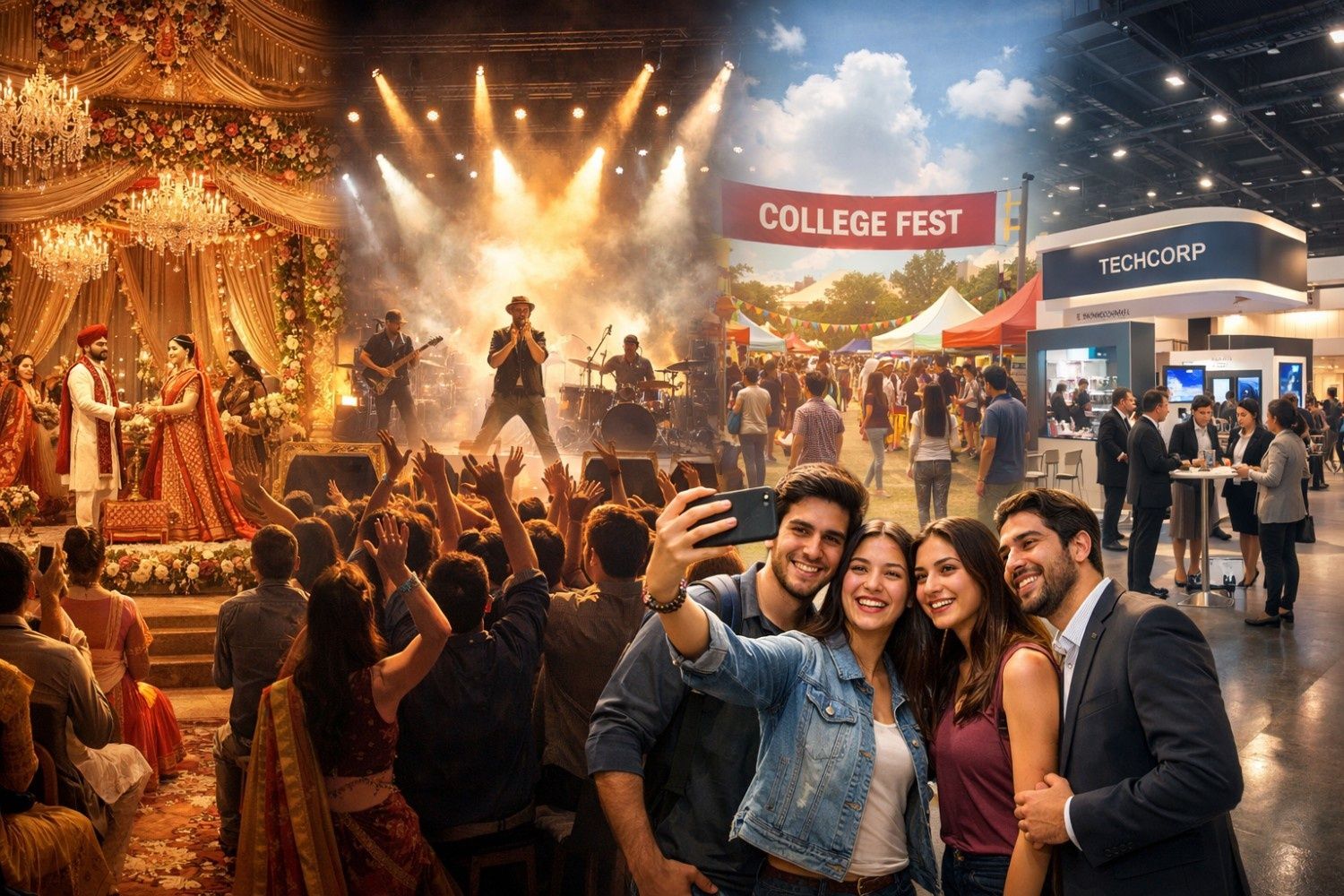
Where this matters most: Grand weddings, concerts, college fests (and even corporate expos)
If you shoot only small events, you can “get away” with manual systems.
But the moment you’re handling:
- Grand weddings with multiple functions and multiple shooters
- Concerts where people want photos while the event is still trending
- College fests with thousands of students looking for themselves
- Corporate exhibitions where brands want instant content + attendee engagement
- Photobooth companies that need clean, fast delivery without mixing events
…manual merging becomes the slowest part of your operation.
In these scenarios, fast delivery isn’t a “nice-to-have.” It’s part of the service. It changes how planners perceive you, how venues recommend you, and how attendees talk about you.
And that’s why AI photo sharing for photographers is not just about tech—it’s about staying sane when the volume (and expectations) spike.
Try this: simulate a real 3-photographer event on Kamero
If you want to truly understand whether your workflow scales, don’t imagine it—test it.
Create one event, add three upload sources (three shooters, or two shooters + photobooth), upload simultaneously, and watch what happens when guests start accessing photos.
📌 Log in and simulate a multi-photographer event on Kamero—the same way it runs in grand weddings, concerts, and large-scale functions—so you can see what “parallel uploads + auto-organization” feels like in the real world.
About Tanuj Thakkar
Hi! I’m Tanuj Thakkar – a BCA graduate from St. Xavier's College, Ahmedabad, with an endless curiosity for people, ideas, and stories. I’m passionate about sales, marketing, and finding creative ways to connect with people. Nothing excites me more than understanding what makes someone tick and turning that into solutions that actually make a difference.
When I’m not diving into strategies or brainstorming ideas, you’ll probably find me exploring new places, geeking out on tech and innovation, or having conversations that spark fresh perspectives.