Transform Photos with AI Magic
Create stunning, professional-quality images with beautiful backgrounds and enhanced visual appeal in just one click. No design skills needed.
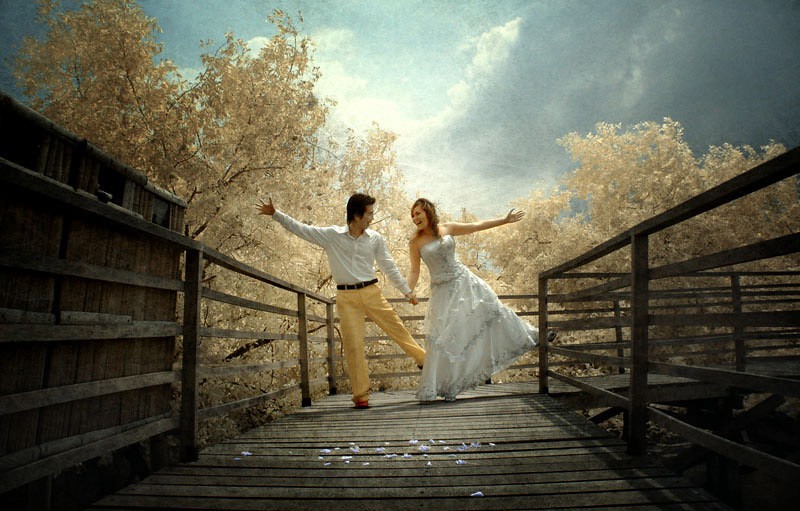
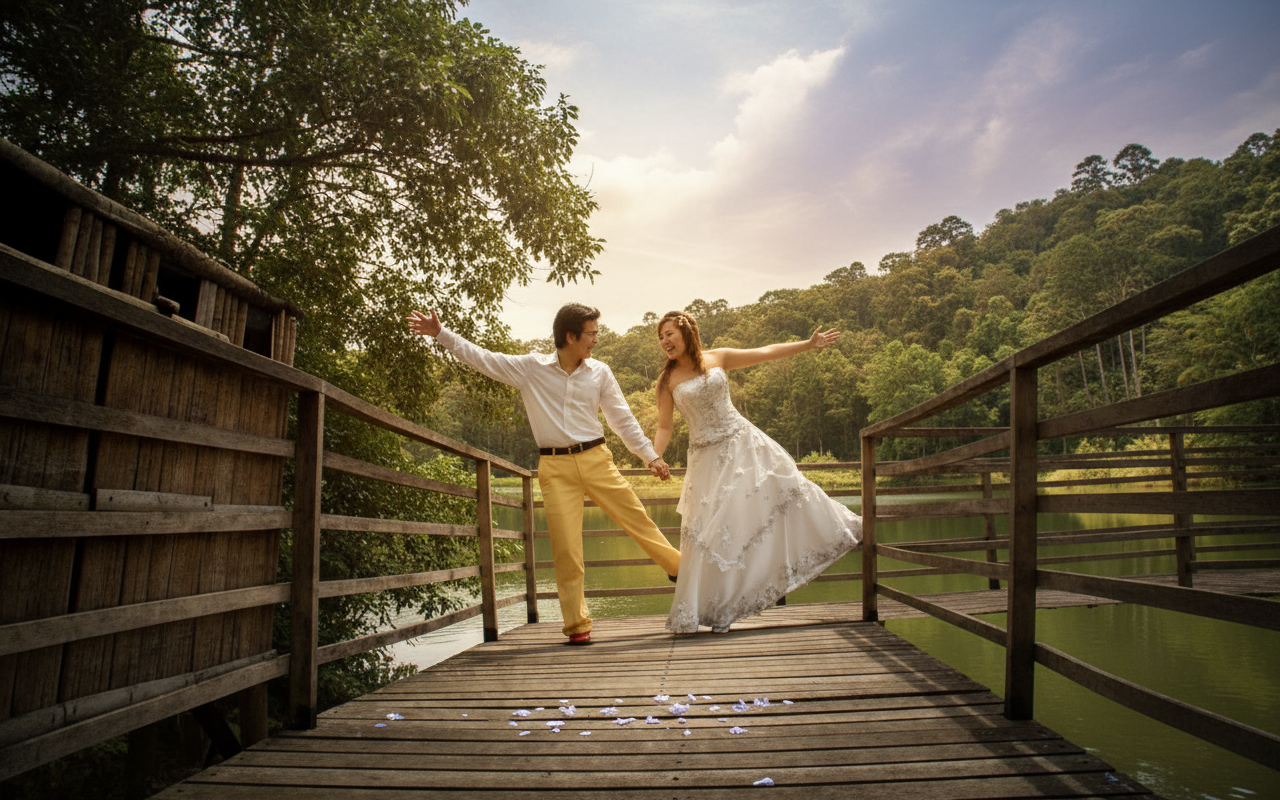
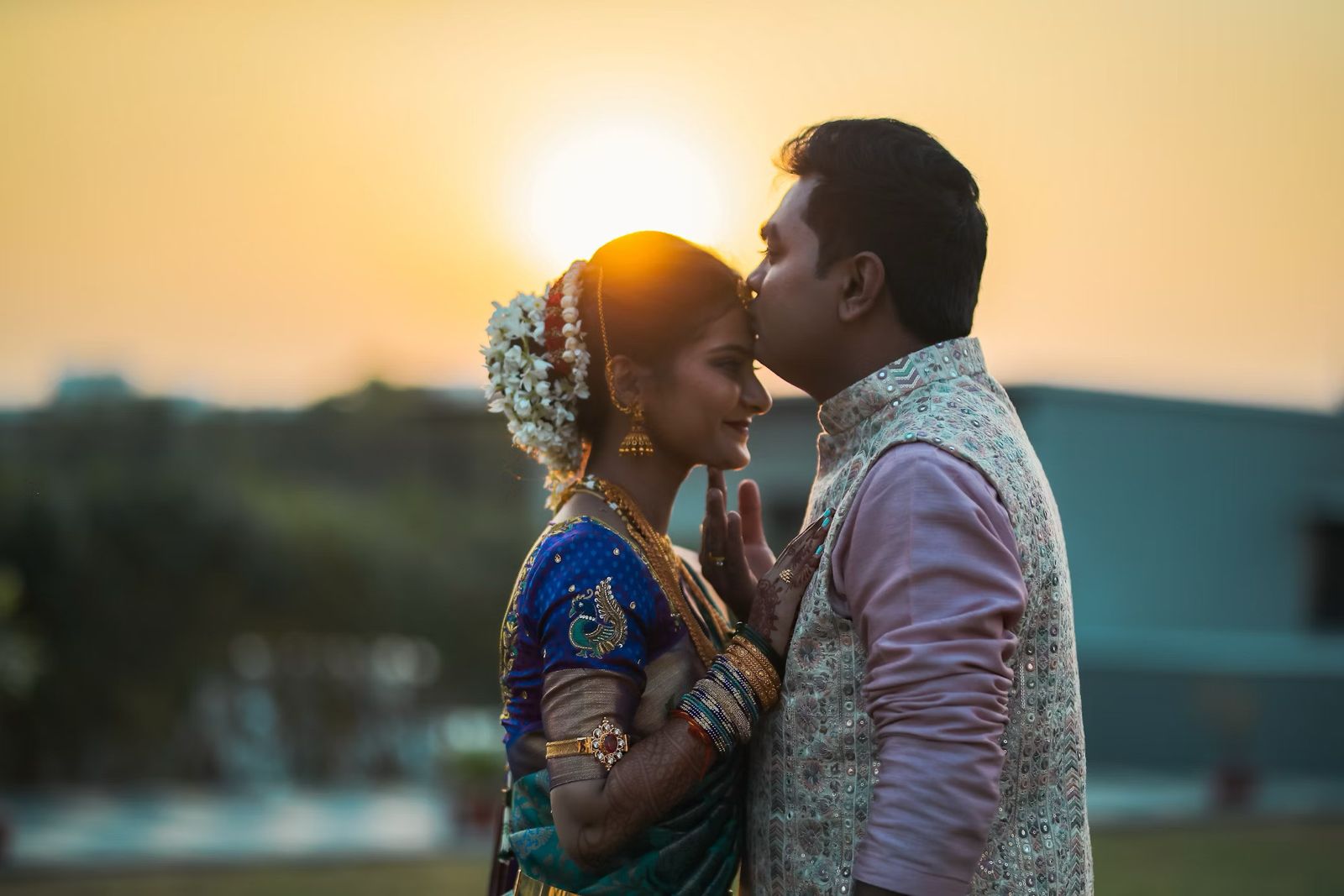
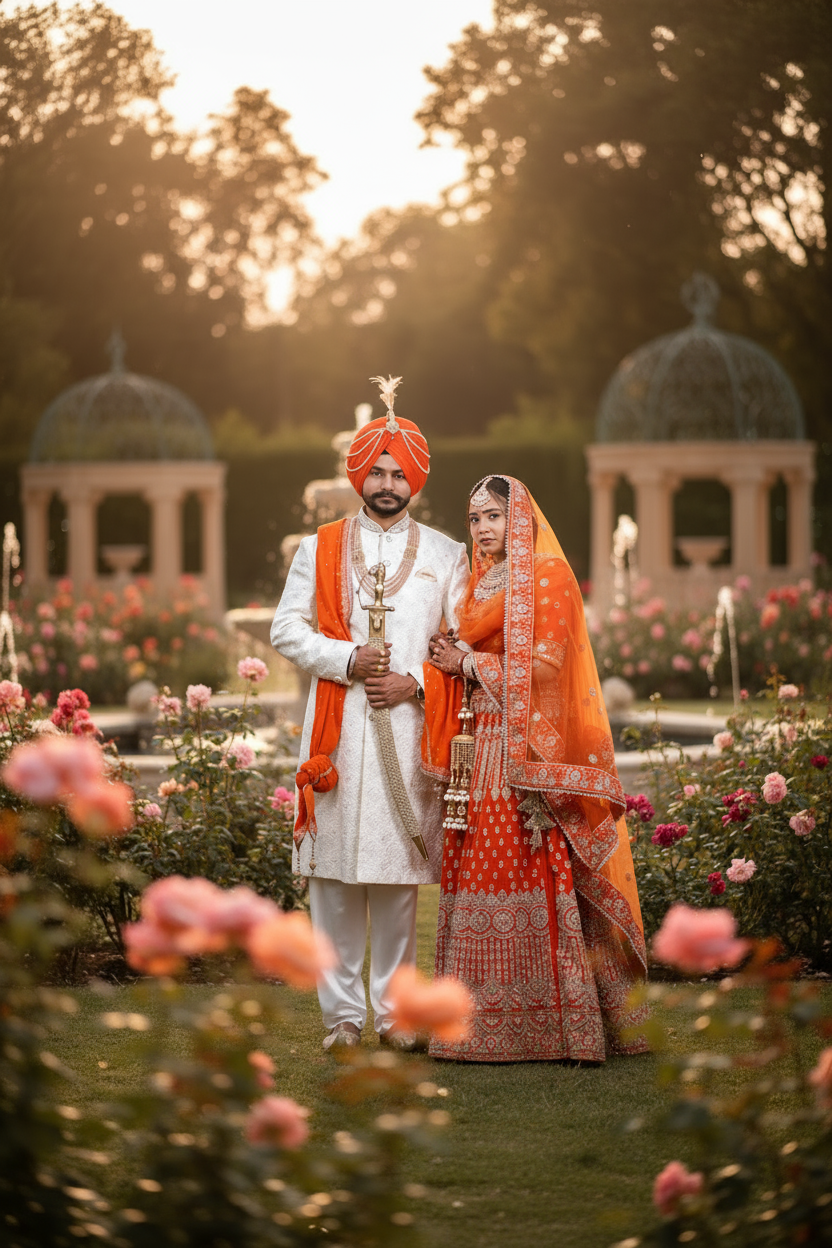
See the Transformation
Real examples of AI-enhanced event photos
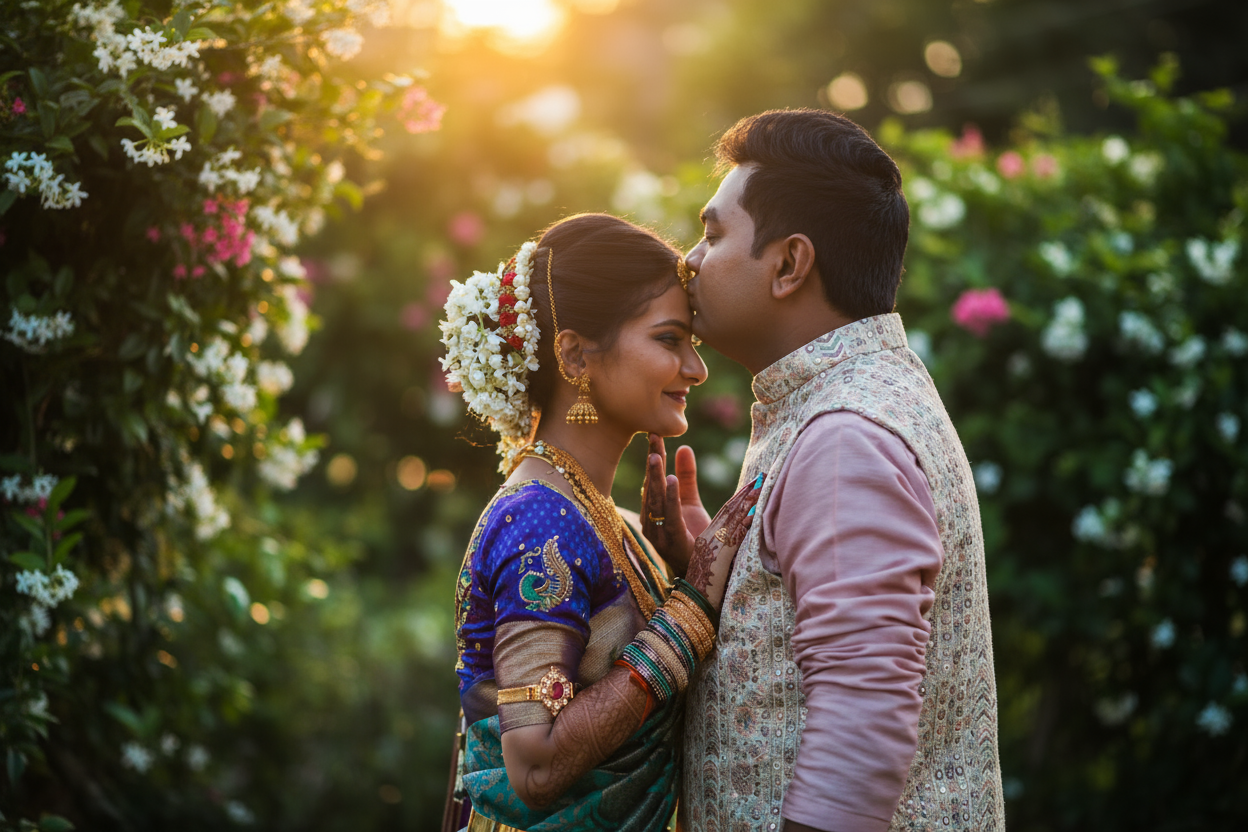
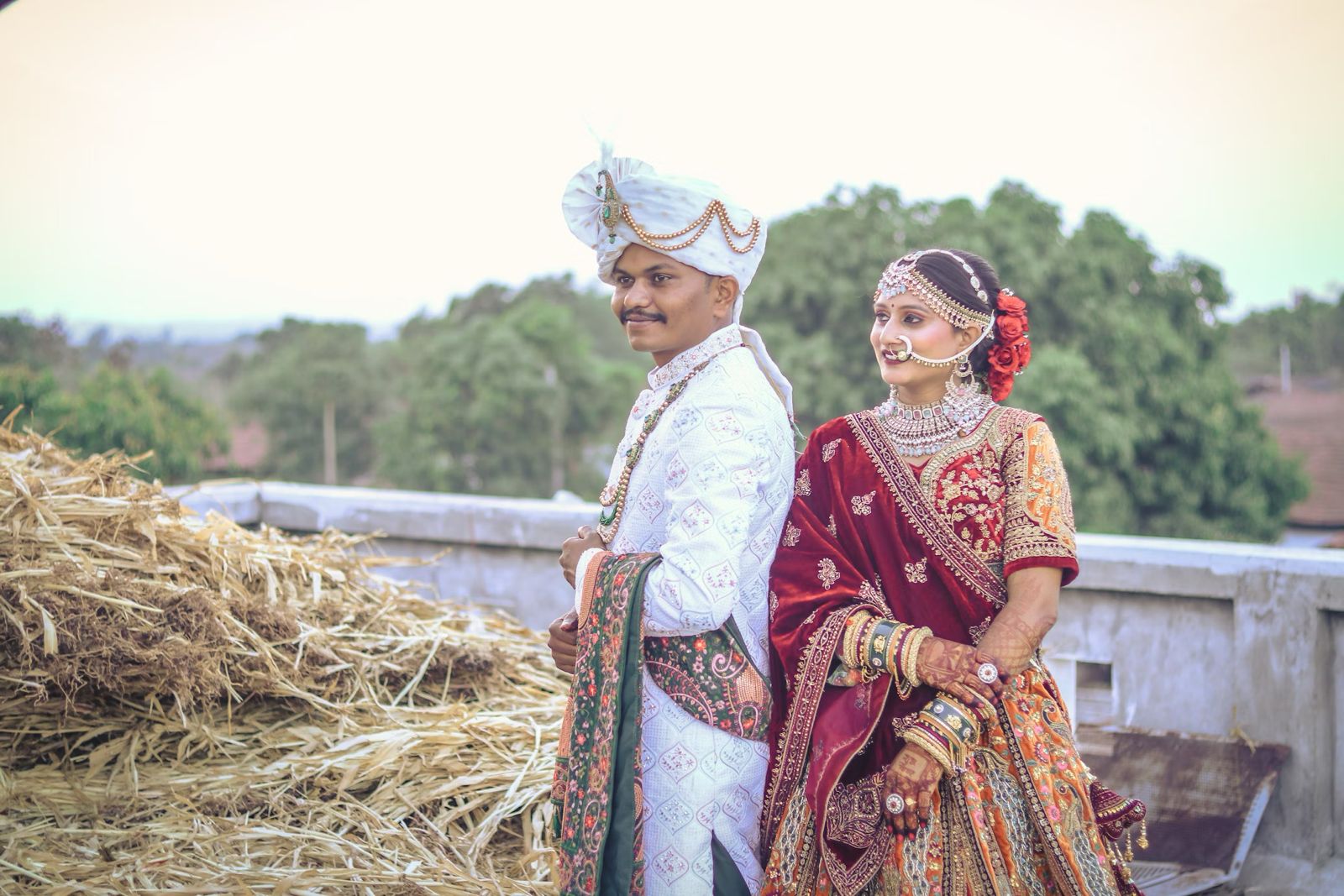
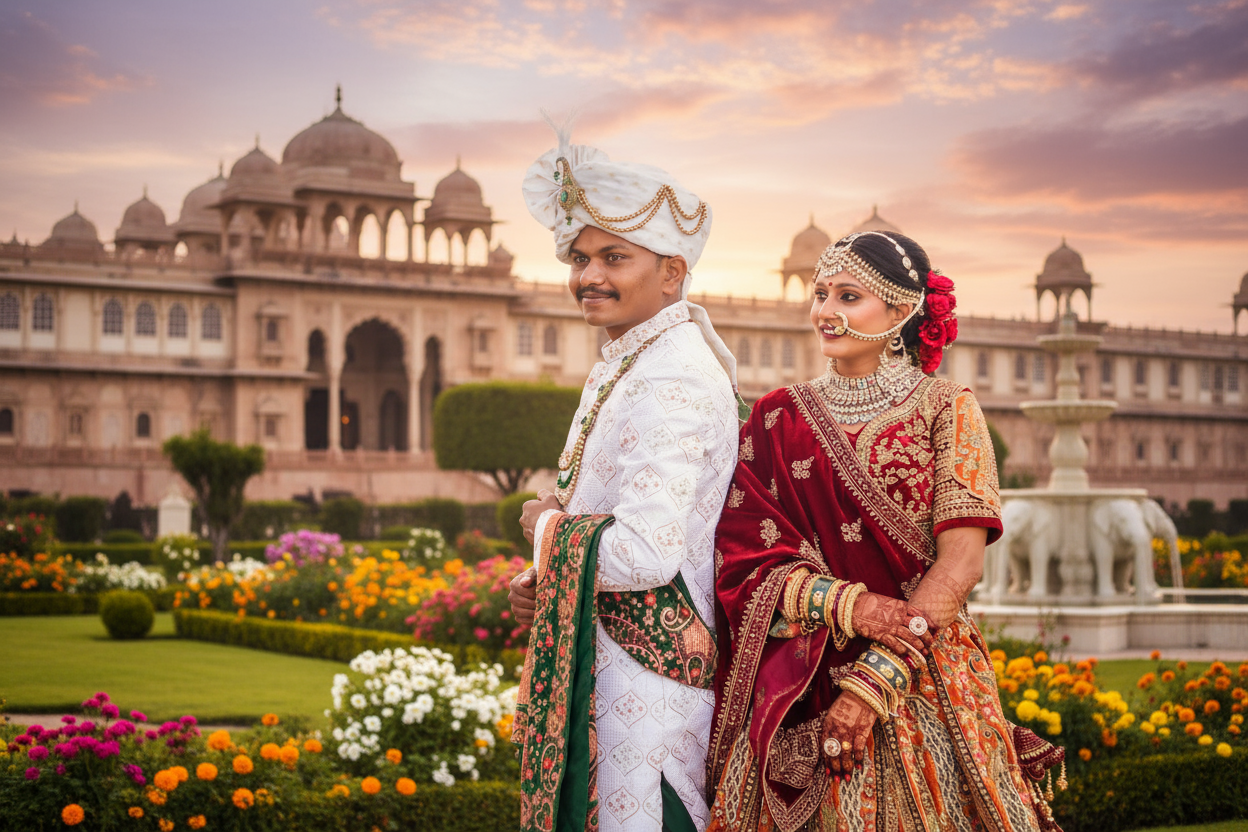
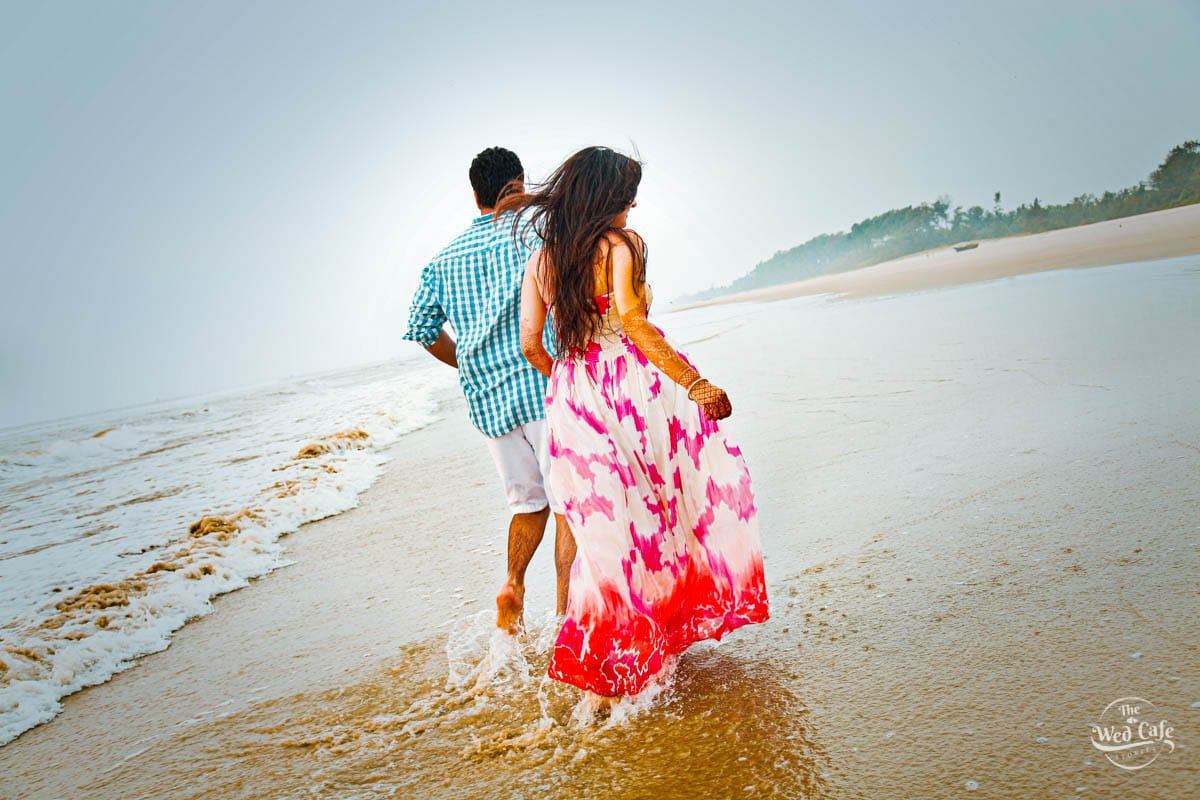
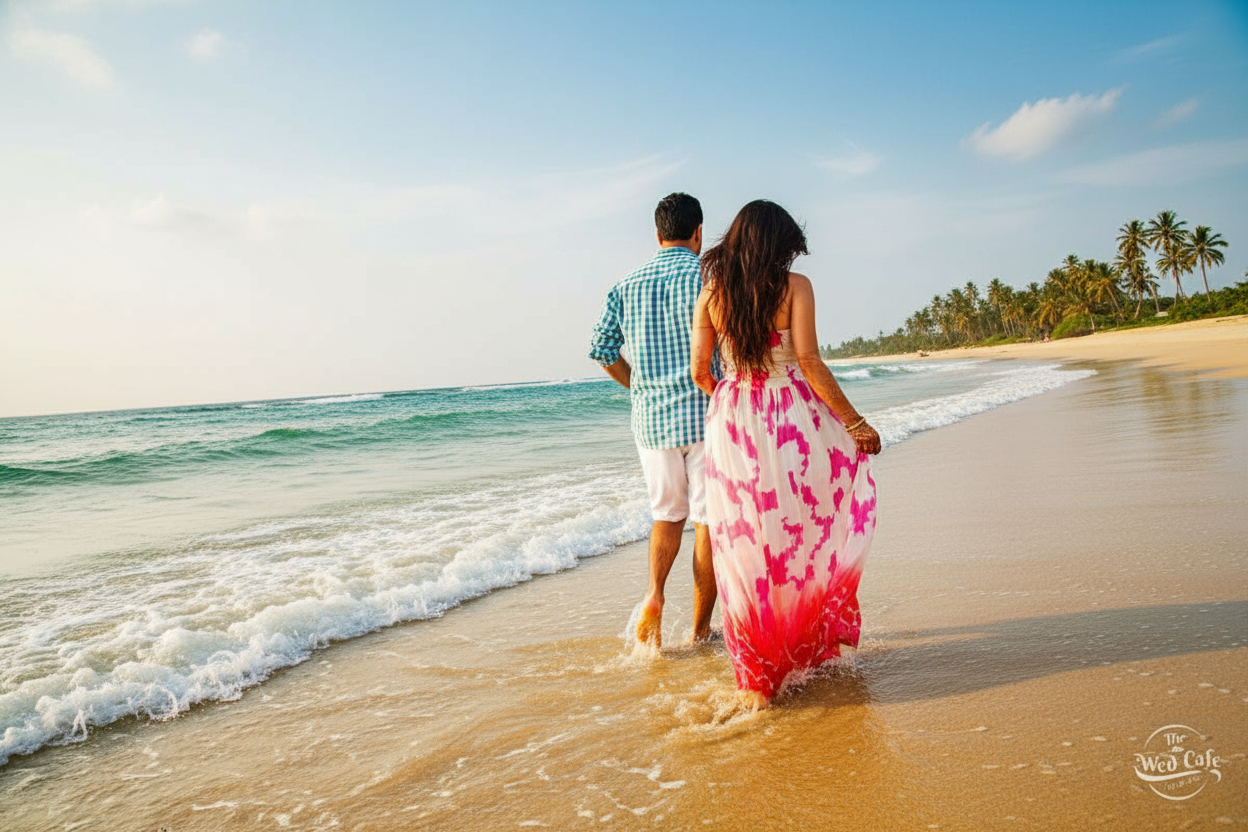
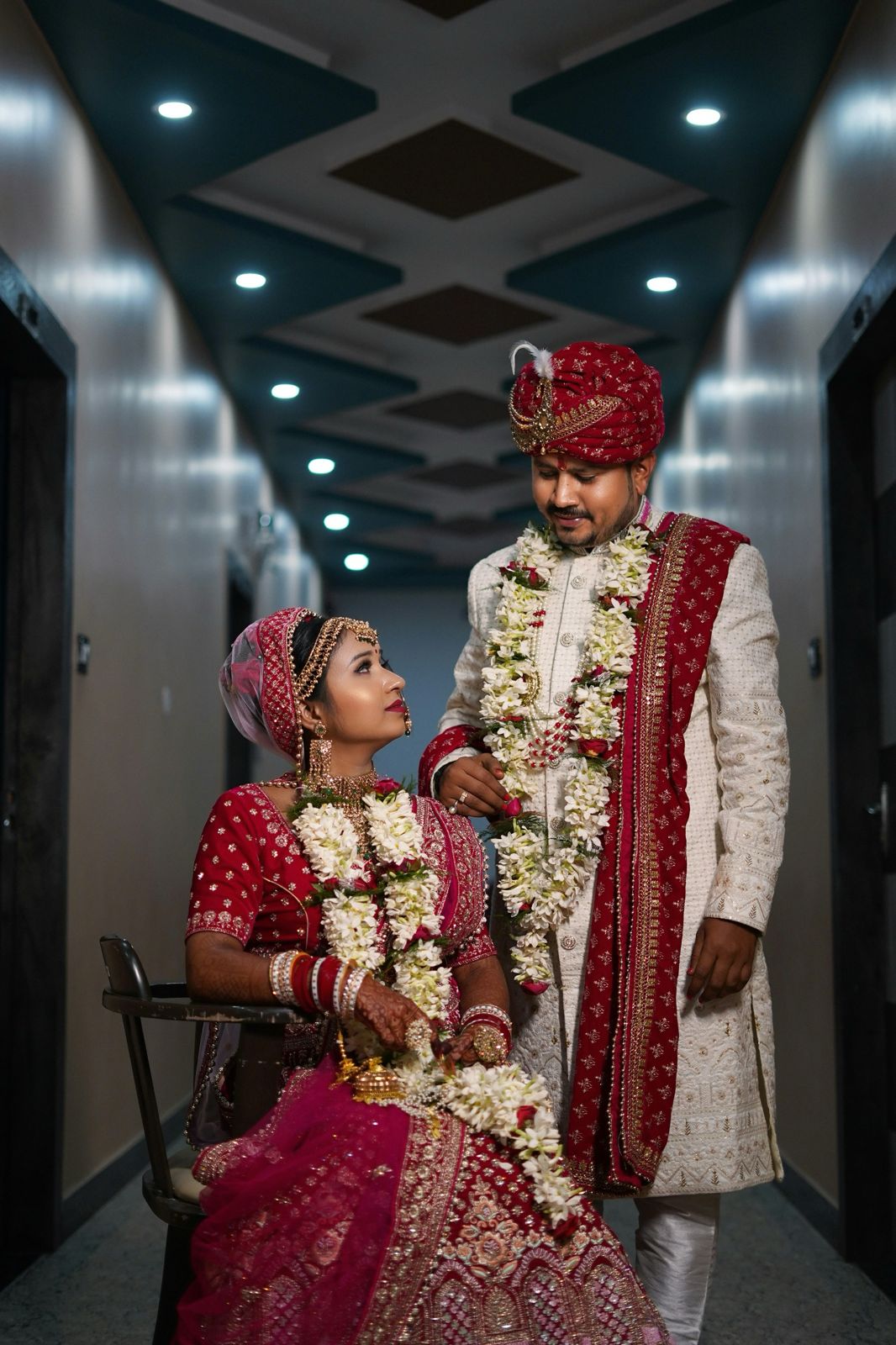
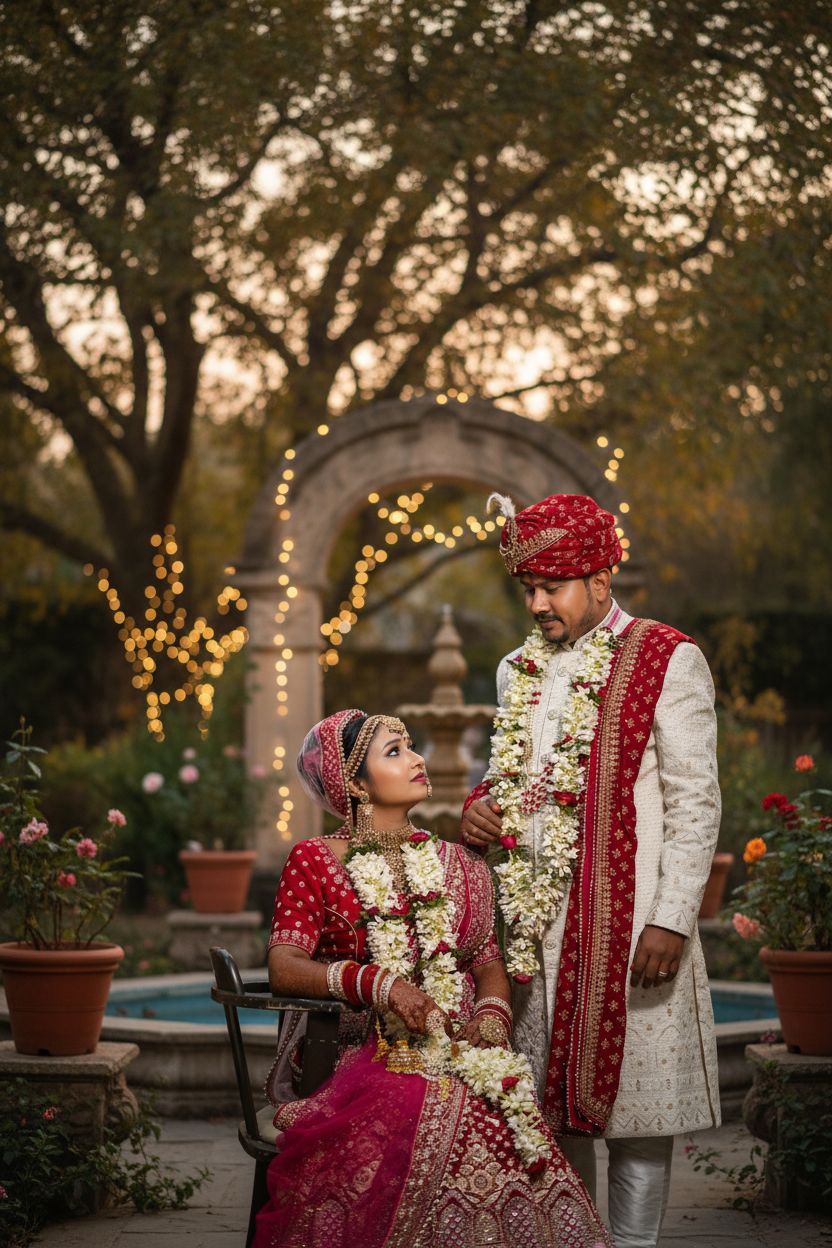
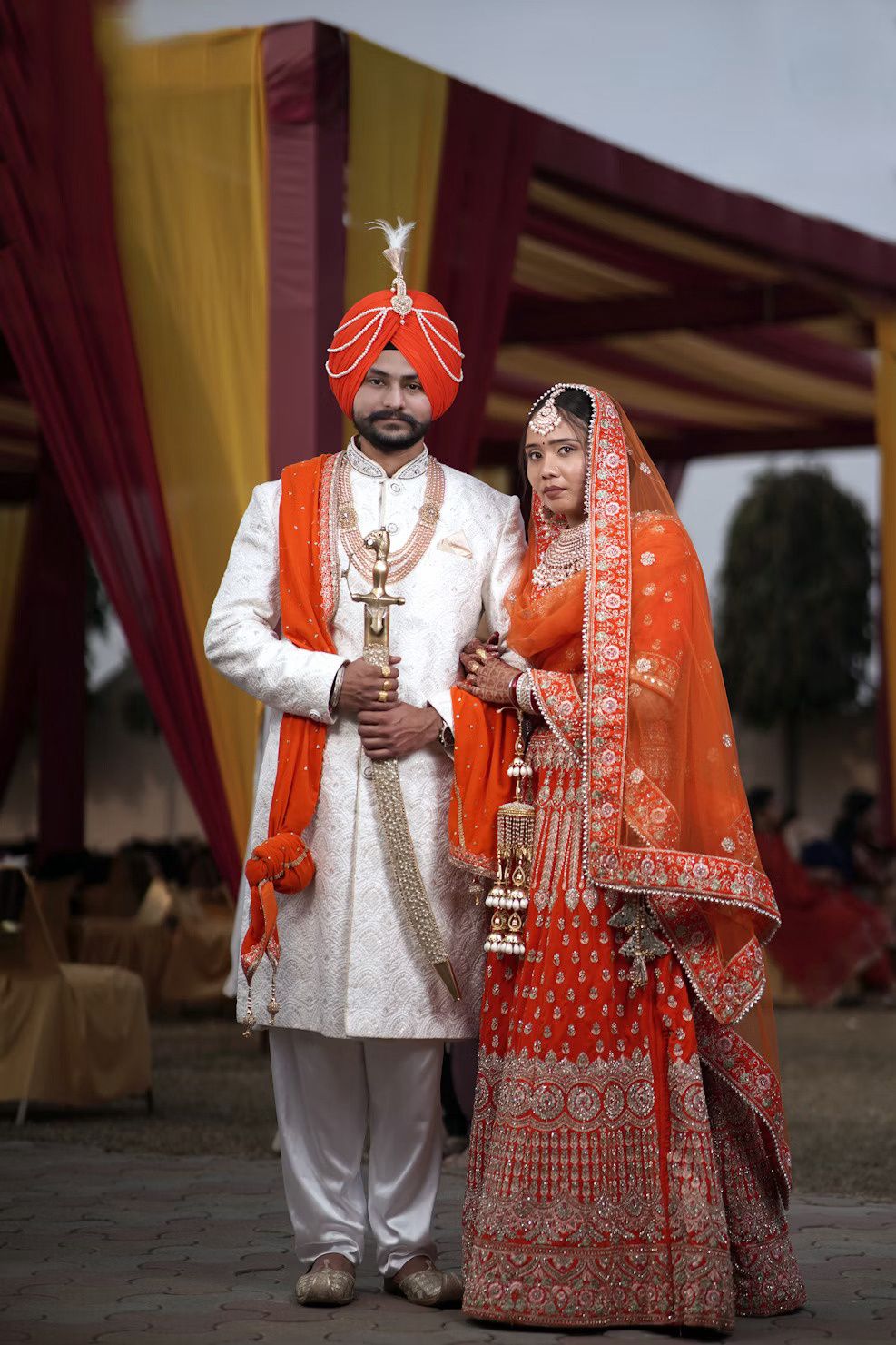
How It Works
Transform your photos in 5 simple steps
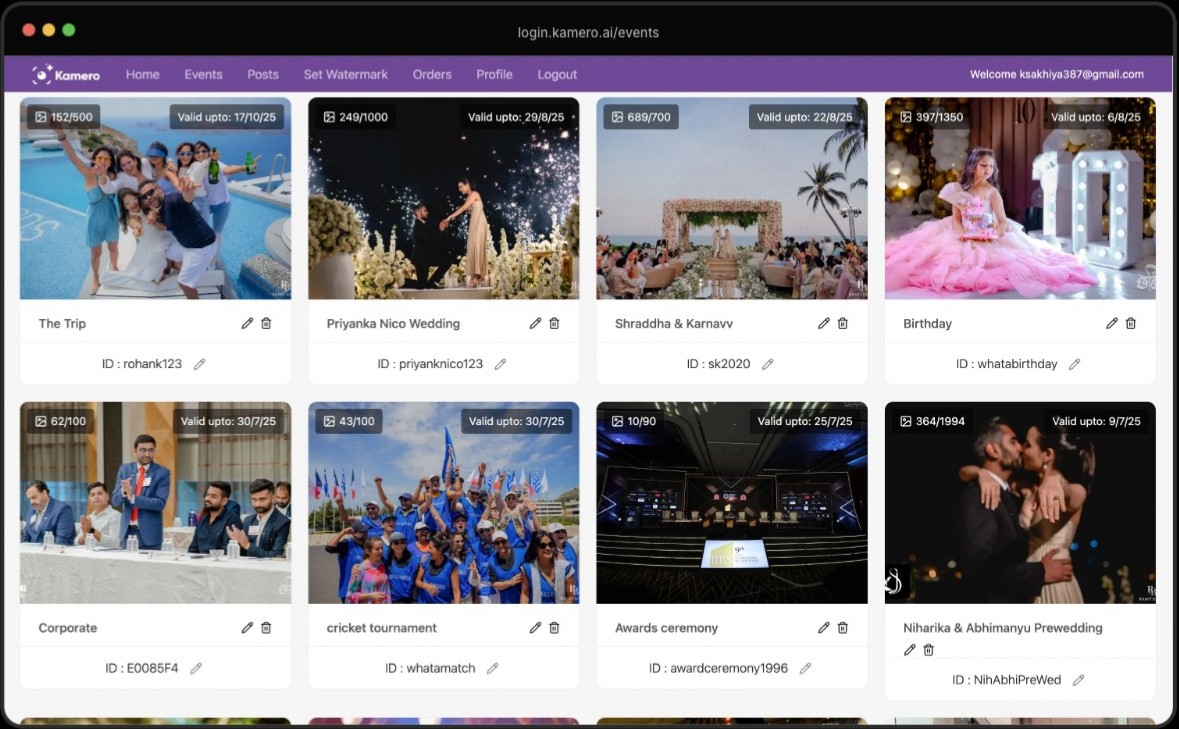
Access Dashboard
Go to login.kamero.ai/events
Select Album
Navigate to any event and select an album
Open Photo
Click any photo to open full screen view
Find AI Enhance
Look for the AI Enhance button at bottom left
Transform!
Click to enhance with AI-powered transformation
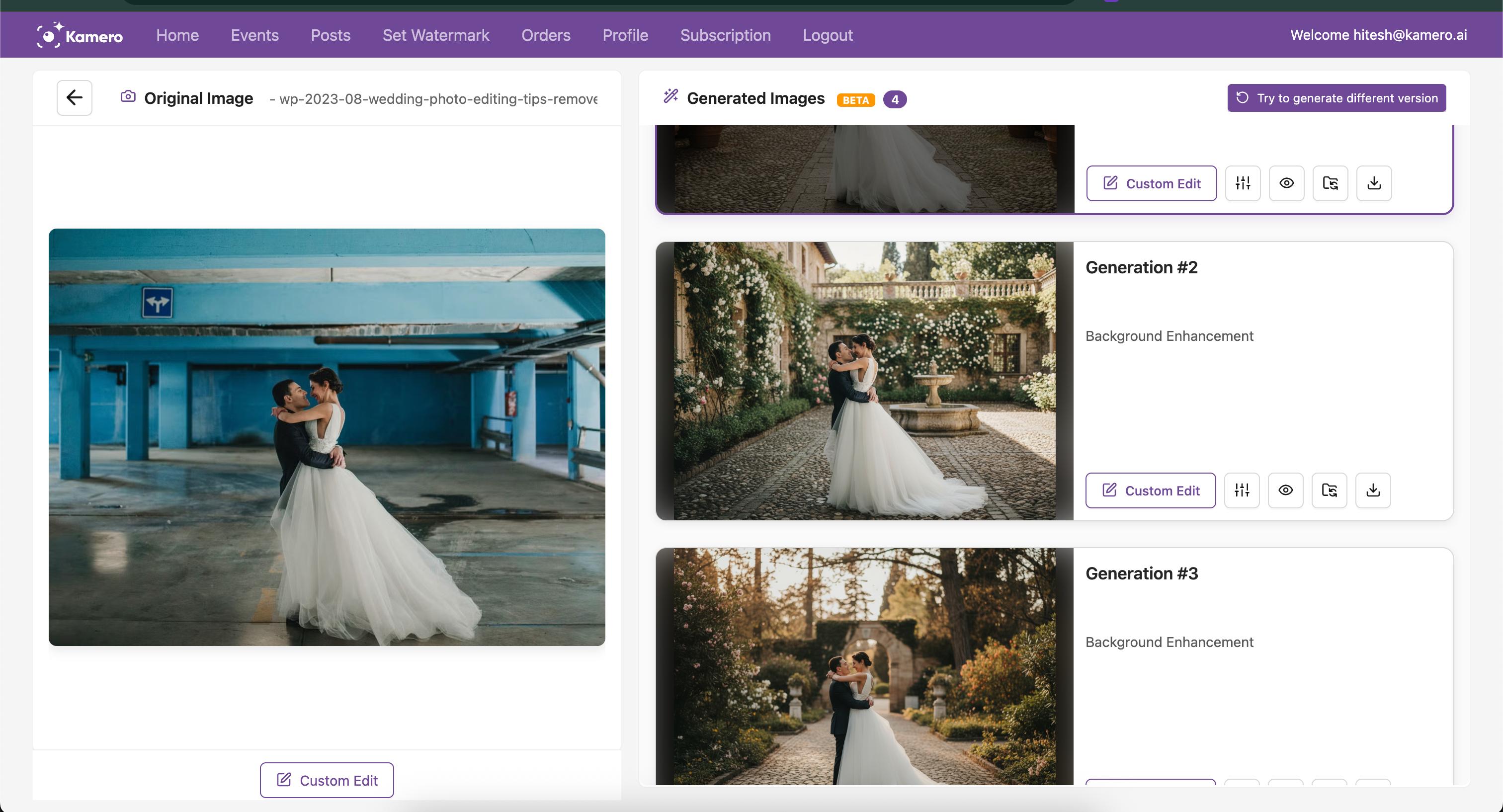
Powerful Features
Everything you need to create stunning photos
1-Click Enhancement
Transform photo backgrounds instantly with a single click
Side-by-Side View
Compare original and enhanced images with interactive tools
Slider Comparison
Use the interactive slider to see before and after differences
Instant Download
Download enhanced images instantly with a single click
Album Organization
Move enhanced images to any album within your event
Custom Prompts
Customize with prompts for clothing, colors and more
Introductory Offer
First 10 generations are FREE!
After that, just 5 credits per enhancement
Need More Information?
Book a demo or contact us directly to learn more.