48 guides with real dashboard screenshots
Learn Kamero, one feature at a time
Each guide shows where a setting lives in the dashboard, what every option does and what your guests see. Start with your first event, jump to the feature you need, or send your guests the guides written for them.
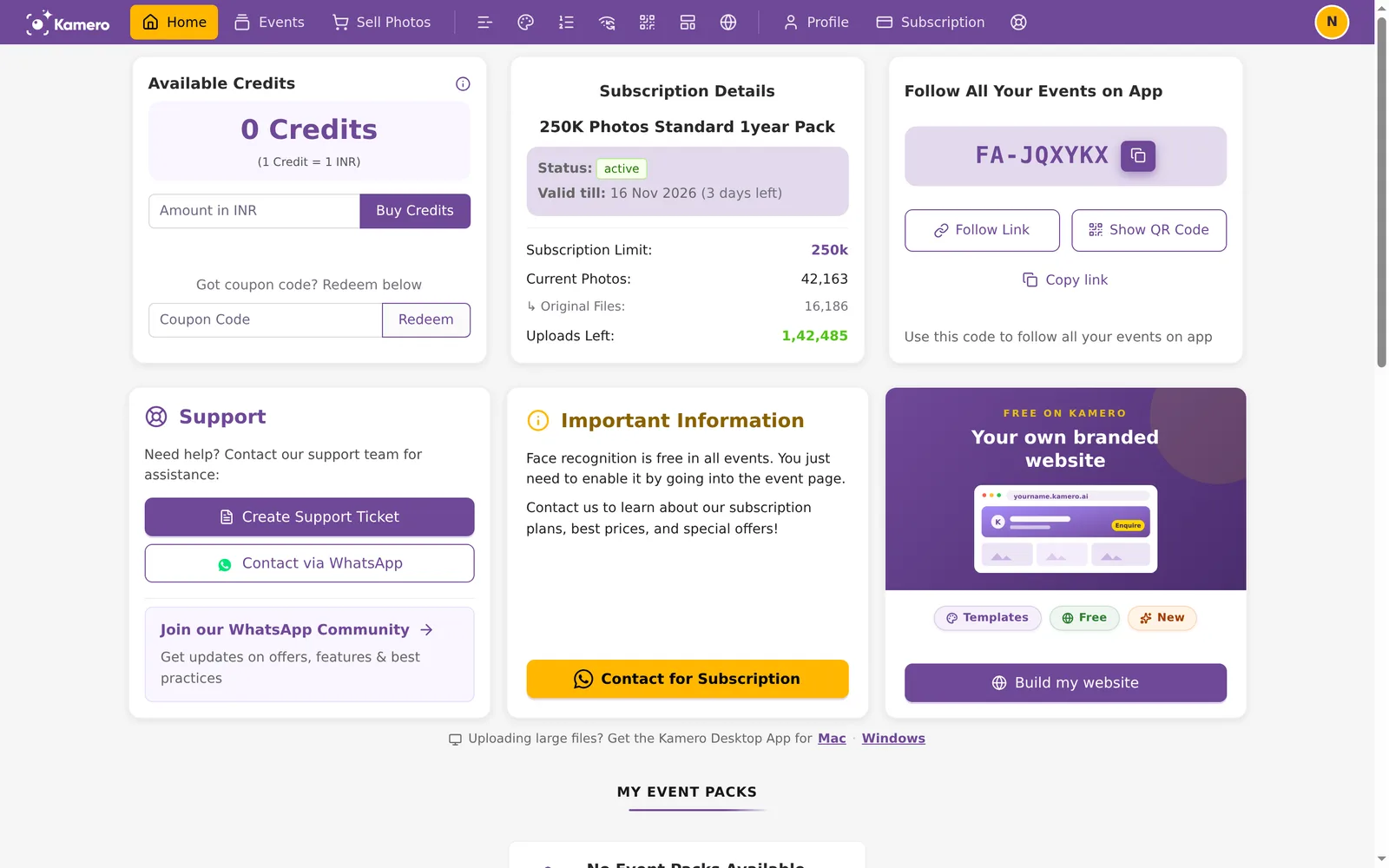
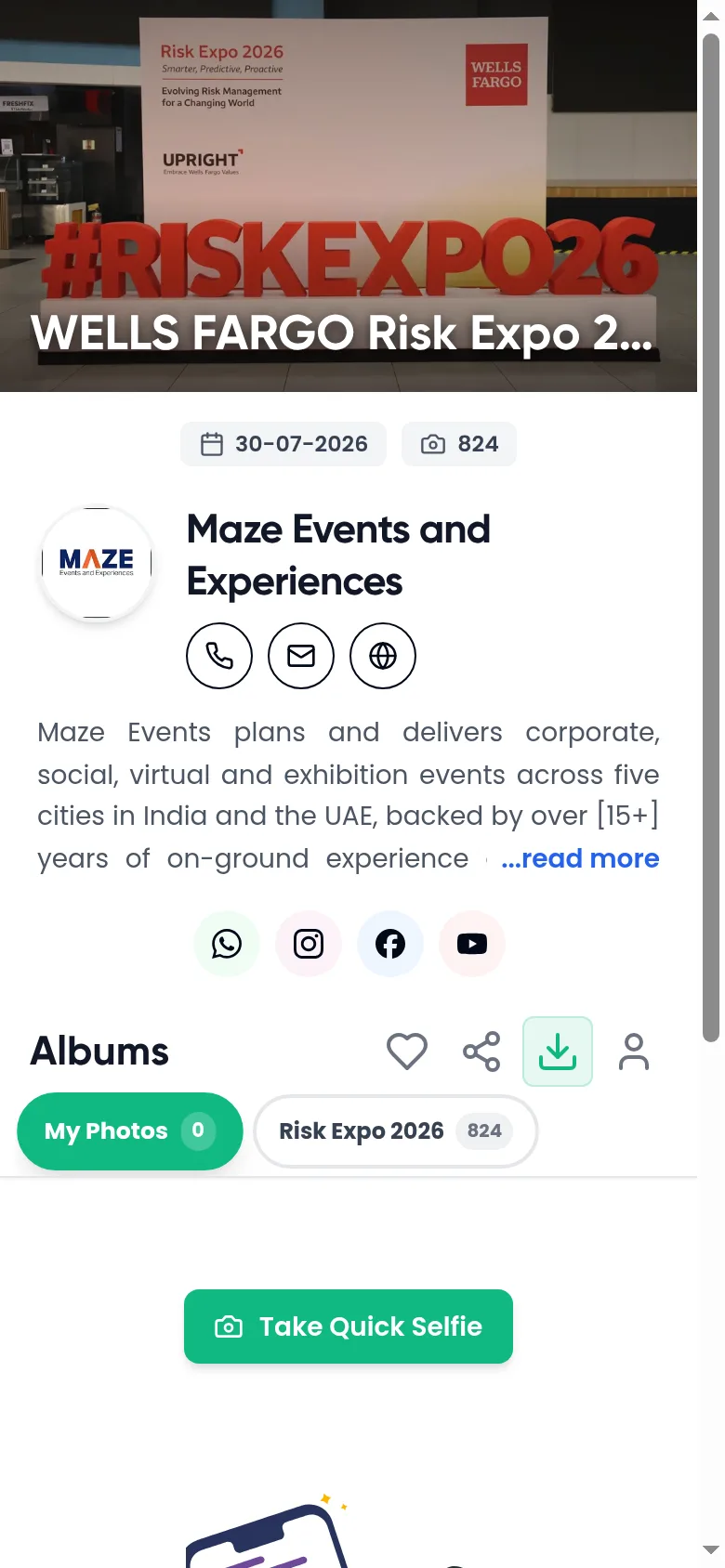
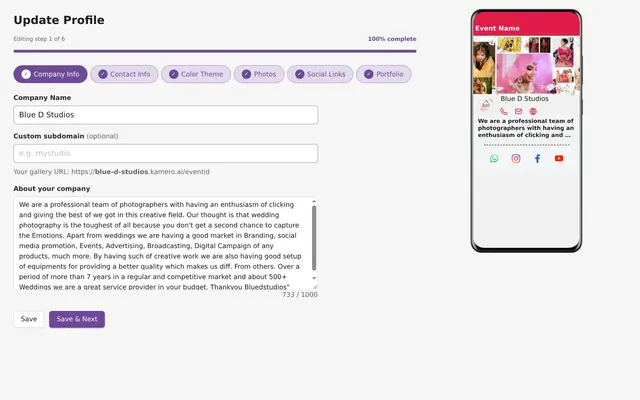
Your first event in 5 steps
New to Kamero? Follow these guides in order.
- 1Set up your profileName, logo and contact details guests will see.
- 2Check your photo spaceBuy a plan or an event pack if you need one.
- 3Create the eventPick a pack, fill in the form, get the share link.
- 4Add photosFrom your computer, Google Drive or Kam-Sync.
- 5Share it with guestsChoose who can view and download, then send the link.
Getting started
Find your way around the dashboard and set up your studio profile.
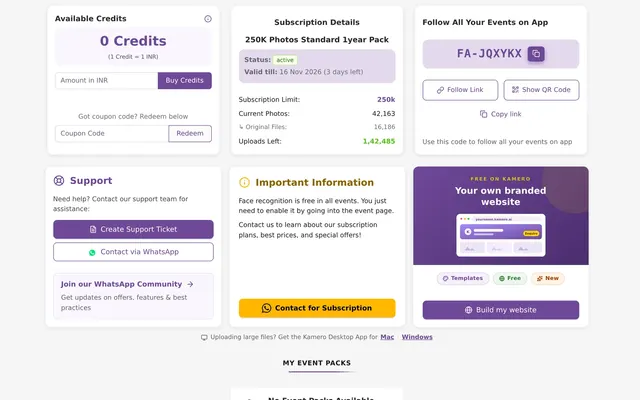
Events
Create events, choose who sees what, and add photo space when you need it.
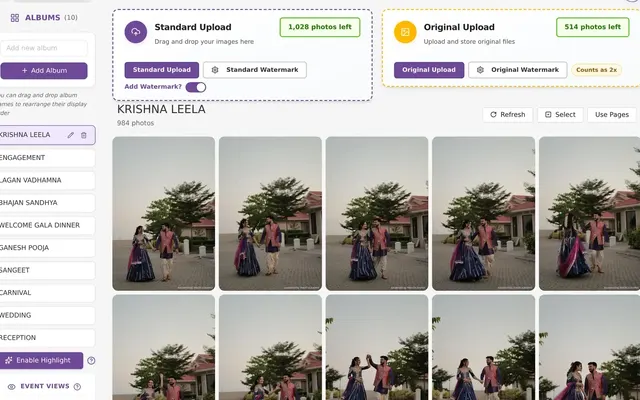
Create an Event in Kamero: Packs, Form and Sharing
8 min read
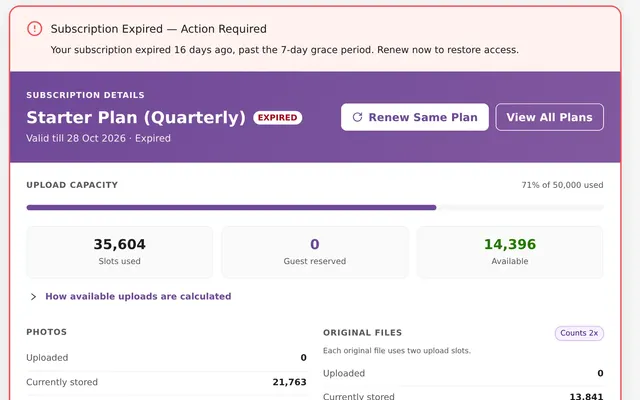
Kamero Event Validity, Expiry, Reminders and Renewal
8 min read
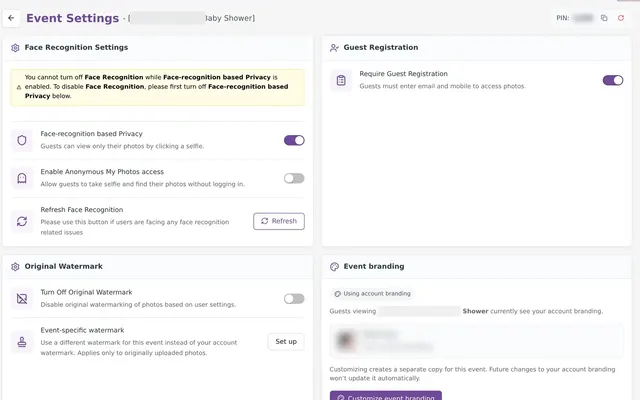
Kamero Event Settings: Every Option Explained
9 min read
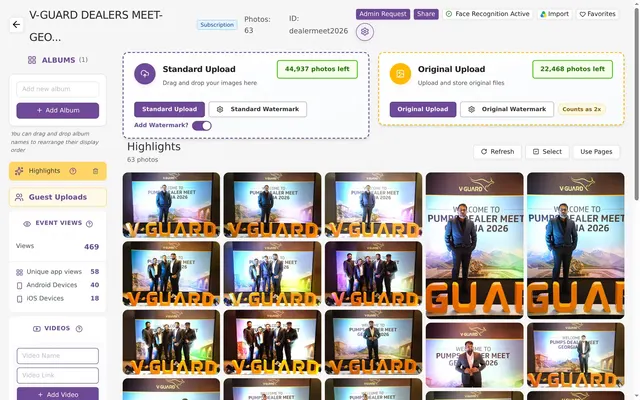
Organise an Event: Albums, Highlights and Photos
9 min read
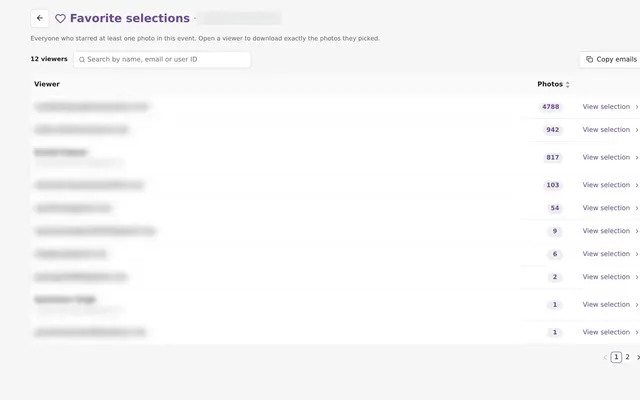
Guest Favourites: See and Download Every Selection
7 min read
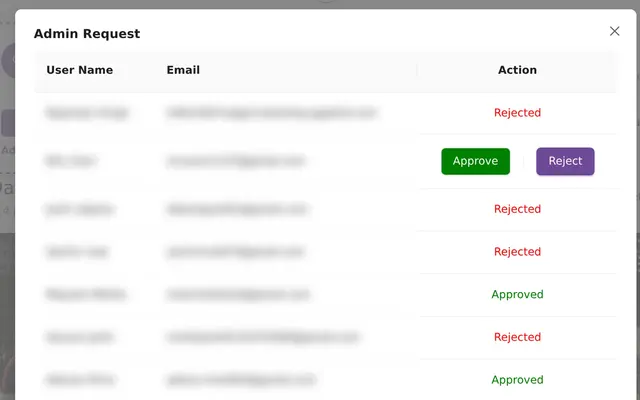
Event Admin Requests: Let Guests Upload in the App
4 min read
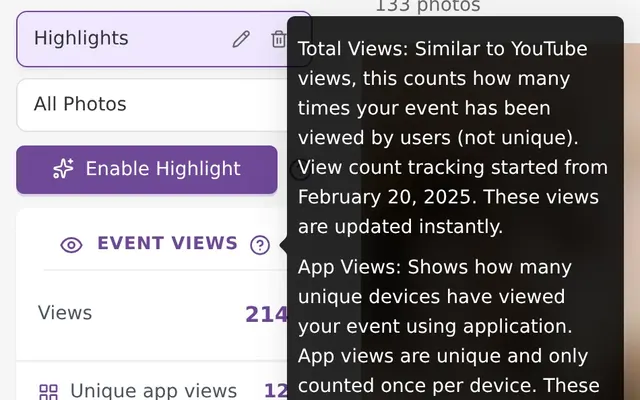
Event Videos, Views and Guest List in Kamero
5 min read
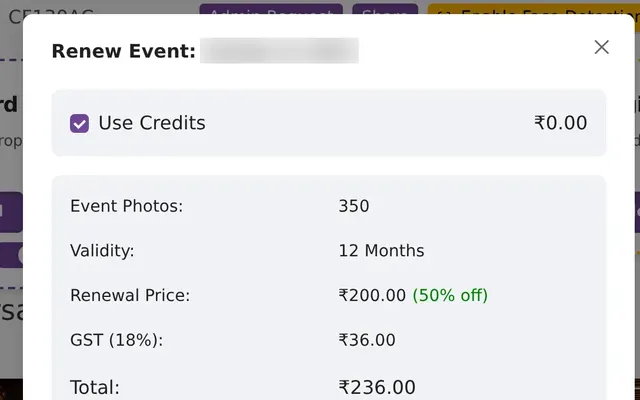
Increase an Event's Photo Limit or Renew an Event in Kamero
8 min read
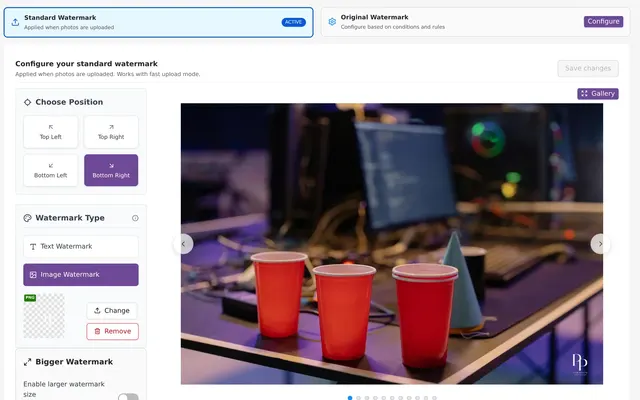
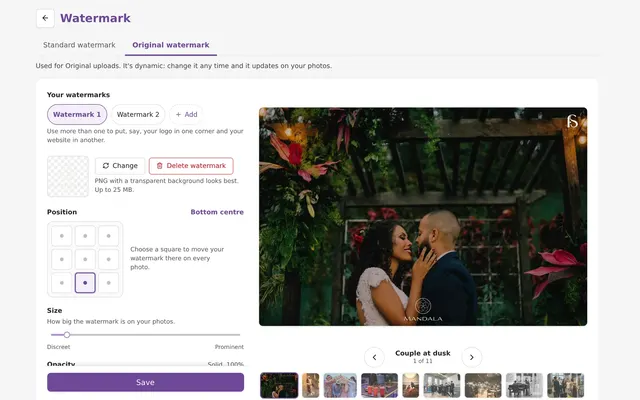
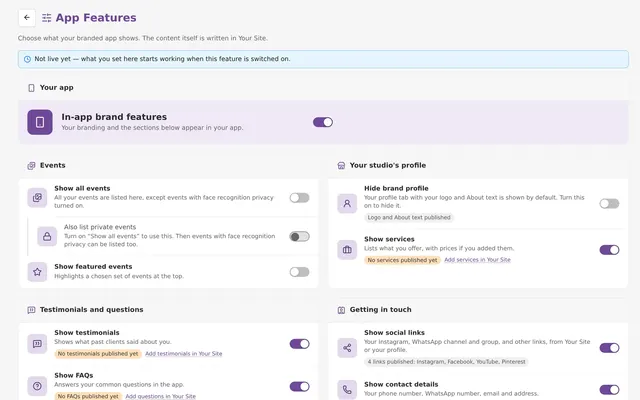
Branding & watermarks
Put your logo on photos, galleries and your branded app.

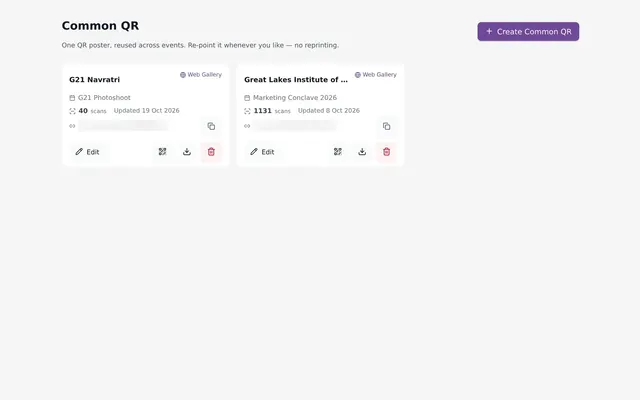
Sharing & website
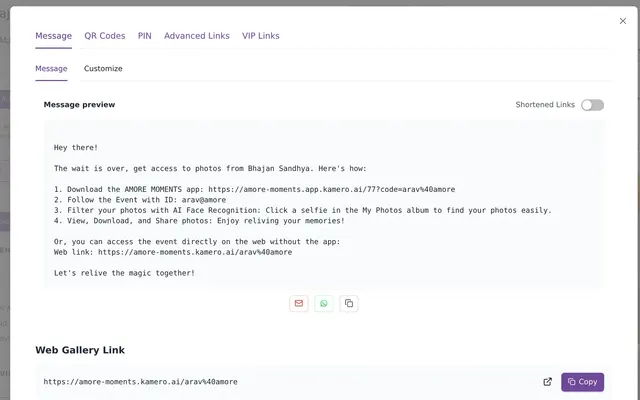
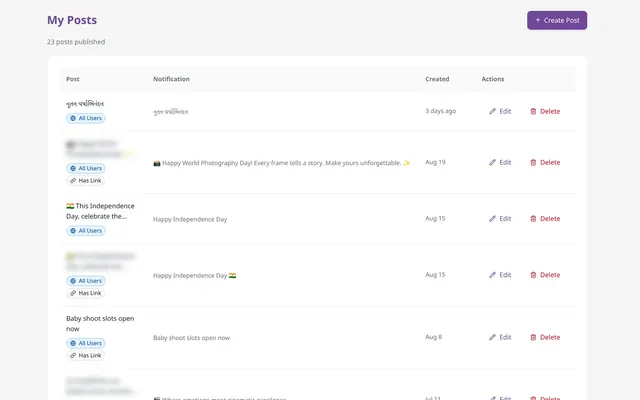
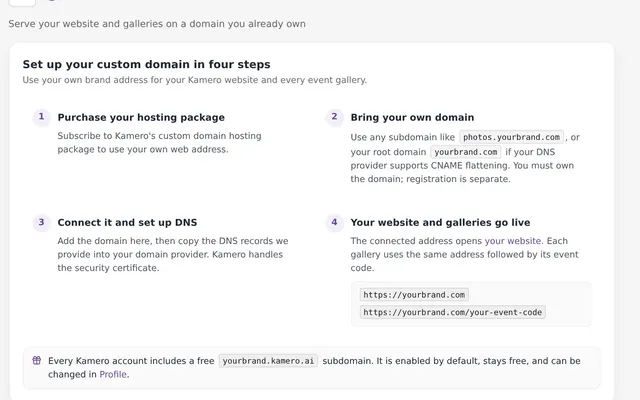
QR codes, announcements, your studio website and your own domain.

Uploads & Kam-Sync
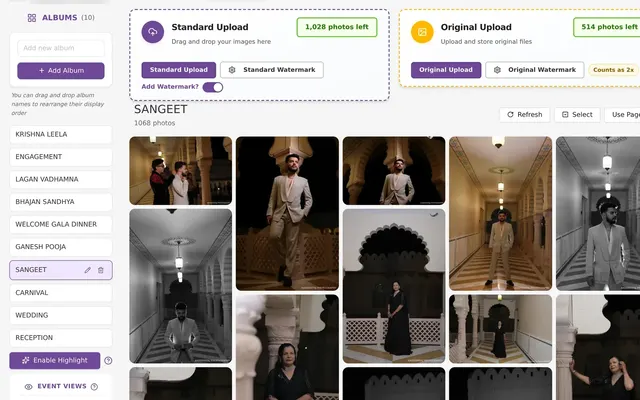
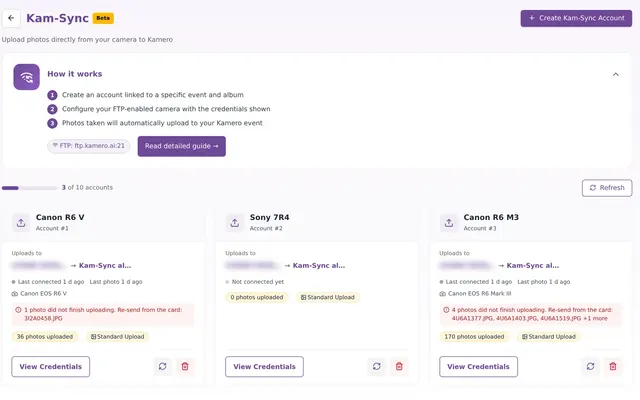
Upload from the browser or send photos straight from the camera.
Plans, orders & billing
Plans, credits, invoices, your wallet and selling photos.
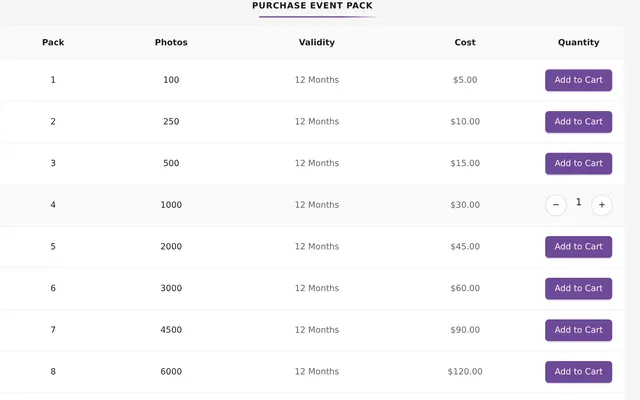
Event Pack or Subscription: Which Kamero Plan to Buy
8 min read
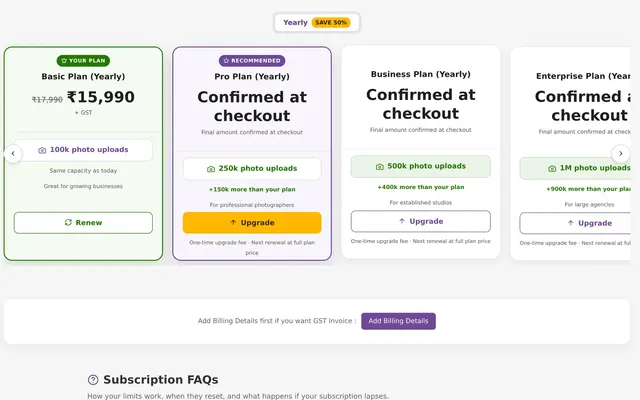
Kamero Subscription Plans, Credits and Renewals
9 min read
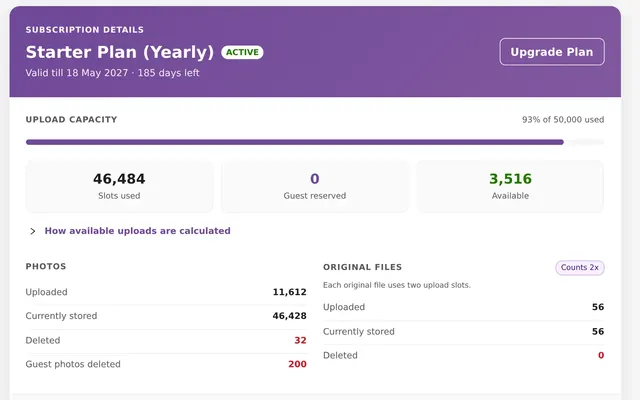
How Kamero's Subscription Upload Limit Works and Resets
7 min read
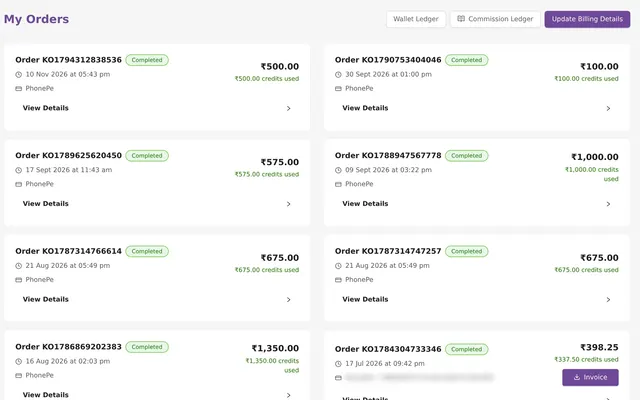
Kamero Orders and Invoices: Download GST Invoices
6 min read
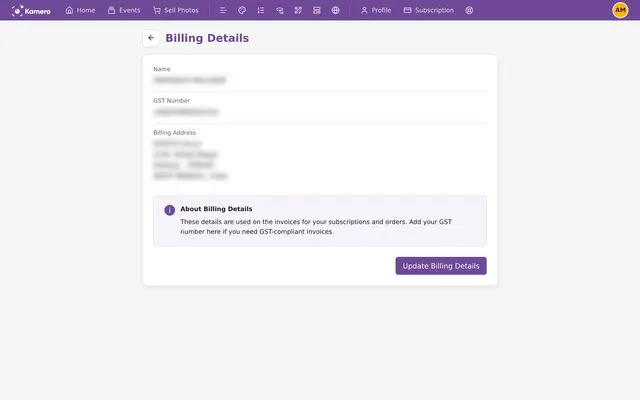
Kamero GST Invoice: Add Your GSTIN and Claim Input Tax
6 min read
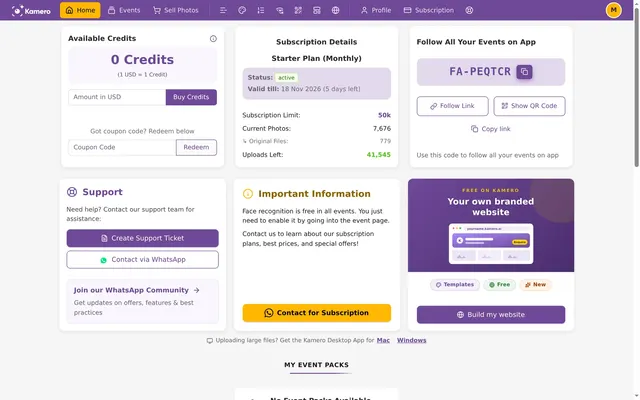
Paying for Kamero from Outside India: USD and PayPal
5 min read
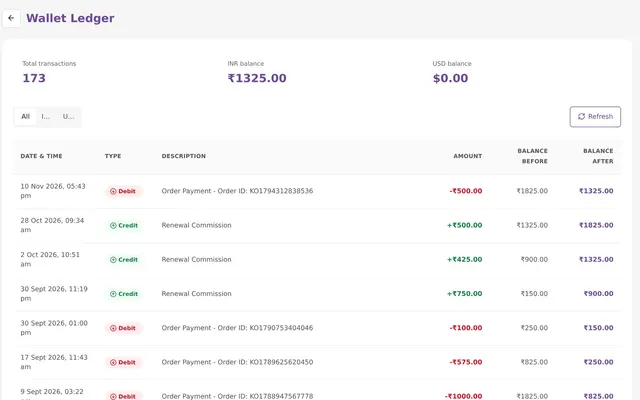
Kamero Wallet Ledger: Track Your Credit Balance
5 min read
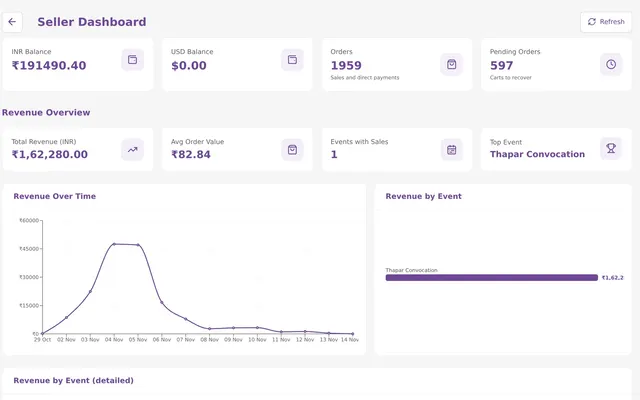
Kamero Sell Photos: Set Up, Price and Get Paid
11 min read
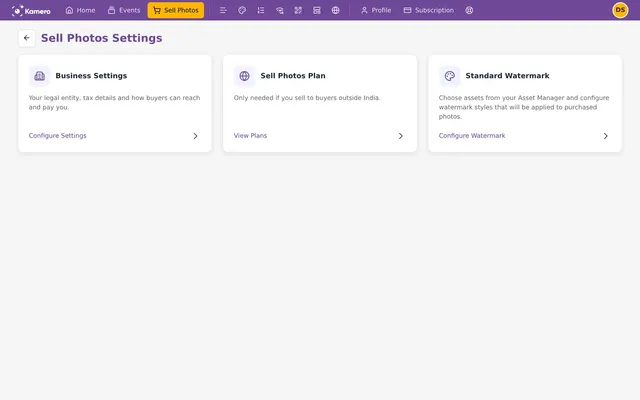
Sell Photos Money: Commission, GST and Payouts on Kamero
6 min read
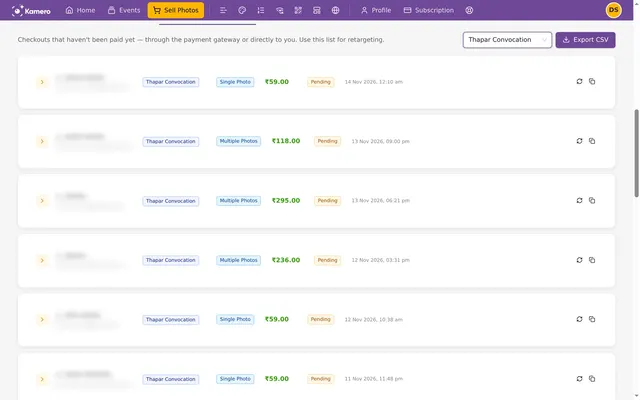
Follow Up on Unpaid Sell Photos Orders in Kamero
5 min read
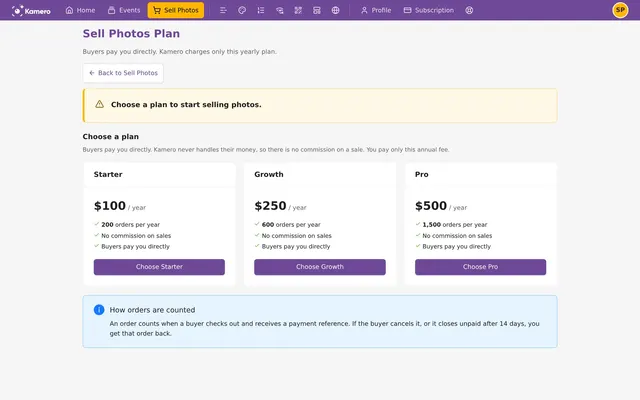
Sell Photos in Other Currencies with Direct Payments
7 min read
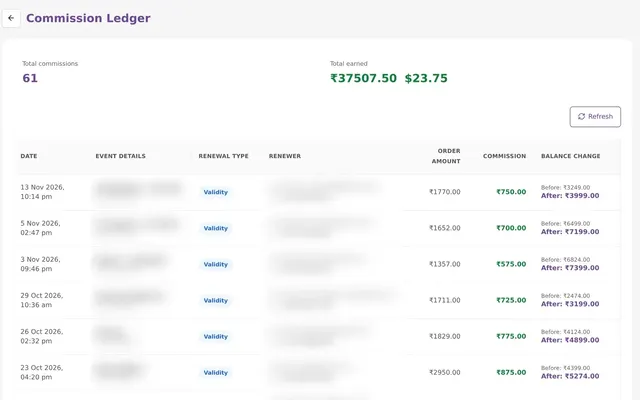
Kamero Commission Ledger: Earnings From Guest Renewals
5 min read
Reports & account
Reports on events, usage and your app, plus account settings and support.
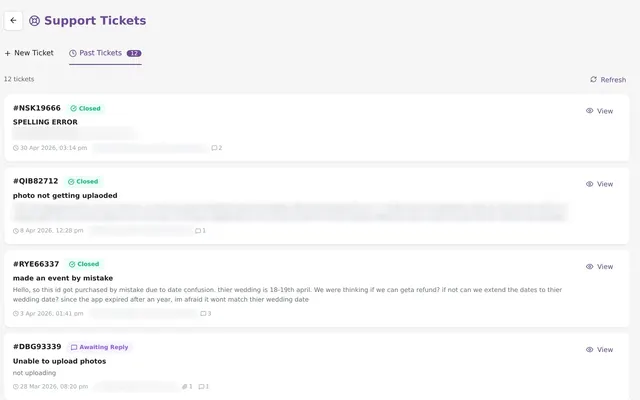
Kamero Support Tickets: Raise, Track and Reply
6 min read
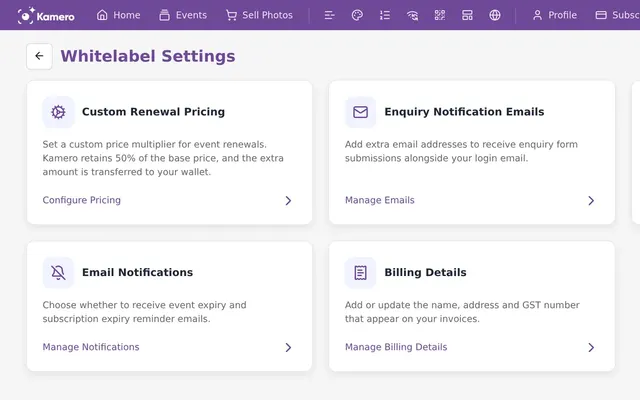
Kamero Account Settings: Renewal Pricing, Emails, Billing
7 min read
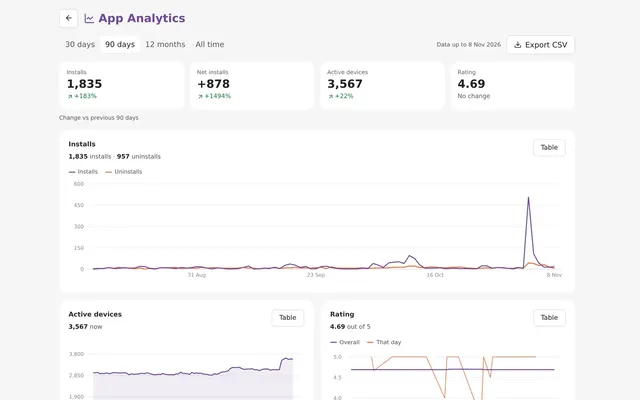
Kamero App Analytics: Installs, Ratings and Reviews
6 min read
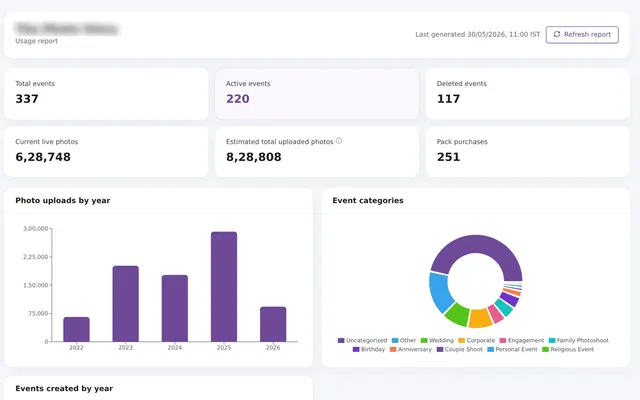
Kamero Usage Report: Events, Photos and Purchases
5 min read
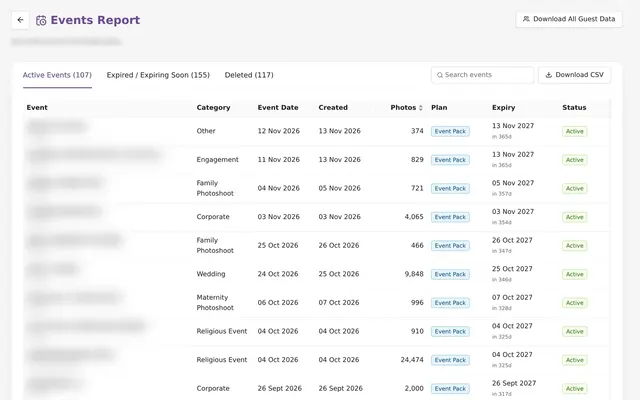
Kamero Events Report: Every Event, Photo Count and Expiry
4 min read
For guests
For the people at your events: open the gallery, find photos with a selfie, save favourites, buy and download photos. Send them these links.
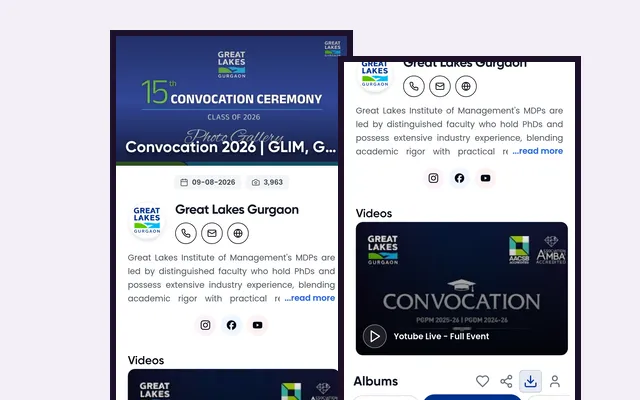
How to Open Your Event Photos on Kamero
6 min read
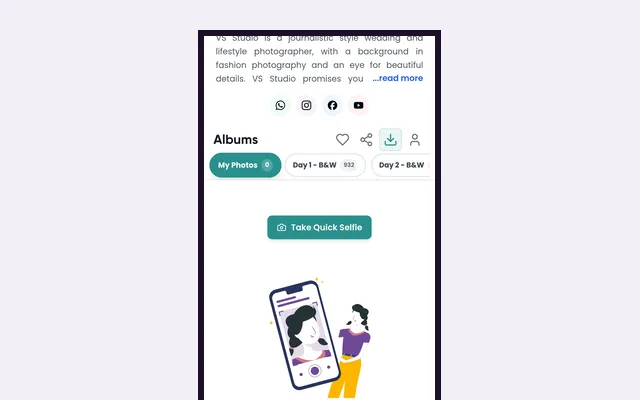
Find Your Photos with a Selfie on Kamero
5 min read
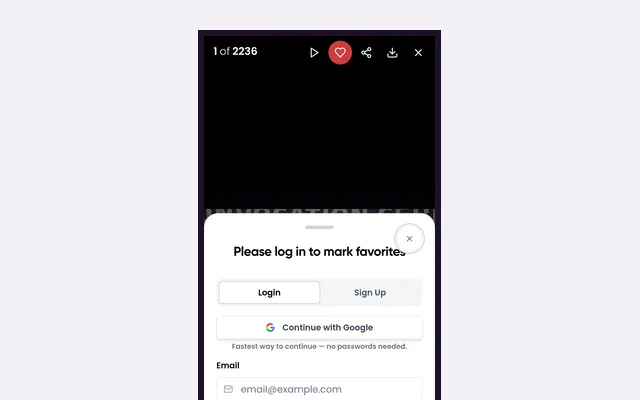
Mark Favourite Photos in a Kamero Gallery
4 min read
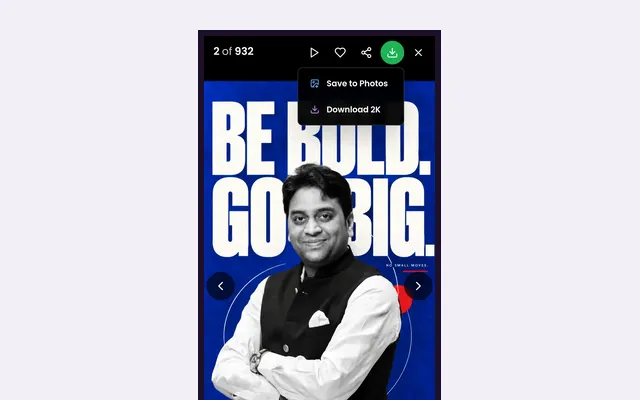
How to Download and Share Event Photos on Kamero
6 min read
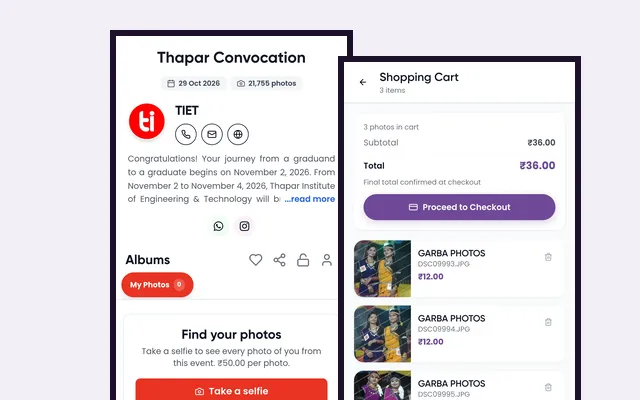
Buy Photos From a Kamero Event Gallery
8 min read
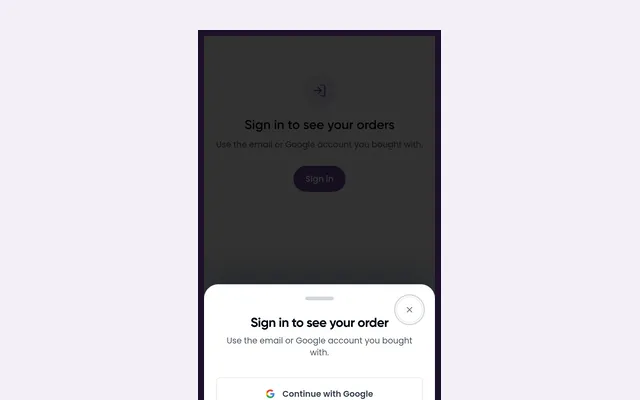
Your Kamero Photo Orders and Downloads
6 min read
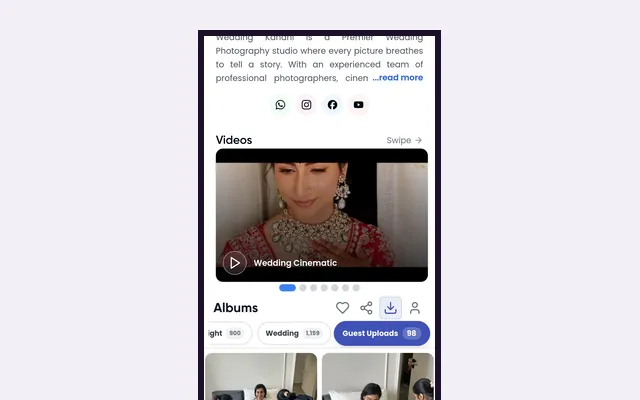
Add Your Own Photos to a Kamero Event Gallery
4 min read
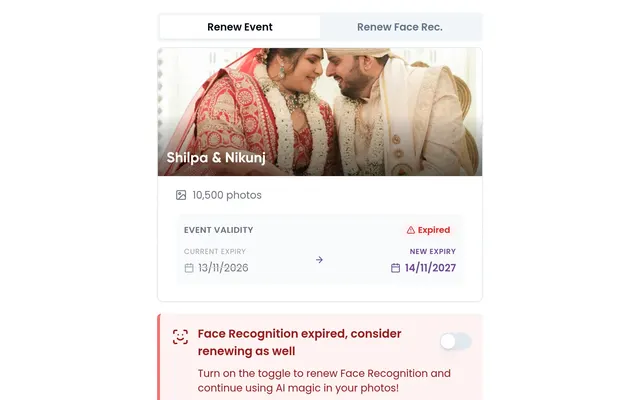
Renew an Expired Kamero Event as a Guest or Client
5 min read
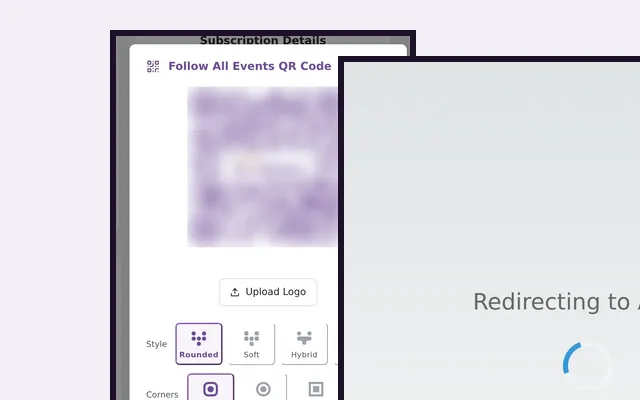
Follow All of a Studio's Events in the Kamero App
4 min read
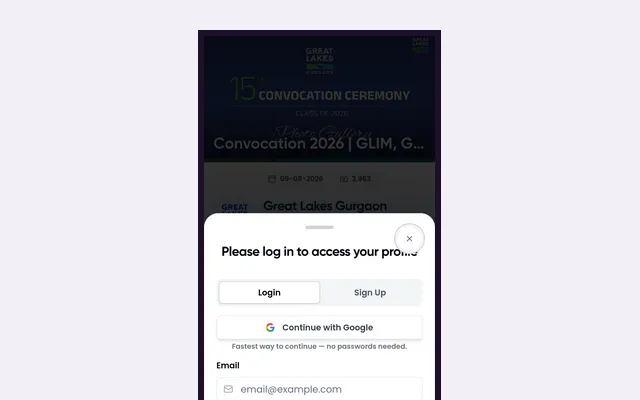
Sign In and Manage Your Kamero Guest Account
6 min read
Can't find what you need?
Raise a support ticket from your dashboard and the team will reply there. For advice on event photography and sharing, read our resources.