How to follow all of a studio's events in the app
Photographers: send this page to your guests.
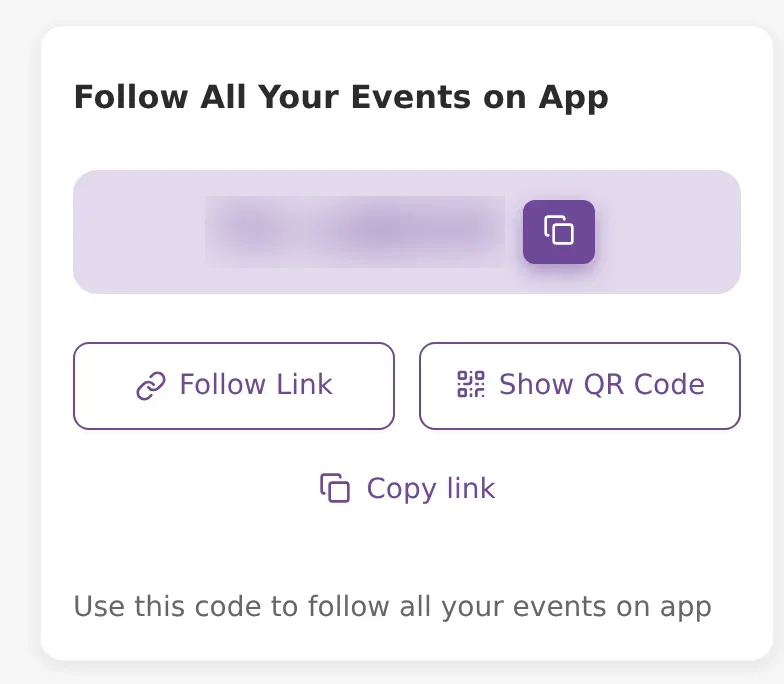
Some studios have many events with the same people, such as a school, a college or a family that books them every year. Instead of a code for each event, the studio can give you one Follow All Events code. You use it in the Kamero app, and all of the studio's current events appear in your app at once.
The code starts with FA-, for example FA-ABC123. The studio may share it as a QR code on a poster, as a link on WhatsApp, or as the code itself.
Get the app first
The follow code works only in the app. Install the Kamero app from the App Store or Google Play. If the studio has its own branded app, their link opens that app instead.
If you open the follow link in a phone browser, you see Redirecting to App..., and the page sends you to the app store. There is no way to follow a studio on the website. Typing the FA- code on kamero.ai does not open an event either.
Follow the studio
Use one of these ways in the app:
- Scan the QR code: tap the scanner next to the Enter the Event ID box and point your camera at the studio's QR code.
- Open the link: tap the link the studio sent you. If the app is installed, it opens the app.
- Type the code: type the FA- code in Enter the Event ID, or in Follow a New Event if you already follow other events, and tap Follow.
The app shows Loading... This might take a moment. while it adds the events. If you had no event open yet, it opens the studio's newest event.
If the code does not work
- We could not find any events for this code: the studio has no current events under this code. Ask the studio for the event you want.
- Invalid event id. Please type correct event id.: check the code for typing mistakes and try again.
What you get
- All of the studio's current events are added to your events list. Tap Events at the bottom of the app to switch between them.
- You get notifications for these events, and the studio's announcements show in the Posts tab. Posts show only in the app, not on the website. See posts and announcements.
- Private events are added too, but they stay protected. You see only what the event allows, such as your own photos found with a selfie. See finding your photos with a selfie.
The bottom bar of the app has Home, Events, Posts and More. Some studios also show an About tab with their details.
See the studio's new events
New events do not appear on their own. When the studio has a new event:
- Open the Events tab in the app.
- Tap the refresh icon in the top bar. It shows only after you have used a follow code.
- The app checks the studio again and adds the new events to your list.
Scanning the studio's QR code again does the same thing.
Favourites, selfies and sign-in
You can follow a studio without signing in. To mark favourites or search with a selfie, sign in with email and password, Google, or Continue with Apple on an iPhone. If you use the same account as on the website, your favourites and selfies show in the app too. See marking your favourite photos and signing in and your profile.
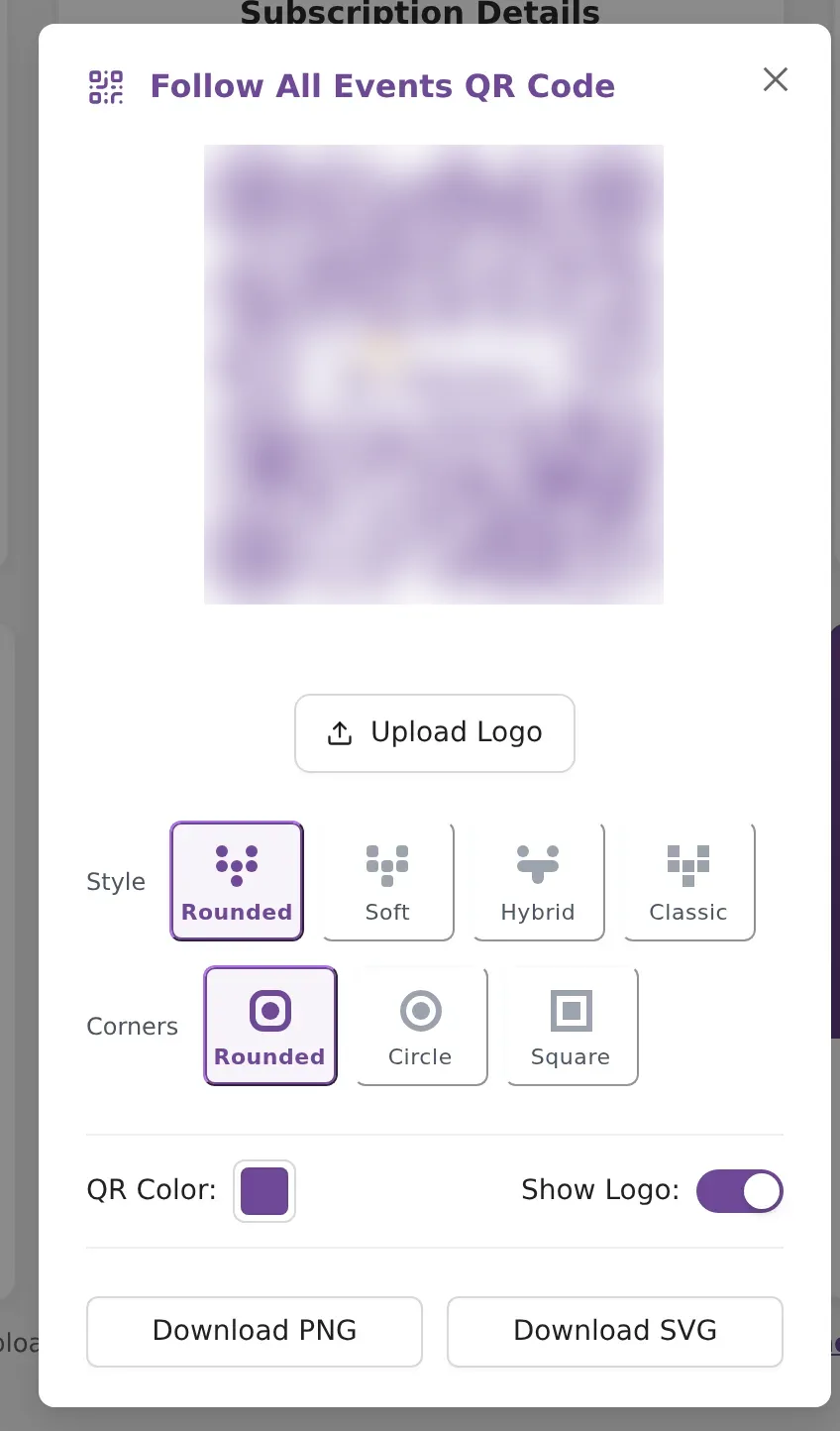
Photographers who want to share this code can read about the Follow All Your Events on App card. For everything else the app does, see app features.
Frequently asked questions
Can I use the FA- code on the website?
No. The FA- code works only in the Kamero app, or in the studio's own branded app. If you open the link in a phone browser, it sends you to the App Store or Google Play to get the app. Typing the code on kamero.ai does not open an event.
Will the studio's new events appear in my app on their own?
No. After you follow, open the Events tab and tap the refresh icon in the top bar. The app checks the studio again and adds any new events. Scanning the QR code again does the same.
Do I need an account to follow a studio?
No. Following works without signing in. You need to sign in for things like favourites and selfie search, and your favourites and selfies from the website show in the app when you use the same account.
The app says We could not find any events for this code. What now?
The studio has no current events under that code. Check that you typed the code correctly, or ask the studio for the code of the event you want.
Can I see private events this way?
The private events are added to your list, but they stay protected. You see only the photos the event lets you see, such as your own photos found with a selfie.
How do I stop following an event?
Unfollow it from your events list in the app. The app asks Are you sure you want to Unfollow this Event before it removes it.
More For guests tutorials
Try it in your dashboard
Sign in to Kamero and follow along. Questions? Raise a support ticket from the dashboard.