How to mark your favourite photos
Photographers: send this page to your guests.
Favourites let you shortlist the photos you like in an event gallery. You might use them to pick photos for a printed album, or to keep the best ones in one place. Your favourites are saved to your account, and your photographer can see them.
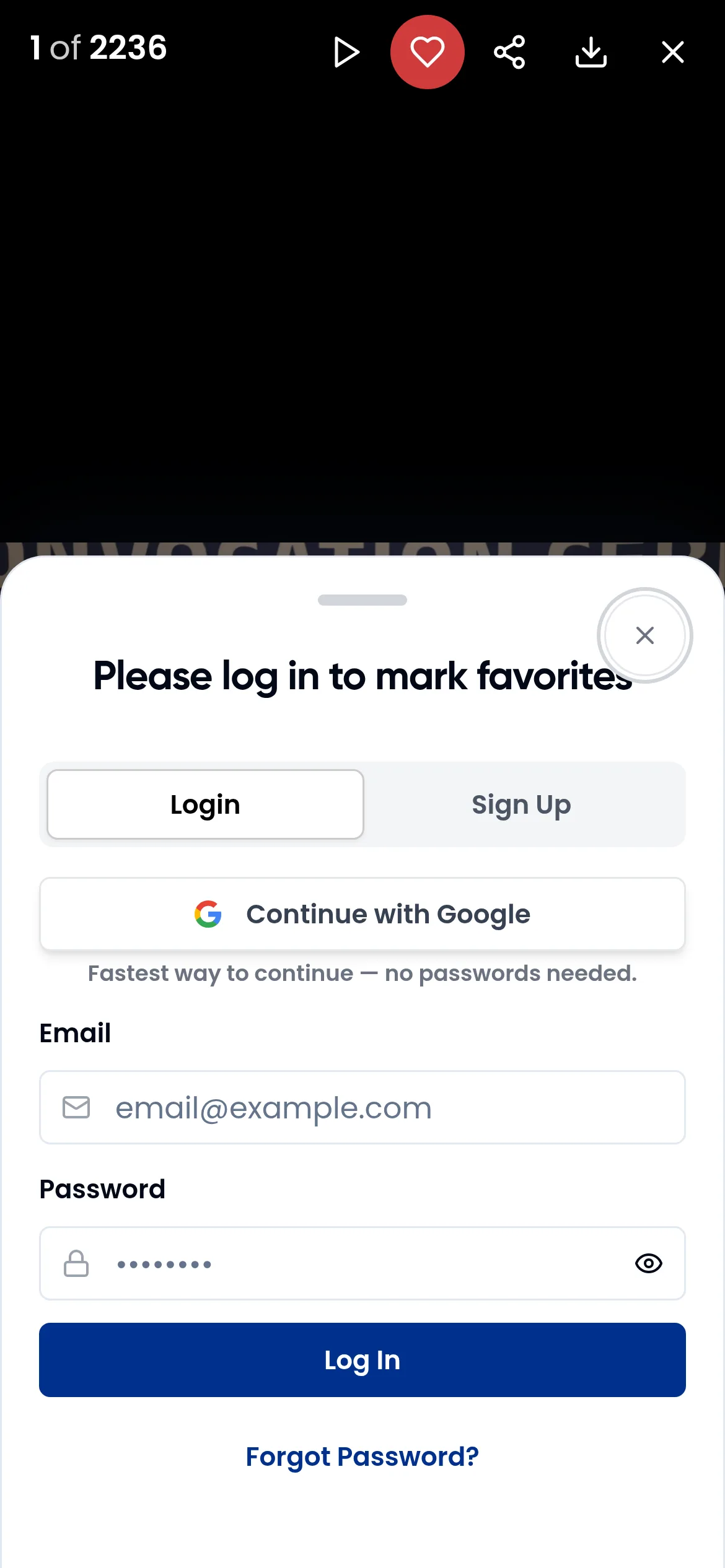
Mark a photo as a favourite
On a phone
- Open the event gallery and tap a photo. It opens full screen.
- Tap the heart in the top bar. It fills in when the photo is a favourite.
- Swipe to the next photo and repeat.
The small photos in the grid do not show a heart on phones, so always open the photo first.

On a computer
- Move the mouse over a photo in the grid. A heart appears with the hint Add to favorites. Click it.
- A favourite keeps a filled heart. Click it again (Remove from favorites) to take it off your list.
You can also open a photo full screen and click the heart in the top bar, the same as on a phone.
You need to log in
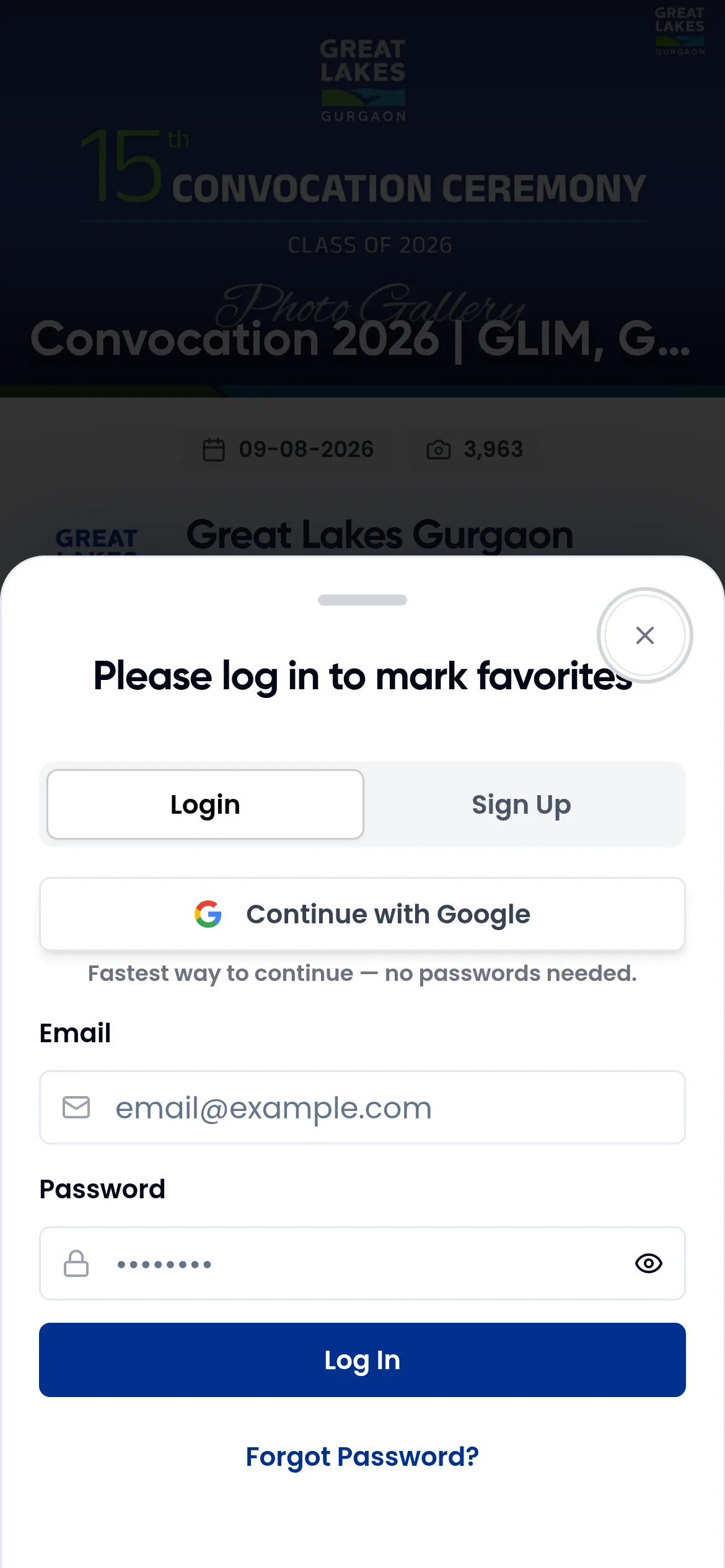
If you are not logged in, tapping a heart shows Please log in to mark favorites. Log in or sign up there. Nothing is saved while you are logged out, so tap the heart again after you log in. See signing in and your profile.
See your favourites
Each event has its own My Favorites page. To open it, tap the heart icon next to Albums in the gallery. On a computer the same icon sits in the bar above the photos.

On the page:
- Your favourites are grouped by album.
- Open a photo and tap its heart to remove it from the list.
- Download All saves every favourite in one zip file called My Favourites, with a folder for each album. Keep the window open until you see Download complete. If the photographer turned downloads off, this button does not show. See downloading and sharing photos.
- Share sends your list to your photographer by email (see below).
If you have not marked any photos yet, the page says No favorites yet. Tap Return to Gallery and start tapping hearts.
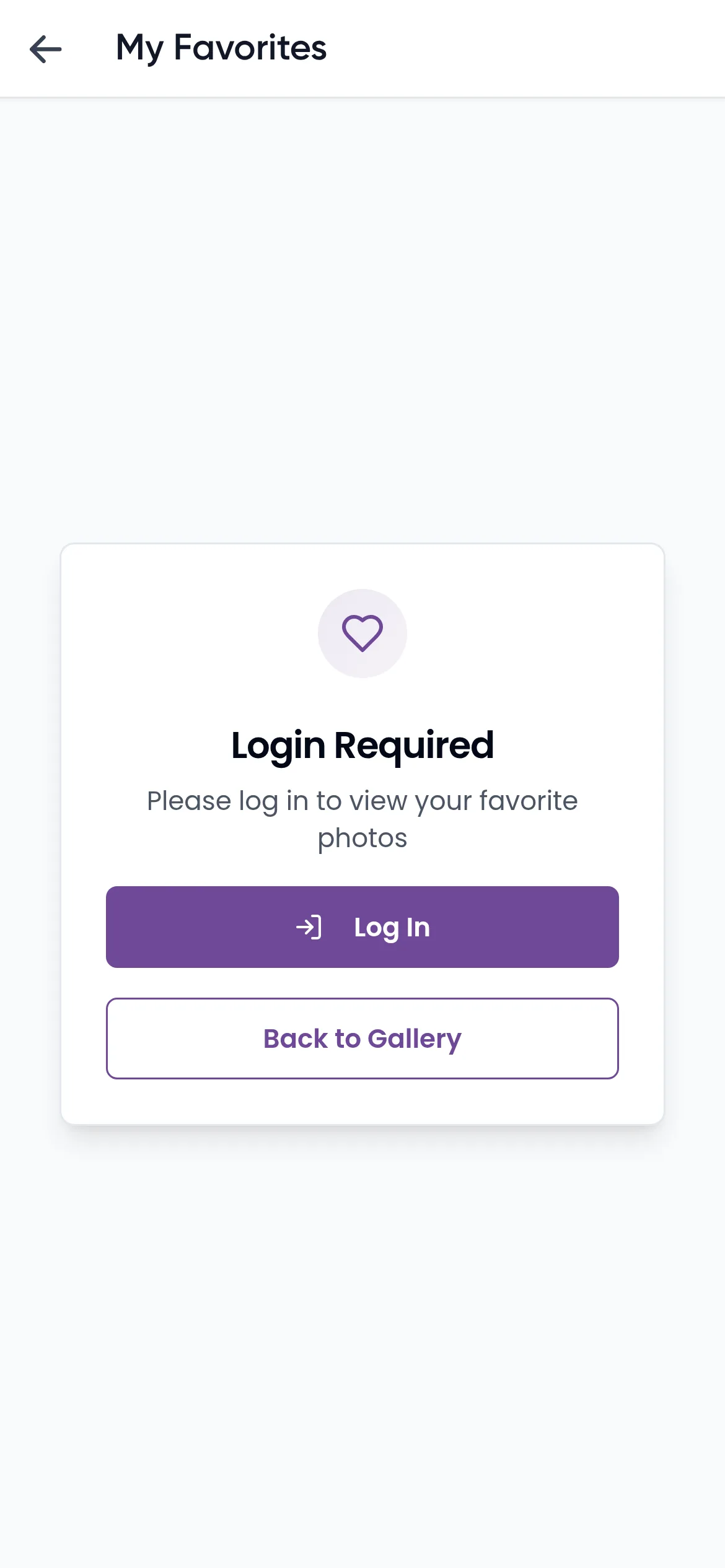
If you are logged out, the page shows Login Required. Tap Log In, or Back to Gallery to keep browsing.
Send your favourites to the photographer
- On My Favorites, tap Share.
- The window Share your favorites with the Photographer opens. The field Your photographer's email is usually filled in already. Change it if you need to.
- Tap Send Email. You see Success! when the email has gone.
Your photographer receives an email with all your favourites.
What the photographer sees
Your photographer can see in their dashboard which photos guests marked and who marked them. This helps them pick photos for albums and prints. Photographers can read how to see who favourited photos.
In the Kamero app
In the app, open a photo and tap the heart in the top bar. Your list is under My Favourites, and Share Favorites with Photographer sends it by email. Favourites you marked on the web show in the app when you log in with the same account.
Frequently asked questions
Why do I need to log in to mark favourites?
Favourites are saved to your account, so you need one to keep them. If you tap the heart while logged out, Kamero asks you to log in and nothing is saved yet. After you log in, tap the heart again.
I can't see a heart on the photos on my phone. Where is it?
On phones the heart is not on the small photos in the grid. Tap a photo to open it full screen, then tap the heart in the top bar.
Will my favourites show on my other phone or in the app?
Yes. Favourites are saved to your account for each event, so they show on any device and in the Kamero app when you log in with the same account.
Is there one page with my favourites from all events?
No. Each event has its own My Favorites page. Open the event and tap the heart icon next to Albums.
Can my photographer see my favourites?
Yes. Your photographer can see which photos guests marked as favourites in their dashboard. You can also send your list by email with Share on the My Favorites page.
Why is there no Download All button on My Favorites?
The photographer has turned downloads off for this event. You can still view your favourites and share them with the photographer.
More For guests tutorials
Try it in your dashboard
Sign in to Kamero and follow along. Questions? Raise a support ticket from the dashboard.