Event videos, views and guest list
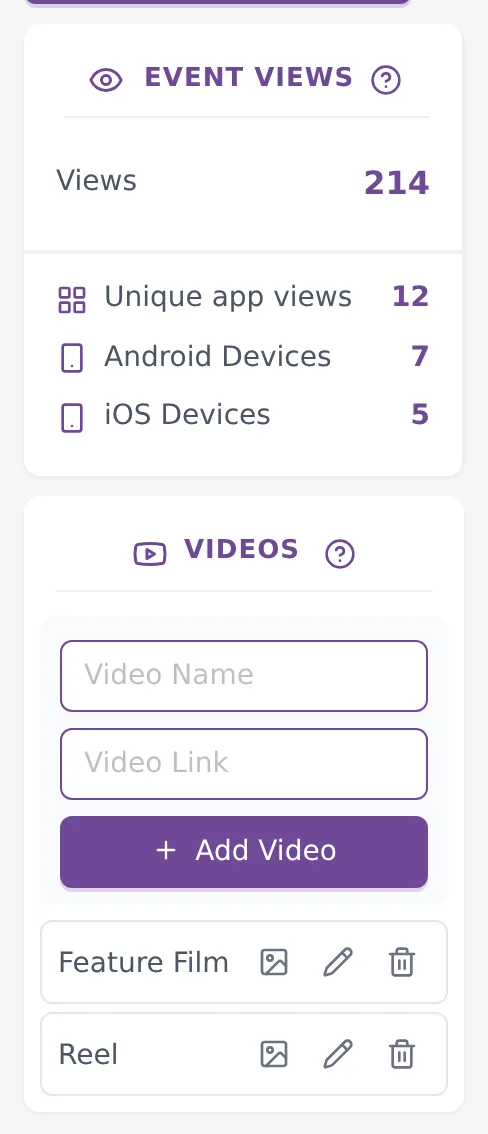
Three smaller tools sit on every event page. The VIDEOS card adds your films to the gallery. The EVENT VIEWS card shows how often the event was opened. The Guests Data button downloads the details of guests who registered. This guide covers all three.
Where to find them
Click Events in the top menu and open the event. On a computer, the EVENT VIEWS and VIDEOS cards are in the left column, below the albums. On a phone, tap the round Albums button at the bottom right to open Albums & Options, where the same cards are.
Add a video
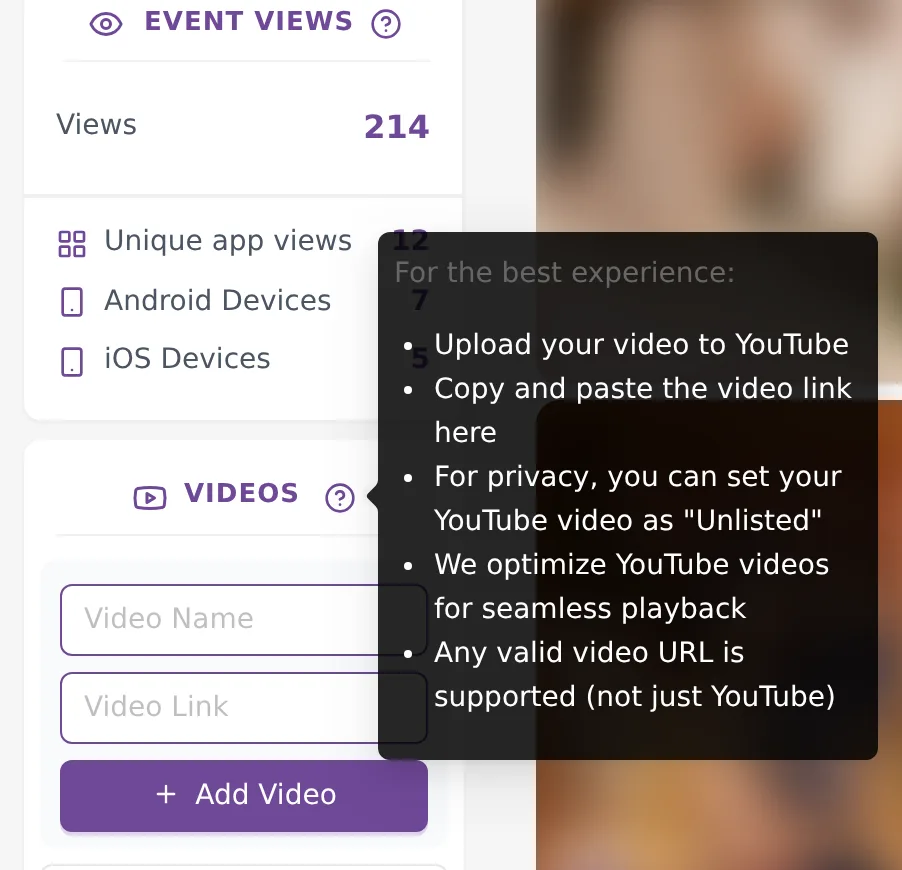
Kamero does not store video files. You add a link to a video that is already online, and guests watch it inside the gallery.
- Upload the video to YouTube. To keep it private, set it to "Unlisted".
- Copy the video's link.
- In the VIDEOS card, type a Video Name of up to 20 characters, such as Highlights or Reel.
- Paste the link in Video Link.
- Click Add Video.
YouTube works best, but the tips next to the card say "Any valid video URL is supported (not just YouTube)". Links from YouTube, Vimeo, Google Drive and Dailymotion, and links that end in .mp4, play in a window inside the gallery. Other links open the page where the video lives.
Rename, add a thumbnail or delete
Each saved video has three icons next to its name.
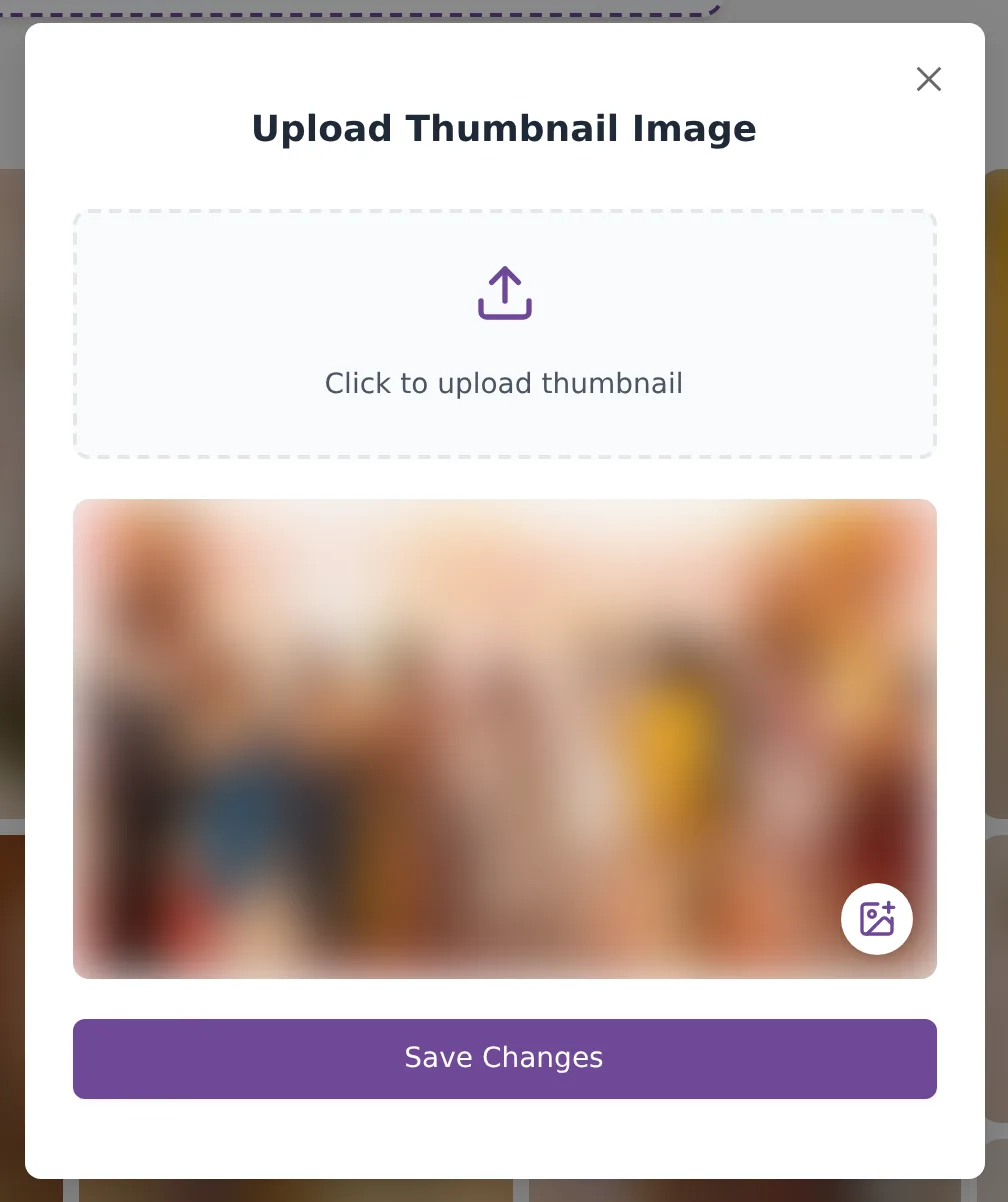
- The picture icon opens Upload Thumbnail Image. Click Click to upload thumbnail, pick a landscape (wide) image, and click Save Changes. The thumbnail is the still picture guests see before they press play.
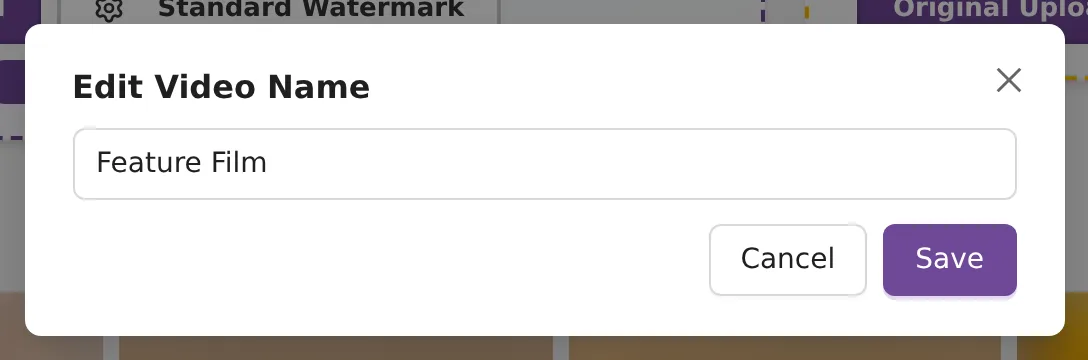
- The pencil lets you change the name. Click Save when you are done.
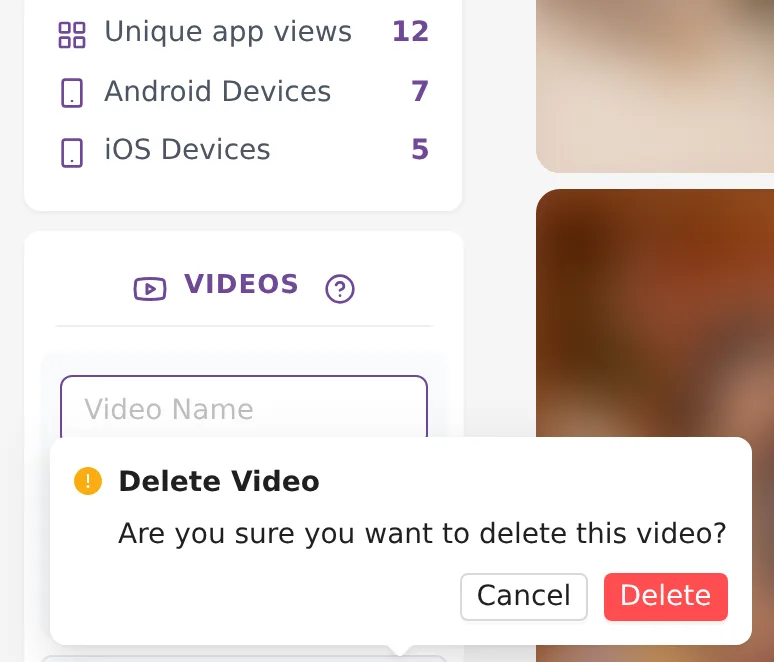
- The bin removes the video. Confirm with Delete in "Are you sure you want to delete this video?". Only the link is removed from Kamero. The video stays on YouTube.
What guests see
Guests see your videos in a row at the top of the web gallery, with the thumbnail and name of each one. They tap a video to play it. Sell Photos events do not show videos.
Event views
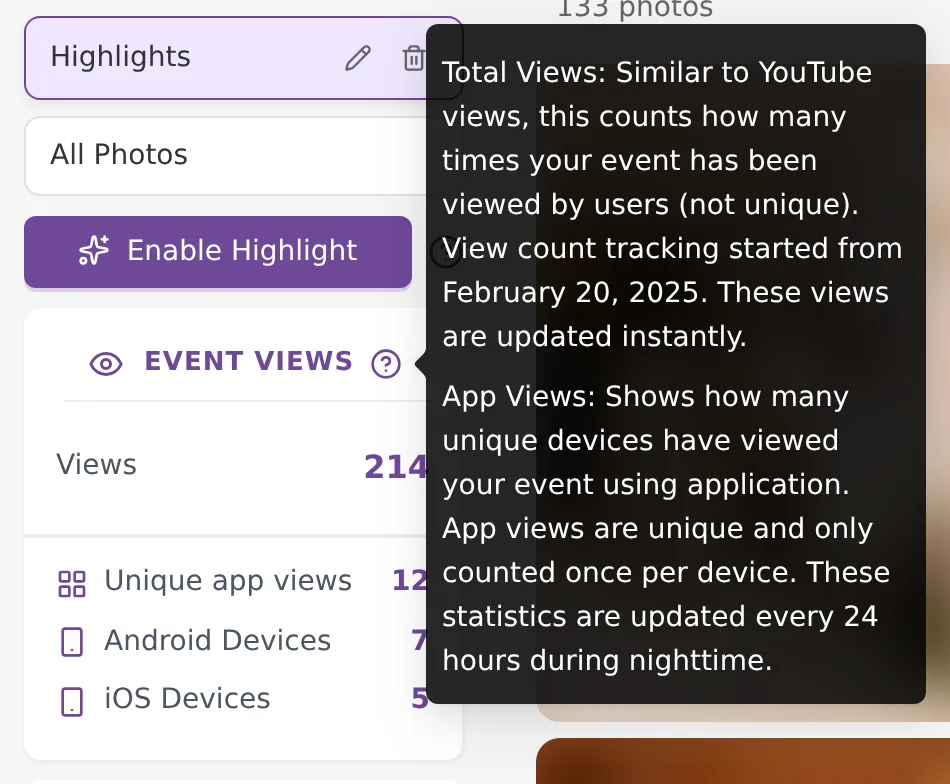
The EVENT VIEWS card has four numbers.
- Views: how many times the event was opened. It works like YouTube views, so the same guest can be counted many times. Counting started on February 20, 2025, and the number updates straight away.
- Unique app views: how many different phones opened the event in the app. Each phone counts once.
- Android Devices and iOS Devices: the unique app views split by phone type.
The three app numbers are updated every 24 hours, at night, so a guest who opened the app today appears tomorrow.
Download the guest list
When Require Guest Registration is on, guests enter their email and mobile number before they can see the photos. The event toolbar then shows a Guests Data button. Turn the switch on in event settings.

- Click Guests Data. On a phone, it is in the menu on the event page.
- A CSV file downloads with the columns Email, Name and Phone, one row per guest. The file name has the event name and ID in it.
- Open it in Excel or Google Sheets.
If nobody has registered yet, you see "No Guests have registered for this Event yet" and no file downloads. For a single file with the guests of every event, use Download All Guest Data in the Events Report.
The list holds personal details. Keep the file safe and use it only in ways your guests would expect.
Common problems
- The video will not save: both Video Name and Video Link are needed. Paste the full web address, starting with https://.
- A YouTube video does not play for guests: it may be set to Private. Change it to Unlisted or Public on YouTube.
- The thumbnail is refused: the picture must be wider than it is tall.
- Unique app views did not go up today: app numbers update once a night.
Frequently asked questions
Can I upload a video file to Kamero?
No. You add a link to a video that is already online. Upload the video to YouTube, set it to Unlisted if it should stay private, and paste its link in the VIDEOS card.
Why is my video name cut short?
A video name can be up to 20 characters. Use a short name such as Highlights, Feature Film or Reel.
Why does Views go up faster than Unique app views?
Views counts every time the event is opened, so one guest opening it five times adds five. Unique app views counts each phone that opened the event in the app only once, and it is updated once a night.
Why don't I see the Guests Data button?
The button appears only when Require Guest Registration is on in the event settings. Turn it on so guests enter their details before they see the photos.
Can I get the guest list for all my events in one file?
Yes. Open Events Report from the profile picture menu and click Download All Guest Data. It gives one CSV with the guests of all your events.
Can I download the Event Views numbers?
No. The numbers are shown on the event page only. Events Report lists every event in one table if you need an overview.
More Events tutorials
Try it in your dashboard
Sign in to Kamero and follow along. Questions? Raise a support ticket from the dashboard.