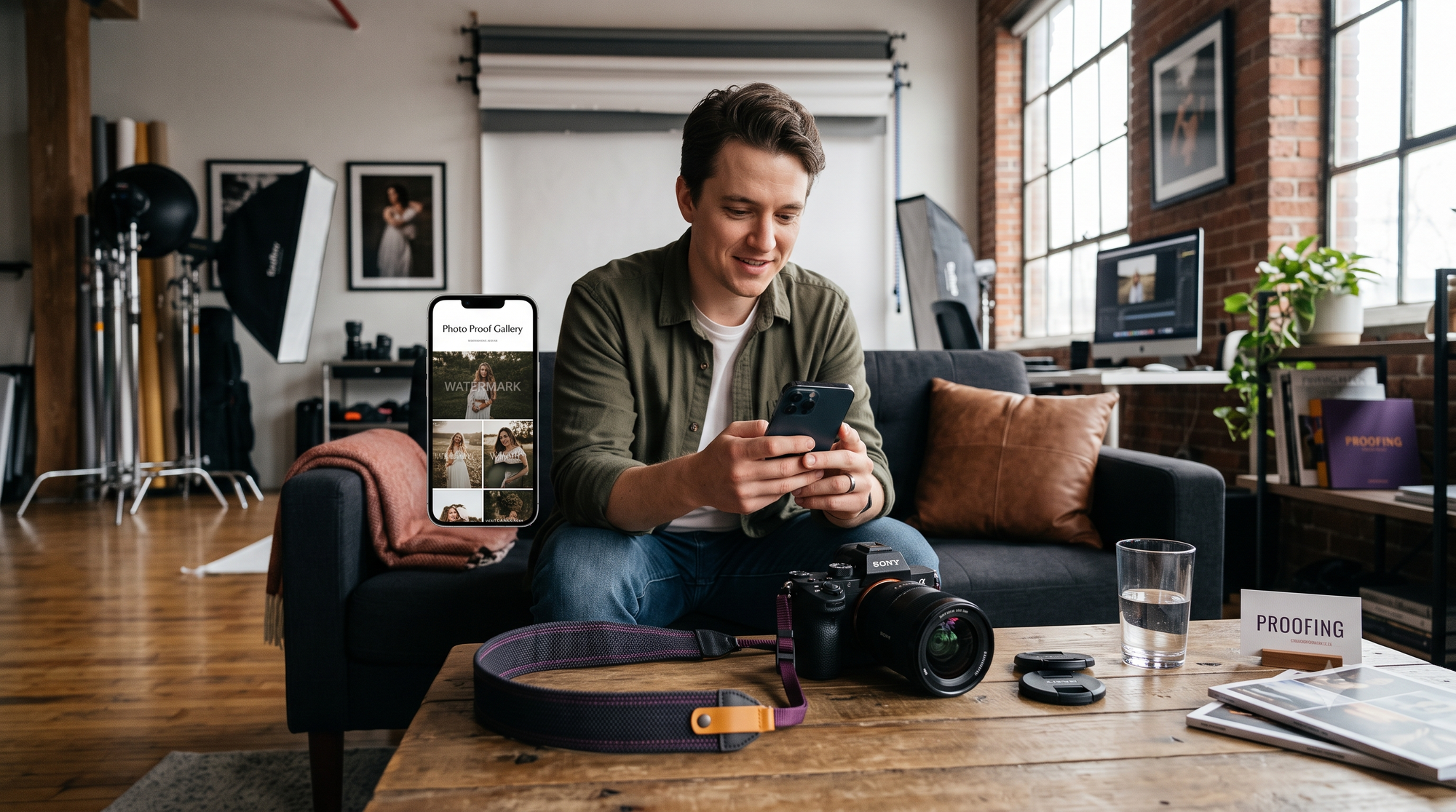
The final shutter clicks, the stage lights dim, and the event wraps. But for modern production studios and event photographers, the real administrative drain is just beginning.
Within twelve hours of an event concluding, the messages start rolling in:
- "Hey, do you have the decor setup shots before guests walked in?" — Event Planner
- "Can you send over photos of the floral centerpieces and the stage backdrop?" — Floral Designer
- "Need high-res images of the plated entrees for our portfolio by noon!" — Caterer
- "Where is the link to the full photo gallery?" — Corporate Client
What follows is an unpaid, chaotic ritual: digging through thousands of unculled RAW or JPEG files, creating separate folders, exporting custom selections, and generating disposable download links.
To scale studio operations, creative teams must eliminate manual asset distribution. By pairing a centralized multi event admin dashboard with autonomous, turnkey client photo branded delivery, studios can completely streamline client media handoff—delivering curated assets to every stakeholder with zero coordinator oversight.
The Post-Event Vendor Nightmare: The Unpaid Labor of Media Coordination
High-end weddings and commercial productions involve dozens of independent vendors. Each contributor needs visual proof of their work for social media marketing, awards submissions, and client pitches.
Yet, traditional post-production workflows treat media delivery as an afterthought, forcing lead photographers into the role of an unpaid logistics coordinator.
The "Can You Send the Decor Shots?" Trap
Fulfilling individual vendor requests by hand burns billable studio hours:
- Fragmented communications: Inquiries arrive scattered across Instagram DMs, WhatsApp messages, texts, and email chains.
- Repetitive culling and exporting: Pulling 40 decor photos for an event planner, 25 food shots for a caterer, and 30 lighting setup photos for an AV team requires multiple exports and separate storage allocations.
- The referral paradox: Vendors are your strongest referral engine. Delaying their media handoff by two to three weeks destroys referral goodwill when their post-event promotional momentum is highest.
Why Generic Cloud Drives Break Vendor Collaboration
Many studios attempt to solve vendor sharing with raw Google Drive, WeTransfer, or Dropbox folders. This creates critical operational flaws:
- No access governance: Public drive folders leave your master catalog vulnerable to accidental file deletion, uncredited downloads, and premature exposure of unedited frames.
- Total brand dilution: Sending clients and high-profile planners to a generic drive folder strips away your premium agency positioning.
- The missing workflow layer: Generic storage lacks the features of a dedicated event planner vendor coordination app—offering no automated watermarking, no mobile-first delivery, and no visibility into who accessed specific assets.
The Centralized Multi-Event Command Center
High-volume studios cannot afford to manage deliveries on an event-by-event basis. Handling 20, 40, or 60 active events across simultaneous dates requires centralized infrastructure.
Managing 50+ Concurrent Events via a Single Multi Event Admin Dashboard
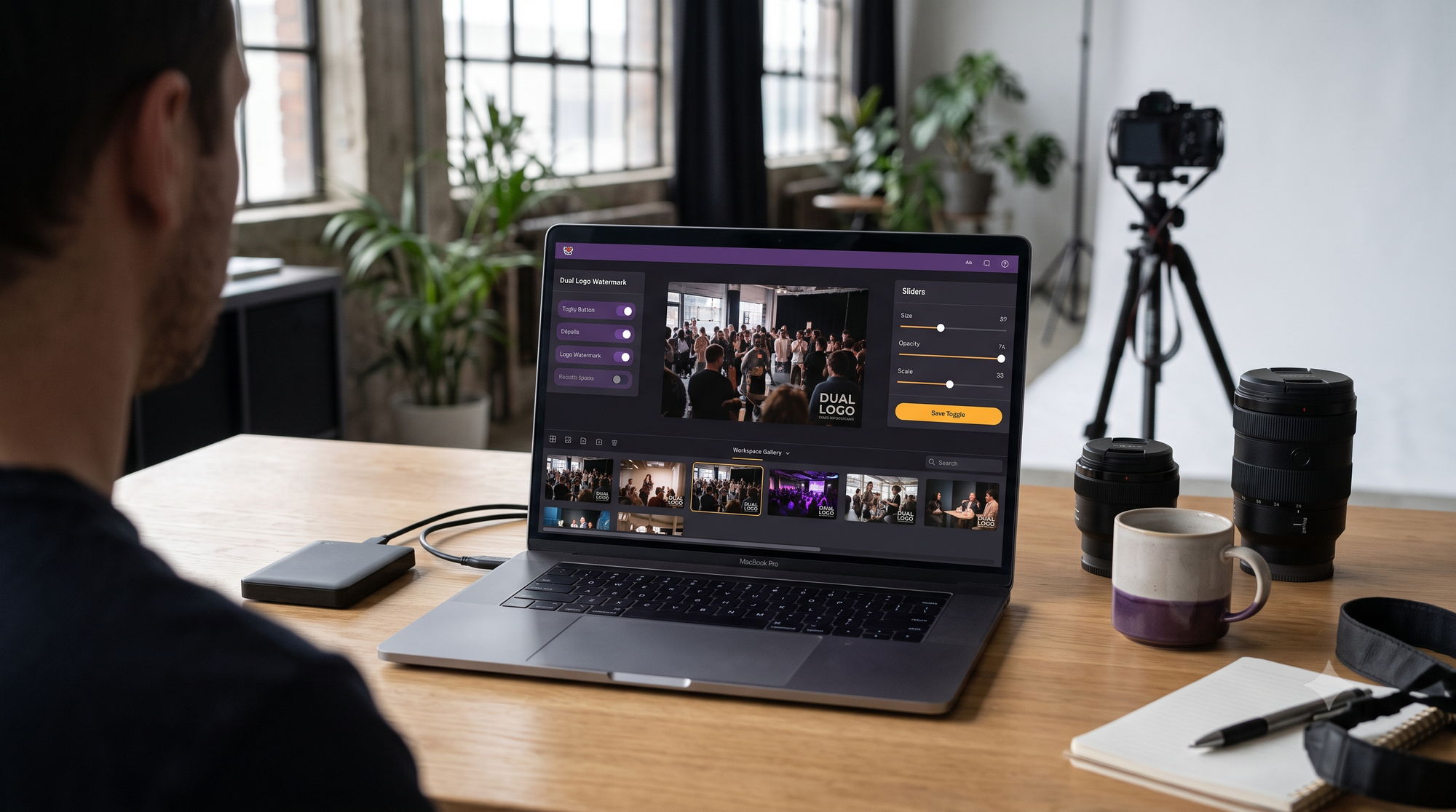
A production-grade multi event admin dashboard consolidates your active projects into a single operational view:
- Unified pipeline visibility: Monitor upload speeds, ingestion status, AI indexing queues, and client access activity across all concurrent gigs in real time.
- Multi-shooter permission routing: Assign distinct upload roles to second shooters and associate teams, ensuring raw assets land in the correct event buckets without granting administrative access to your entire studio back-end.
- Real-time engagement telemetry: Track exactly when corporate clients, brides, or vendor partners open their links and download assets, eliminating disputes over lost emails or expired transfers.
Automated Vendor Portals: Tag-Based Auto-Distribution
Instead of manually sorting photos for each partner, modern delivery engines automate segmentation during upload:
- Automated classification: Smart tag rules automatically group stage setups, table layouts, venue architecture, and culinary displays into isolated, partner-ready collections.
- Instant turnkey client photo branded delivery: Partners receive sleek, mobile-optimized portals branded with their event identity, your studio credentials, and automated copyright attribution.
- Co-branded partner distribution: Equip event planners with client-facing galleries featuring dual branding—placing the planner’s brand alongside your photography mark to drive repeat bookings.
Head-to-Head Comparison: Kamero vs. Traditional File Storage & Proofing Tools
Traditional client proofing galleries were engineered for a single couple sitting at a desktop computer selecting album favorites. They were never designed to serve as an agile, B2B event planner vendor coordination app.
The Studio Operations Gap
Legacy software forces your studio into a manual loop: export, upload, manually sort sub-galleries, copy URLs, draft individual emails, and follow up.
The Kamero Advantage
Kamero turns media delivery into an automated background process:
- Zero Coordinator Overhead: Upload your master files once. The platform's AI engine sorts assets, tags content, and routes custom links directly to planners, vendors, and clients.
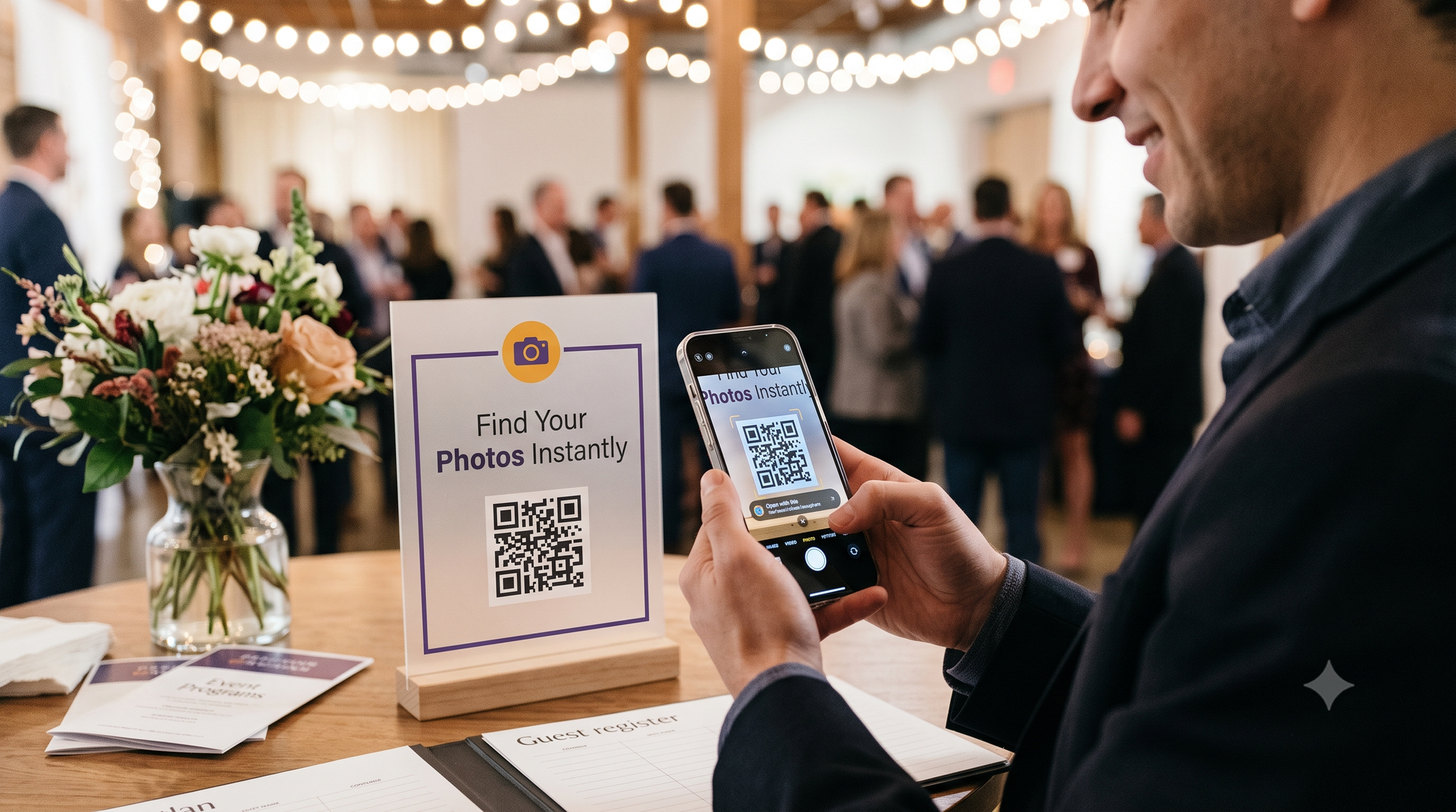
- Frictionless Handoff: Attendees, planners, and vendors access their exact photos within seconds through instant WhatsApp delivery and dynamic QR codes.
- Scalable Infrastructure: Designed to seamlessly handle multi-camera event loads without upload bottlenecks, bandwidth throttling, or degraded image quality.
Standard Operating Procedure: Automating Multi-Vendor Media Deliveries
Implement this standard workflow to completely streamline client media handoff across your upcoming event calendar:
1. Pre-Configure Event Stakeholders and Branding
Before shooting begins, input vendor emails, phone numbers, and company logos into the event workspace. Define access tiers: primary clients receive high-resolution downloads, planners get co-branded curated highlights, and individual vendors receive access to category-specific shots (decor, lighting, food).
2. Ingest Master Files Directly to Cloud Ingest
Upload your clean, high-resolution JPEGs directly to the platform. Bypassing manual local culling for secondary vendors allows the automated indexing engine to categorize images immediately.
3. Deploy Live QR & WhatsApp Access
At live events, provide event coordinators with dedicated access points. Planners can track the real-time photo stream on their phones, allowing them to share approved, professionally shot highlights to social media while the event is ongoing.
4. Trigger Post-Event Auto-Distribution
Upon event wrap, trigger automated delivery alerts. Clients, coordinators, and vendors receive custom, white-labeled access links directly on WhatsApp, complete with high-res download capabilities and your studio branding intact.
Frequently Asked Questions
How does an automated media portal protect my studio's image credits?
Turnkey delivery portals incorporate dynamic watermarking and clear asset licensing parameters. When vendors access their portal, images are delivered with integrated photographer credit prompts, download terms, and automated social tags, ensuring your studio is properly credited on commercial channels.
Can I restrict high-resolution downloads for specific vendors?
Yes. Administrative controls allow you to configure granular permissions per user role. Clients and key event planners can be granted unrestricted, high-resolution download access, while secondary commercial vendors receive web-optimized, watermarked assets ready for social media usage.
How does WhatsApp-based delivery improve vendor and client engagement?
Traditional delivery links sent via email frequently get lost in spam folders or ignored for weeks. WhatsApp notifications deliver instant mobile access with open rates exceeding 90%, enabling vendors and guests to view, download, and share professional images within seconds of receipt.
Scale Your Event Studio with Automated Media Delivery
Manual media sorting and fragmented file transfers waste studio hours and cap your business growth. Elevating your delivery workflow protects your time, delights your vendor network, and builds an organic referral engine that works for you automatically.
Eliminate vendor friction and take control of your studio workflow.
- Ready to automate your media handoffs? Sign up on Kamero to start your free trial today.
- Looking to modernize your agency operations? Book a 1-on-1 Demo with our workflow specialists.
- Want actionable studio workflows and event photography insights? Follow us on Instagram @kamero.ai.
About Pavani Nagar
Hey there! Pavani Nagar, a Digital Marketing Manager who enjoys working on content, social media, and figuring out what makes people pay attention. I like trying new ideas, learning along the way, and keeping things simple.