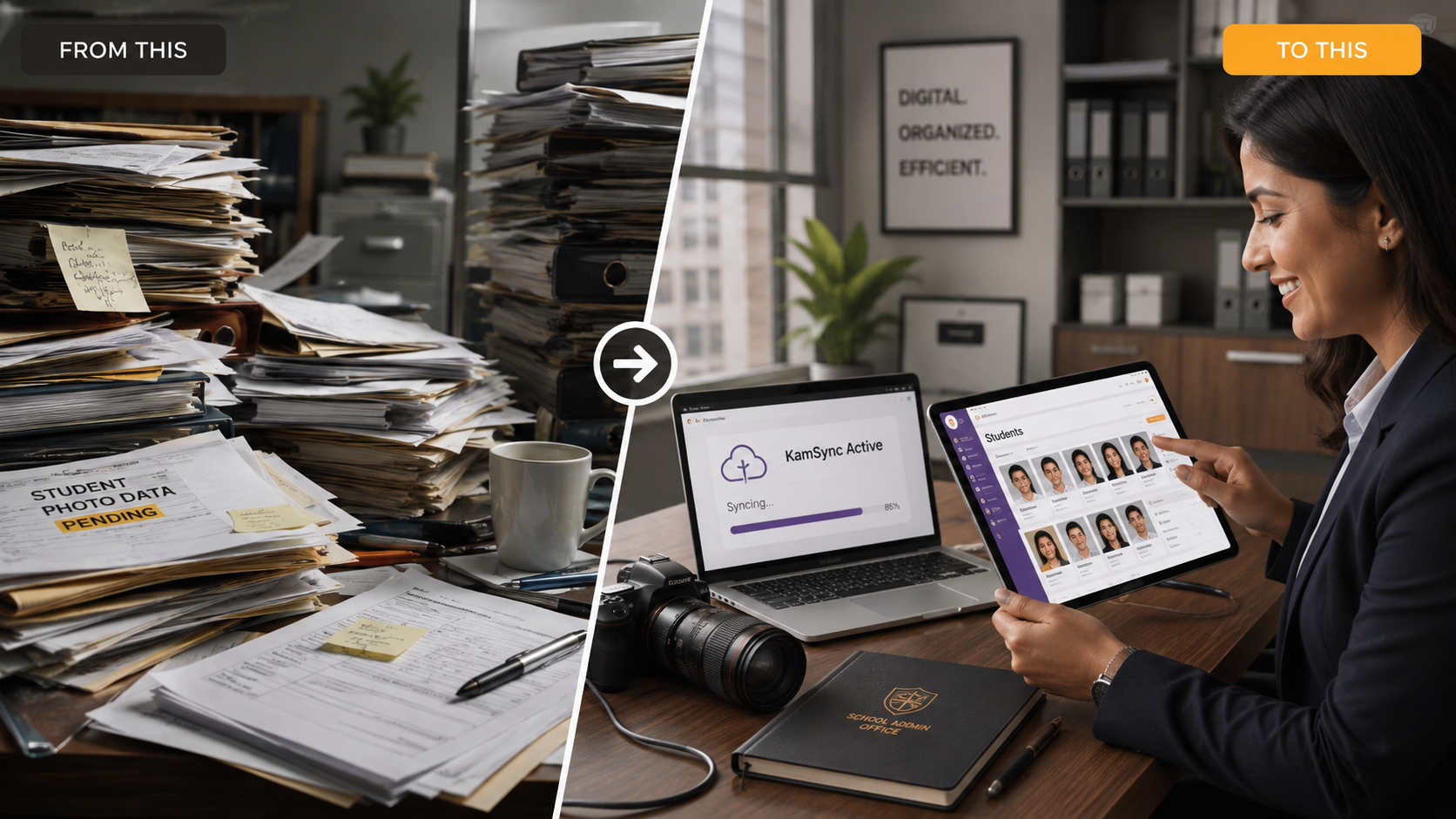
Dimly lit event venues—from cavernous hotel ballrooms and candlelit wedding receptions to high-energy corporate galas—present one of the toughest technical challenges in modern commercial photography. For decades, the standard operating procedure allowed photographers to push sensor gain aggressively, deferring noise mitigation to local post-production software. Photographers captured noisy RAW frames, batch-processed them through AI denoisers or selective luminance curves days later, and exported balanced files.
That buffer has evaporated.
The modern event ecosystem demands real-time ingestion, automated AI face-matching, and instant mobile gallery delivery. Event organizers, corporate VIPs, and wedding guests expect to view, download, and purchase their photos within minutes of stepping off the stage or dance floor. When you stream unmanaged, high-noise frames directly into a real-time cloud pipeline, standard cloud encoders fail. Random digital grain drastically degrades compression algorithms, turning shadow detail into muddy macro-blocks and introducing harsh edge artifacts on mobile displays.
Navigating this reality requires moving past slow, legacy desktop workflows. By pairing disciplined low light event photography settings at the sensor level with modern ingestion architectures that support high resolution photo uploads up to 50mb, event photographers can eliminate digital decay and deliver pristine mobile galleries in real time.
The Anatomy of a Compression Artifact: Why Digital Grain Destroys App Quality
To understand why noisy images fall apart inside mobile galleries, you have to examine how cloud compression engines handle pixel data.
High ISO Noise vs. Cloud Compression Encoders
Cloud ingestion engines rely on modern spatial compression algorithms (such as WebP, AVIF, and progressive JPEG encoders) to compress large images into lightweight, mobile-ready streams without visible loss. These algorithms rely on spatial redundancy: identifying contiguous zones of similar luminance and chrominance and storing them as shared blocks rather than individual pixels.

High-Frequency Pixel Bitrate Allocation
Digital sensor noise—particularly high-ISO luminance and chromatic grain—introduces high-frequency entropy across every color channel. Instead of flat, clean shadows, the encoder encounters millions of random, fluctuating pixel values. The compression engine allocates its bitrate budget to encoding this meaningless random noise rather than preserving real scene data, structural edges, or skin textures. When the encoder hits its bitrate ceiling, it quantizes the remaining data, resulting in aggressive macro-blocking, harsh color banding, and muddy shadows.
The Degradation of the Structural Similarity Index (SSIM)
The Structural Similarity Index (SSIM) measures perceived visual quality by comparing local luminance, contrast, and structural patterns between a raw capture and its compressed output. Under clean lighting, high-end encoders maintain an SSIM score above 0.95, indicating a virtually imperceptible difference to the human eye.
The Spatial Degradation Penalty
Unchecked chromatic noise severely penalizes SSIM during automated mobile downsampling. When a mobile screen renders an image at high pixel densities (such as Apple Super Retina or dynamic OLED displays), random chrominance fluctuations trigger sharp edge distortions. The downsampling engine interprets luminance noise as micro-contrast edges, sharpening the grain while muddying genuine textural transitions. The result is an image that looks noisy and degraded on high-resolution smartphone screens, even if it appeared passable on a small camera LCD.
Why Noisy Files Slow Down Real-Time AI Processing
The consequences of sensor noise extend beyond visual artifacts; they actively degrade computer vision and edge-detection systems.
Biometric Latency Penalties
Kamero’s real-time engine uses vector embeddings to match facial landmarks (interpupillary distance, jawline contours, nasal bridge depth) within milliseconds. High-frequency sensor noise breaks up continuous edge vectors across human faces. The neural network must calculate confidence scores against noisy, low-contrast features, which increases biometric latency penalties and facial clustering times by 300% to 500%. In severe cases, extreme shadow noise across eye sockets and jawlines causes false negatives, preventing guests from finding their photos in real time.
Advanced Low Light Event Photography Settings for Modern Camera Sensors
Eliminating artifacts in cloud galleries begins at the sensor. You must capture clean source data before a file ever reaches an ingestion queue.
Establishing an Absolute ISO Ceiling
Modern full-frame mirrorless sensors (found in Sony, Canon, and Nikon bodies) feature dual-native ISO architectures. While these sensors deliver clean output at higher gains than older designs, pushing them past their secondary native base rapidly degrades their signal-to-noise ratio (SNR).
Hardcoding Sensor Tolerances
Establish and lock down an absolute ISO ceiling in your custom camera profiles. For modern 35mm full-frame sensors, cap auto-ISO at ISO 6400 (or ISO 12800 as an emergency maximum). Operating past these thresholds causes dynamic range to drop below 8 stops, which accelerates shadow noise. Enforcing this operational boundary is the first step to prevent noise in digital galleries before files are pushed to mobile feeds.
Maximizing Lens Apertures and Shutter Stability
To stay under your ISO ceiling in dim venues, rely on wide-aperture lenses rather than ramping up digital gain.
The Kinematic Motion Threshold
Standardize on prime lenses featuring maximum apertures of f/1.2, f/1.4, or f/1.8, or constant f/2.8 professional zooms. Gaining two full stops of optical light transmission from f/2.8 to f/1.4 lets you drop your ISO from a noisy 6400 down to a clean 1600.
Balance this with your subject's motion:
- Static Cocktails & Receptions: 1/125s minimum shutter speed.
- Keynote Speakers & Panelists: 1/160s to 1/200s.
- High-Tempo Dance Floors: 1/250s to 1/320s (paired with on- or off-camera TTL fill flash).
Leveraging Camera In-Body Image Stabilization (IBIS)
Modern 5-axis sensor-shift mechanics allow handheld capture at slow shutter speeds without camera-shake blur.
Hardware-Level Gain Mitigation
IBIS compensates for hand tremors, allowing you to capture static architectural details, ambient venue decor, and posed VIP groups at speeds as low as 1/30s or 1/60s. This optical stability pulls in rich ambient light, letting you lower your ISO by two to four stops without introducing subject blur or hardware noise.
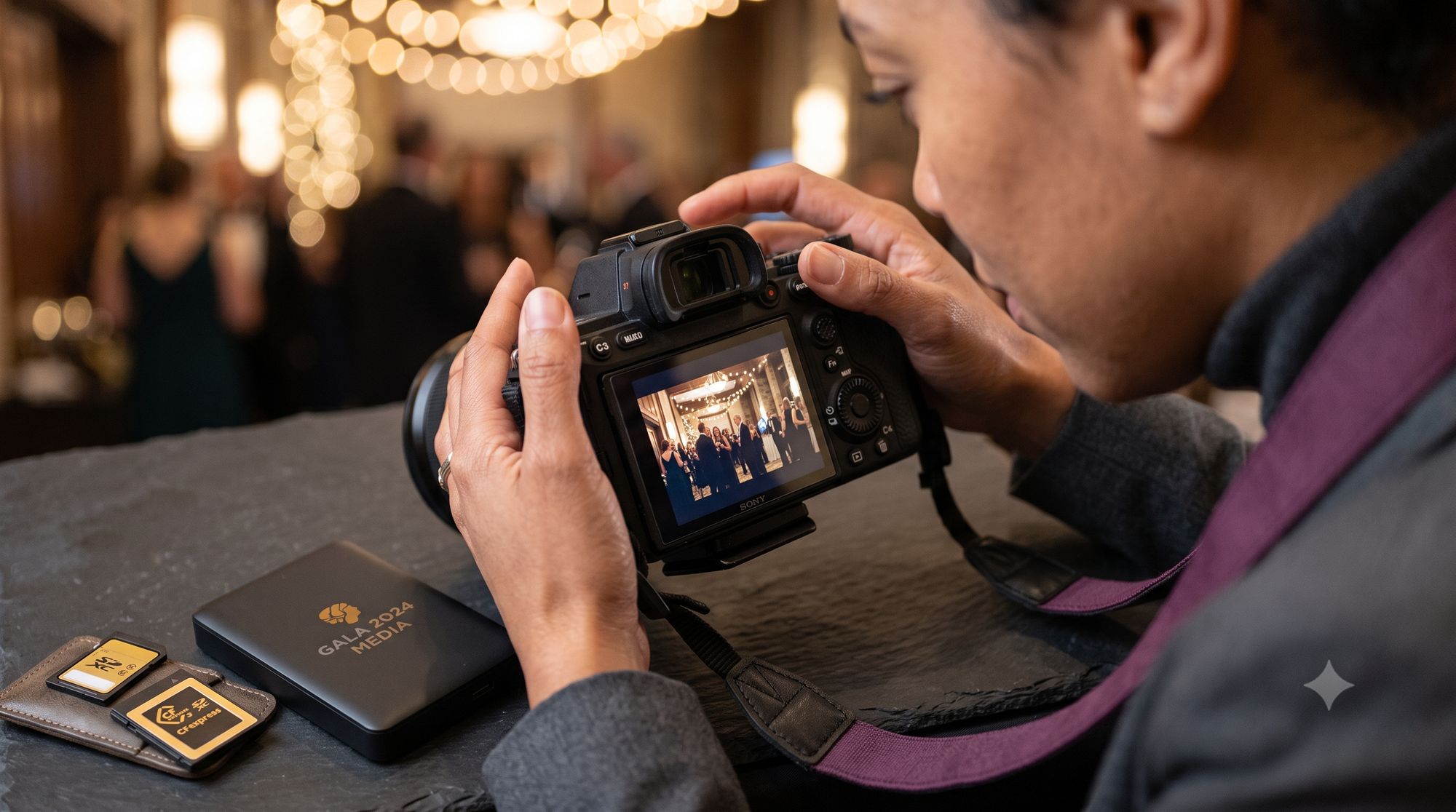
Data Preservation: Leveraging High Resolution Photo Uploads up to 50MB
Restricting file sizes before upload is a common trap in event workflows. Constricting image data to 5MB or 10MB upstream forces multiple rounds of aggressive compression that destroy fine detail.
The Power of Uncompressed Data Fields
Image downsampling performs best when the source file contains broad dynamic range, unclipped color gamuts, and deep bit allocation.
Bit-Depth Invariance
Uploading full-resolution originals preserves fine pixel structures during cloud-side rendering. When an image contains uncompressed luminance data across a 14-bit or 16-bit range, cloud encoders can calculate structural similarity and downsample smoothly. Restricting source files to low-bitrate, heavily compressed exports starves the encoder of source data, leading to severe banding across deep venue shadows.
Uploading via Kam-Sync Tech Over Local Networks
High-throughput event delivery requires moving away from manual card-pulls, laptop ingest stations, and local tether carts.
Zero-Touch Data Infrastructure
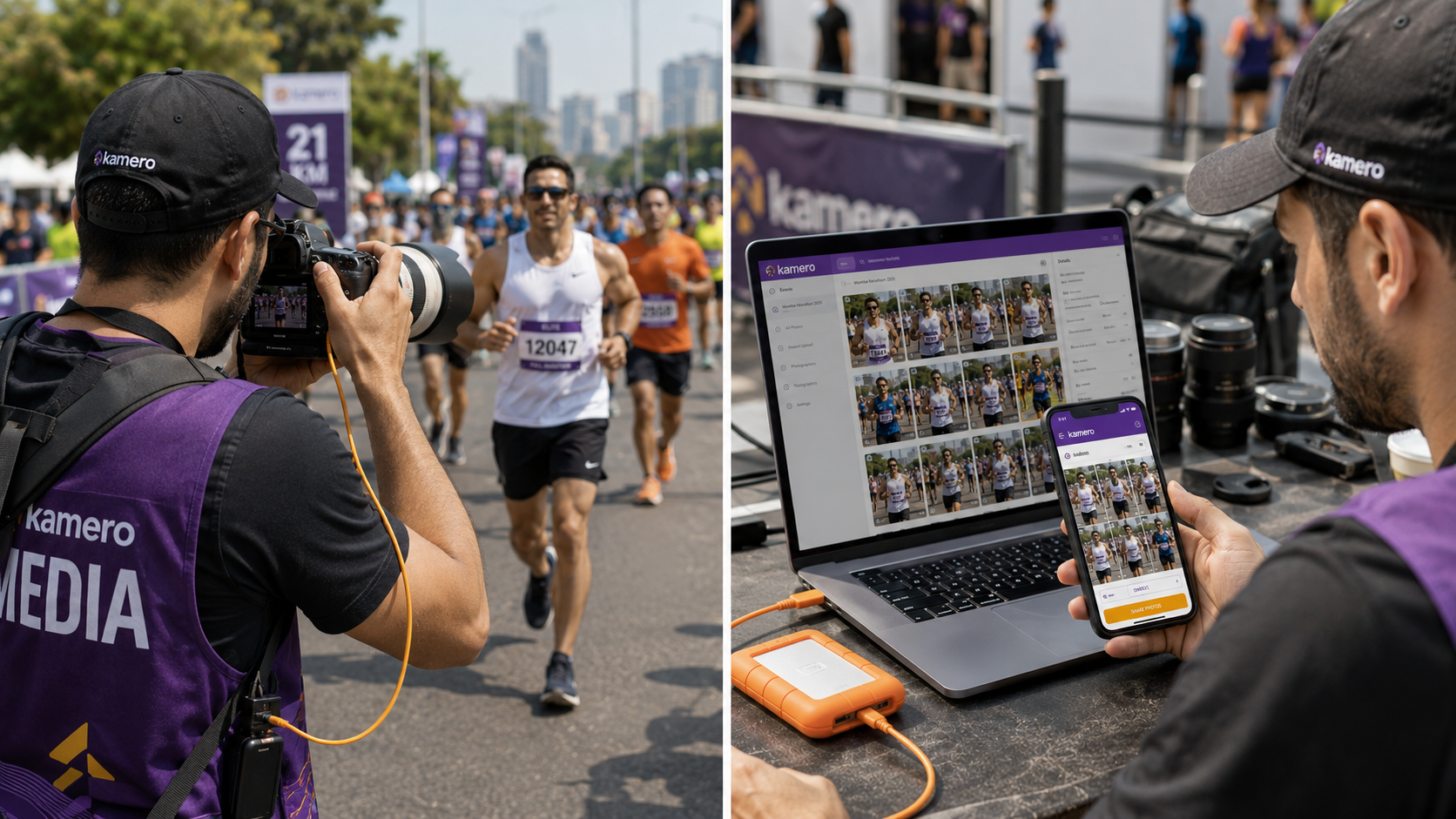
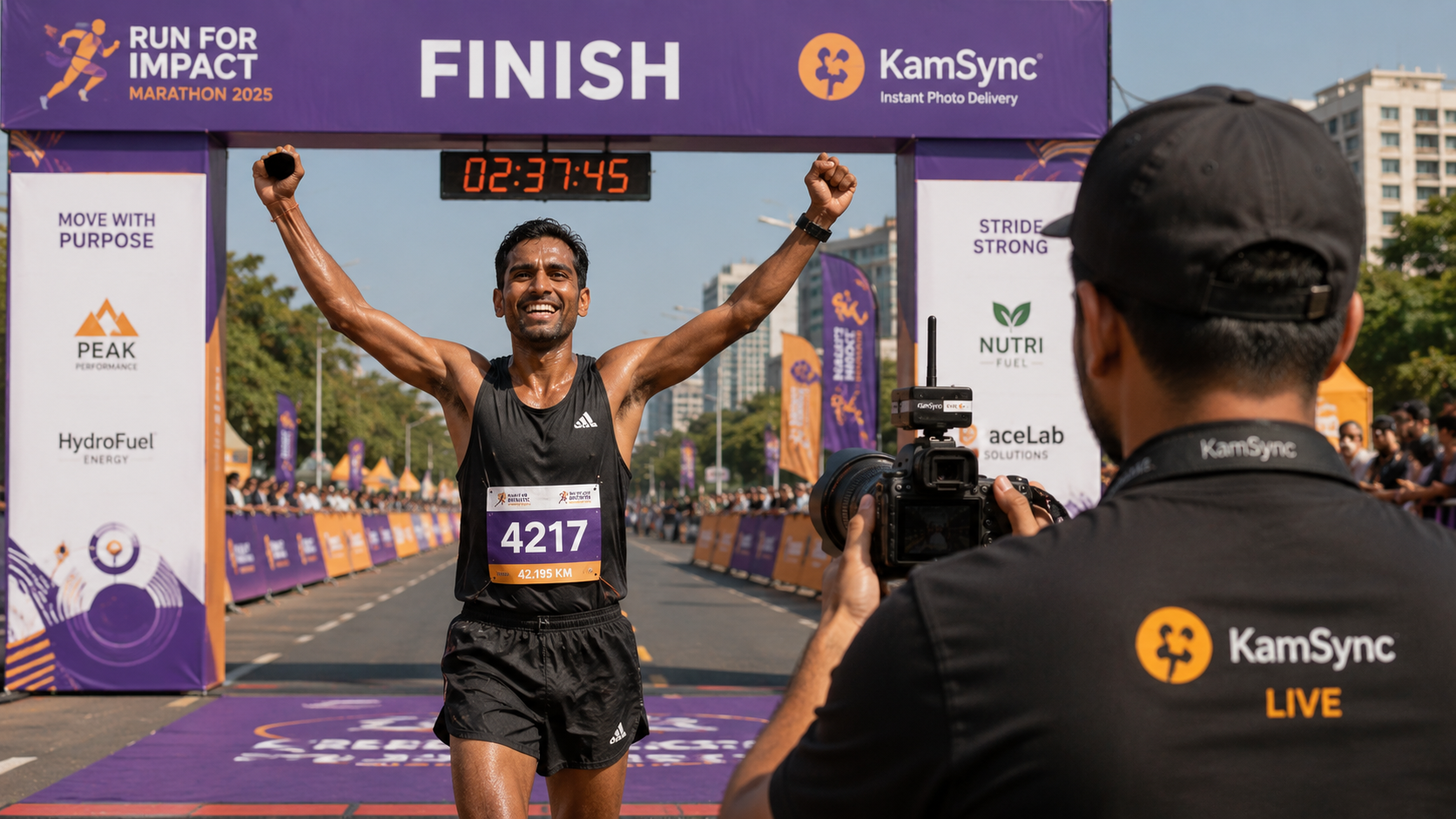
Kamero’s proprietary Kam-Sync technology leverages real-time camera-to-cloud FTP/FTPS protocols directly over venue Wi-Fi or bonded 5G cellular networks. Photographers can stream high resolution photo uploads up to 50mb straight from the camera body as they shoot. By handling uploads at the operating system level, this zero-touch architecture routes master captures straight to cloud queues within seconds of shutter release, bypassing desktop bottlenecks entirely.
Protecting Fine Details from Aggressive Server Compression
Traditional photo-sharing platforms often apply hard file-size caps at 10MB or 15MB to lower their storage overhead. When you upload high-resolution files to these legacy engines, they apply blunt compression algorithms that discard critical high-frequency detail.
Eradicating Interfacial Compression Penalties
Kamero removes these limits with an uncompressed 50MB ingestion ceiling. By ingesting large, high-fidelity files directly from the shutter, our ingestion engine maintains full spatial integrity. The platform runs high-performance cloud transcoders that generate tailored mobile assets on the fly, keeping skin tones natural, contrast balanced, and shadows clean across every device screen.
Practical Methods to Optimize Low Light Image Files Before Ingestion
Field-tuning your camera's image processing engines helps ensure clean ingestion without adding manual editing steps on site.
Using In-Camera Exposure Profiles and Noise Reduction
Modern mirrorless platforms allow you to route capture files through dual-slot configurations. You can use this feature to build an asymmetric delivery pipeline.
Asymmetric Ingestion Cascades
Configure Slot 1 to write raw uncompressed RAW files for permanent master archiving, and Slot 2 to generate high-resolution, finely tuned JPEGs for real-time delivery via Kam-Sync. Within your camera's JPEG profile settings:
- Set in-camera High-ISO Noise Reduction to "Low" or "Normal" (avoid "High," which smears skin details and softens biometric landmarks).
- Choose a Neutral or Standard picture profile, dialing in -1 contrast to protect shadow detail from clipping.
- Keep digital sharpening set to zero; artificial in-camera edge sharpening inflates noise and triggers compression blockiness downstream.
Balancing Exposure on the Scene
The most reliable way to minimize digital noise is to capture clean shadow detail at the moment of exposure.
Exposing to the Right (ETTR)
Under-exposing a low-light frame to protect highlights and then brightening the shadows later amplifies noise floor grain. Use the Exposing to the Right (ETTR) technique: shift your histogram as far toward the highlight shoulder as possible without clipping critical light sources. This maximizes your signal-to-noise ratio (SNR) across midtones and shadows. When scaled down for mobile displays, an image exposed clean and bright maintains natural contrast without shadow banding.
Standardizing Color Profiles Under Unpredictable Venue Lighting
Mixed ambient light—such as tungsten table lamps, deep blue uplights, and neon accents—can easily confuse auto white balance (AWB) systems.
White-Balance Configuration Invariance
Set a fixed Kelvin value for the room (typically 3200K to 4000K for indoor event halls) or use a custom white-balance target before shooting. When multiple cameras cover the same floor, mismatched white balance produces jarring color shifts in the unified mobile gallery. Locking your Kelvin temperature ensures consistent skin tones and uniform color rendering across every real-time upload.
Impact on In-Gallery E-Commerce and User Engagement Metrics
Image clarity directly impacts monetization. When event galleries look muddy or pixelated, purchase conversion drops.
The Direct Relationship Between Image Sharpness and Photo Sales
Kamero’s platform combines real-time delivery with native in-gallery stores, allowing guests to purchase individual digital files, complete event bundles, or physical prints with a single tap.
Monetized Interfacial Flow
Event attendees buy photos based on immediate emotion. When a guest receives an automated push notification while still at the venue, opens a clean, white-labeled mobile gallery, and sees a crisp, beautifully balanced portrait, purchase intent peaks. Conversely, if that portrait is covered in digital noise or compression banding, perceived value plummets. Using clean low-light settings and uncompressed uploads directly drives transactions across your automated sales channels.
Accelerating Face Recognition Delivery Speeds
Biometric face matching powers Kamero’s instant guest delivery.
Optimizing Low Light Image Files
Clean source files allow computer vision models to quickly plot facial landmarks and extract facial vectors. When you optimize low light image files at the sensor level, Kamero’s AI matches and sorts high-resolution photos into private personal galleries within milliseconds of capture. This automated pipeline gets clean, personalized photos to guests in real time, encouraging immediate downloads, social sharing, and store purchases.
Building Trust with High-End Clients
Luxury wedding planners, corporate enterprise clients, and VIP activations expect flawless media delivery.
Exceeding Premium Mandates
Delivering compressed, noisy images through clunky consumer file links damages your brand standing. High-end clients demand platforms that mirror their own attention to detail. Operating a clean, synchronized pipeline—from locked-in sensor settings to a fully white-labeled mobile app running on your own branding—signals professionalism, commands higher booking fees, and secures long-term enterprise retainers.
Handling Low-Light Challenges Across Different Event Types
Every event environment presents its own technical hurdles. Adapting your camera settings to the venue is essential for clean gallery ingestion.
Luxury Night Weddings, Banquets, and Indoor Receptions
Dim indoor ballrooms with shifting colored lights challenge even the best camera sensors.
Managing Ambient Lighting Without Sensor Bloom
- The Challenge: Low ambient warm light mixed with intense, saturated LED spotlights and party lasers that blow out highlights and introduce shadow grain.
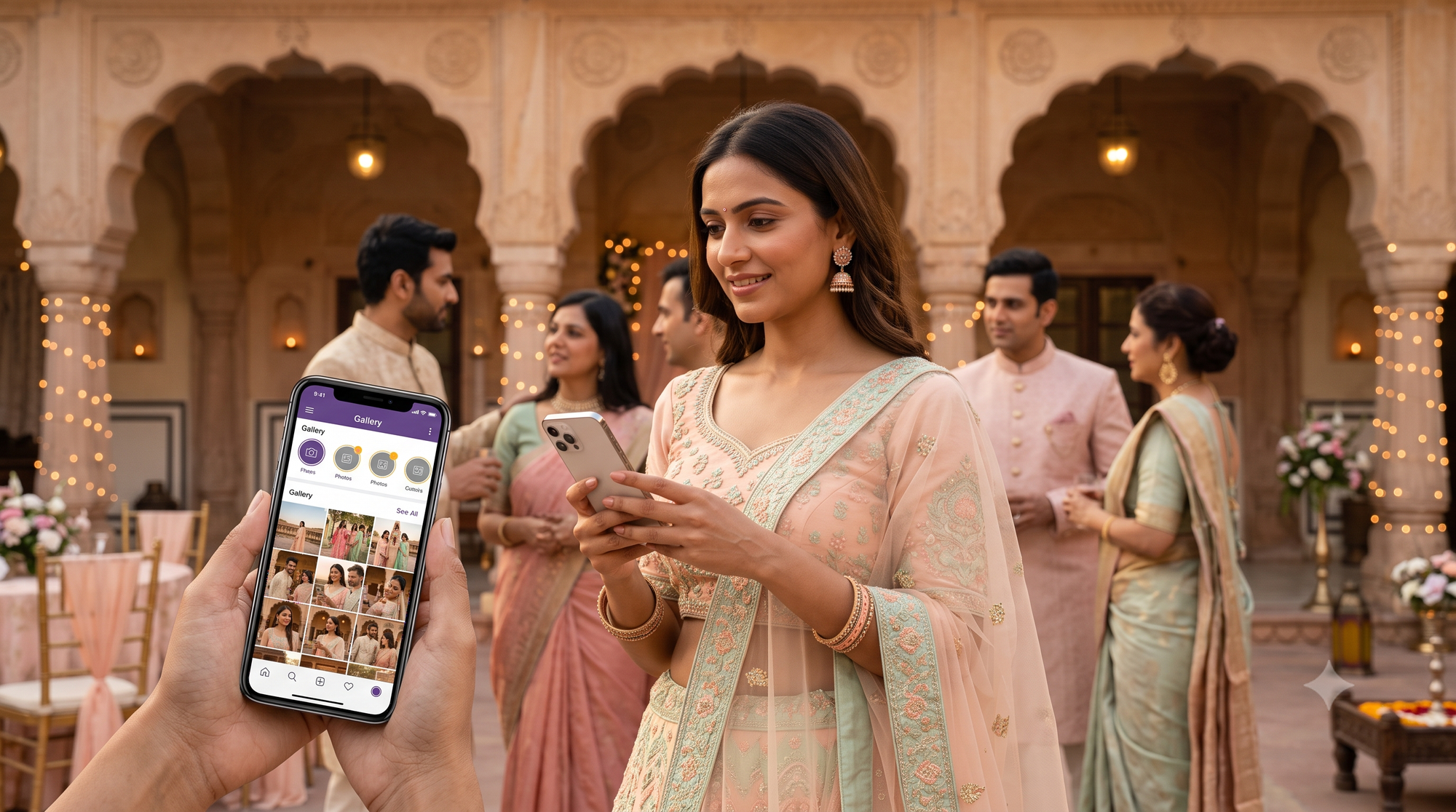
- The Solution: Set your sensor to its secondary native ISO base (typically ISO 3200) to keep dynamic range wide. Use bounce flash or high-CRI on-camera fill modifiers flagged to avoid lens flare. Lock shutter speeds to at least 1/160s to freeze movement during wedding entrances. Let Kam-Sync ingest the clean frames straight to the cloud so family members and guests can access their photos during dinner.
Corporate After-Parties, Gala Dinners, and VIP Activations
Corporate events move quickly and demand clean, brand-safe photos for immediate media distribution.
Delivering Crisp, Noise-Free Executive Media
- The Challenge: Dark VIP lounges and low-lit cocktail hours where corporate executives want professional photos for PR wires and internal comms right away.
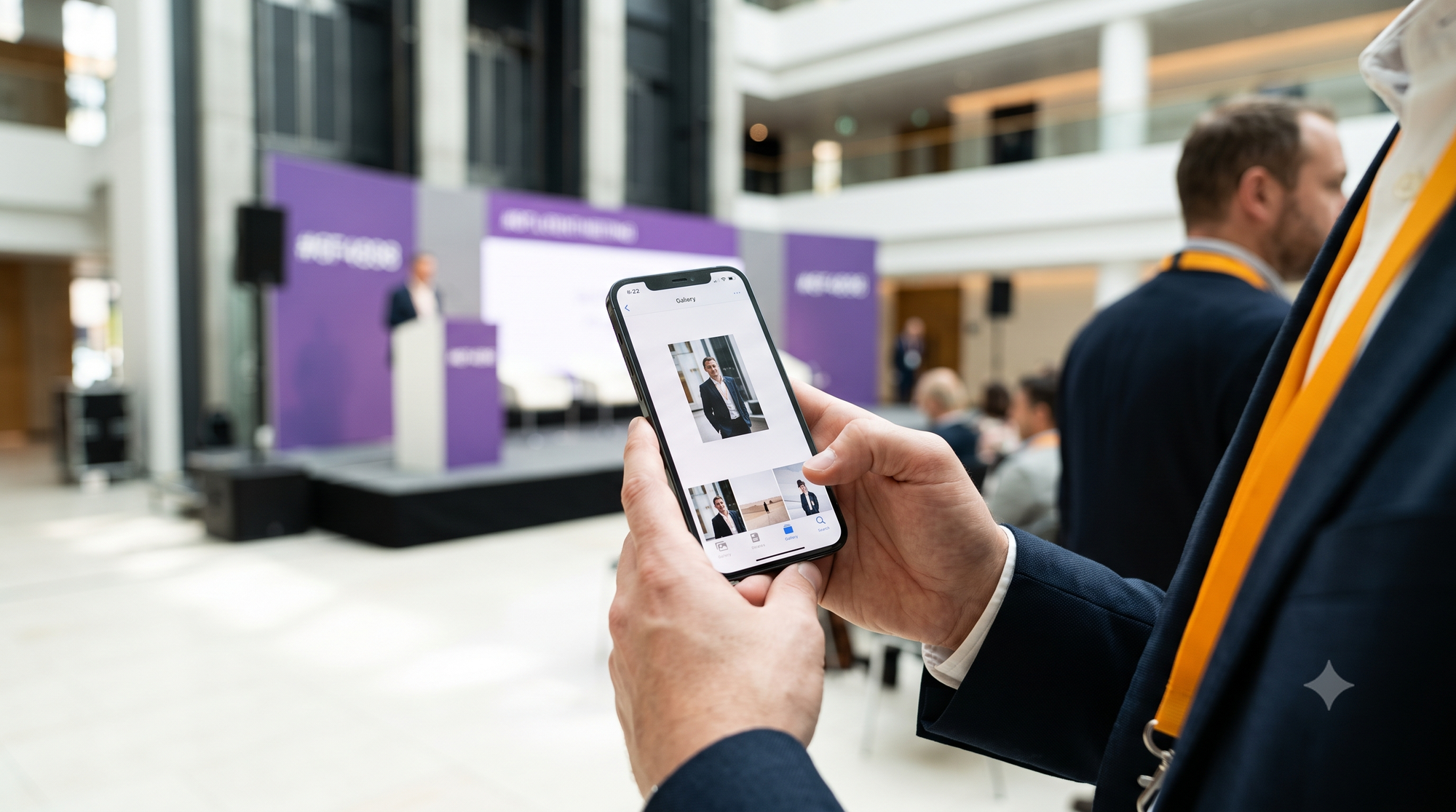
- The Solution: Lean on fast 35mm and 85mm prime lenses shot between f/1.4 and f/2.0. This pulls in rich background light while isolating subjects with a shallow depth of field. Use subtle off-axis fill flash to illuminate faces, keeping your base ISO down at 800 or 1600. The clean edge definition ensures fast facial indexing and gives corporate comms teams instant, print-ready marketing assets.
Indoor Concerts, Festivals, and Live Night Performances
Live performances feature rapid movement and high-contrast stage lights that stress camera tracking.
Sharp High-Action Framing Under Erratic Stage Lighting
- The Challenge: Performers moving under rapid, high-contrast spotlight changes that transition from darkness to blown highlights in milliseconds.
- The Solution: Use spot metering locked to the performer's face to prevent stage lights from plunging skin tones into noisy shadow. Raise your shutter speed to 1/320s or 1/500s to freeze motion cleanly, and lean on your sensor’s secondary native ISO step. Keep continuous tracking autofocus active with face/eye detection enabled to hold focus across deep-contrast scenes.
Technology Breakdown: Kamero vs. Legacy Gallery Platforms
The table below contrasts modern, AI-first ingestion architectures with older desktop-dependent tools.
Modern high-volume event photography demands an enterprise-grade digital asset management pipeline. Older gallery tools—built primarily for manual desktop uploads days after an event—force studios to juggle multiple disconnected applications for uploads, client proofing, facial recognition, and billing.
Kamero vs. Traditional Web Galleries (Pixieset / SmugMug)
Traditional web galleries rely on slow, manual desktop queues. After an event ends, the photographer commutes back to the studio, imports memory cards, culls the take, applies manual edits, and exports smaller JPEGs through a web browser.
Pure Real-Time Execution
Kamero replaces this disjointed process with hardware-integrated cloud streaming. By pairing camera-to-cloud Kam-Sync technology with high-throughput cloud ingestion, photos stream straight from the camera to the gallery while the event is still underway. Guests view, share, and purchase photos on native iOS and Android apps in minutes, replacing multi-day post-production delays with an immediate, mobile-first experience.
Kamero vs. Basic Chat-Bot Services (Samaro.ai / Kwikpic)
Consumer messaging bots often attempt photo delivery by routing files through chat applications. This approach relies on heavy compression layers that degrade professional imagery.
Full-Fidelity Data Retention
Consumer messaging networks enforce aggressive compression, flattening dynamic range and turning low-light shadows into noisy digital artifacts. Kamero preserves image quality by offering an uncompressed 50MB upload ceiling. Photographers can upload full-resolution source files without destructive downsampling, ensuring images stay sharp, clean, and print-ready across both web interfaces and native mobile apps.
Kamero vs. Simple Storage Links (Fotoowl / Memzo)
Delivering photos via basic public cloud folders or static link drives offers a poor experience for clients and leaves revenue on the table.
End-to-End Enterprise Ecosystems
Unindexed cloud folders dump hundreds of unorganized photos into a single directory, forcing guests to manually scroll through thousands of thumbnails to find their own pictures. Kamero replaces this with a secure, multi-tenant digital asset management ecosystem.
The platform combines automated AI face recognition, dynamic watermarking, role-based administrative controls, and native in-gallery print and digital stores. You can run your entire client-facing operation under your own brand identity—complete with custom color palettes and white-label domain masking—turning a routine delivery link into an engaging, monetized client hub.
Field Checklist: Mastering Low-Light Settings for Real-Time Delivery
Run through this operational checklist before opening shutter lines at your next low-light event:
- Camera Sensor & Optics Setup
- Lock in an absolute ISO ceiling (ISO 3200 or 6400 maximum).
- Confirm dual-native ISO thresholds across all primary camera bodies.
- Mount fast prime lenses (f/1.4 to f/1.8) or constant f/2.8 zoom lenses.
- Enable 5-axis In-Body Image Stabilization (IBIS) for handheld low-shutter stability.
- Set JPEG picture profiles to "Neutral" with contrast at -1 and sharpening at 0.
- Switch high-ISO in-camera noise reduction to "Low" to protect facial edge vectors.
- Lock a manual Kelvin white balance for consistent color across multiple shooters.
- Kam-Sync Hardware & Connectivity Routing
- Configure internal camera FTP/FTPS settings to connect with Kamero’s ingestion servers.
- Bind primary cameras to a high-speed venue Wi-Fi connection or a dedicated 5G mobile hotspot.
- Confirm camera dual-slot routing: Slot 1 writes master RAW files; Slot 2 routes high-resolution JPEGs to Kam-Sync.
- Fire three test frames to verify cloud upload latencies under active network load.
- Platform Ingestion & Quality Control Monitoring
- Access the Kamero event administrative dashboard from a mobile device.
- Check test uploads for unwanted noise, macro-blocking, or color banding.
- Run a quick selfie test using Kamero’s AI engine to confirm biometric face-clustering speeds.
- Verify dynamic dual-watermarking overlays and in-gallery e-commerce pricing settings.
- Ensure the branded QR onboarding signage is live and accessible at the venue entrance.
Combining Sensor Discipline with Modern Cloud Delivery
Modern event photography leaves no margin for slow desktop workflows or muddy, unmanaged uploads. High-ISO digital grain exhausts cloud compression budgets, slows down biometric face-matching algorithms, and turns dim event photos into blocky, low-quality previews on mobile screens. Overcoming this hurdle requires a disciplined approach to hardware settings: locking down native ISO limits, relying on fast prime lenses, balancing exposures cleanly, and leveraging in-body sensor stabilization.
Pairing disciplined shooting settings with an enterprise-grade cloud engine completely transforms your operational efficiency. By streaming high-resolution captures straight to Kamero’s cloud via Kam-Sync, you bypass desktop bottlenecks, preserve fine pixel detail with an uncompressed 50MB upload cap, and automate private, AI-driven guest discovery in real time. The result is a fast, professional, and fully monetized gallery experience that elevates your studio's brand standing and delights event clients.
Do not let unmanaged sensor noise and muddy compression artifacts lower the quality of your evening event galleries. Master your low light event photography settings and utilize high resolution photo uploads up to 50mb to keep every image clean, sharp, and profitable. Deliver beautiful low-light galleries instantly by starting your next project with Kamero today.
Ready to modernize your delivery workflow?
Eliminate delivery bottlenecks, deliver photos to guests in real time with AI face recognition, and unlock in-gallery commerce. Sign up for a free trial on Kamero, book a live platform demo with our solutions engineering team, or follow us on Instagram to see our real-time capture-to-cloud ecosystem in action!
About Pavani Nagar
Hey there! Pavani Nagar, a Digital Marketing Manager who enjoys working on content, social media, and figuring out what makes people pay attention. I like trying new ideas, learning along the way, and keeping things simple.