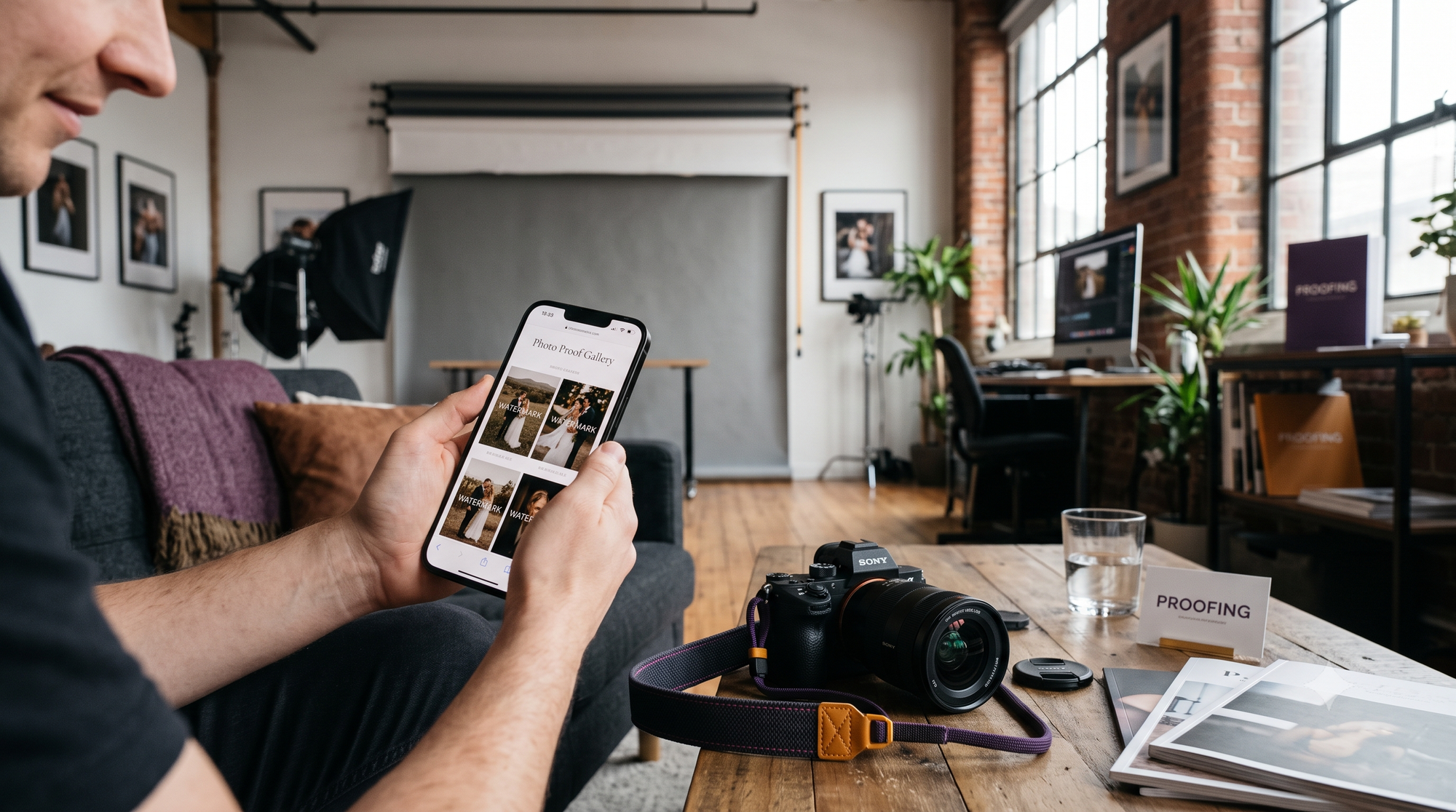
Every event photographer knows the sinking feeling of opening Instagram or WhatsApp the morning after a major wedding or gala, only to find their unpurchased, unedited proof images posted online.
They are blurry, pixelated, cropped, and completely uncredited. The client didn't wait for final delivery, and they certainly didn't pay for additional high-resolution licenses. They simply hit power + volume down on their phone.
Standard proofing galleries were built for an era before mobile displays boasted retina resolutions and instant social sharing. If your delivery pipeline still relies on static image exports or simple right-click disabling, your business is losing money every single weekend.
To safeguard your revenue, you need an automated, systematic approach to prevent client screenshot photo theft without compromising the clean viewing experience high-paying clients expect.
The Screenshot Dilemma: Why Standard Proofing Galleries Bleed Revenue
The post-event sales cycle depends on an emotional urgency that fades with every passing hour. When clients satisfy that immediate urge with screen grabs, the financial incentive to purchase high-res digital files or print albums evaporates.
The Psychology of "Good Enough" Mobile Screen Grabs
Clients rarely care about 300 DPI print quality when their immediate goal is an Instagram Story or family group chat.
- Social sharing vs. full-resolution purchasing: A compressed 1080px mobile screenshot looks perfectly acceptable on a 6-inch smartphone screen. Once that image is shared, the client has obtained 90% of their perceived value for $0.
- Unlicensed third-party vendor reposting: Event planners, makeup artists, and venues actively monitor attendee stories. Without protective measures, vendors capture and redistribute your unwatermarked, uncredited work across their commercial channels.
The Flaw of Static Watermarking in Fast Delivery Environments
Traditional attempts to solve this problem create operational friction:
- Destructive exports: "Baking" watermarks into images via Lightroom exports permanently creates duplicate files, eating up local storage and bloating upload bandwidth.
- Light crop vulnerabilities: A subtle logo tucked neatly into the bottom-right corner is trivial to remove. A three-second crop on any smartphone eliminates your branding entirely while keeping the subject intact.
4 Strategies to Protect Photography Copyrights Online Without Killing Delivery Speed
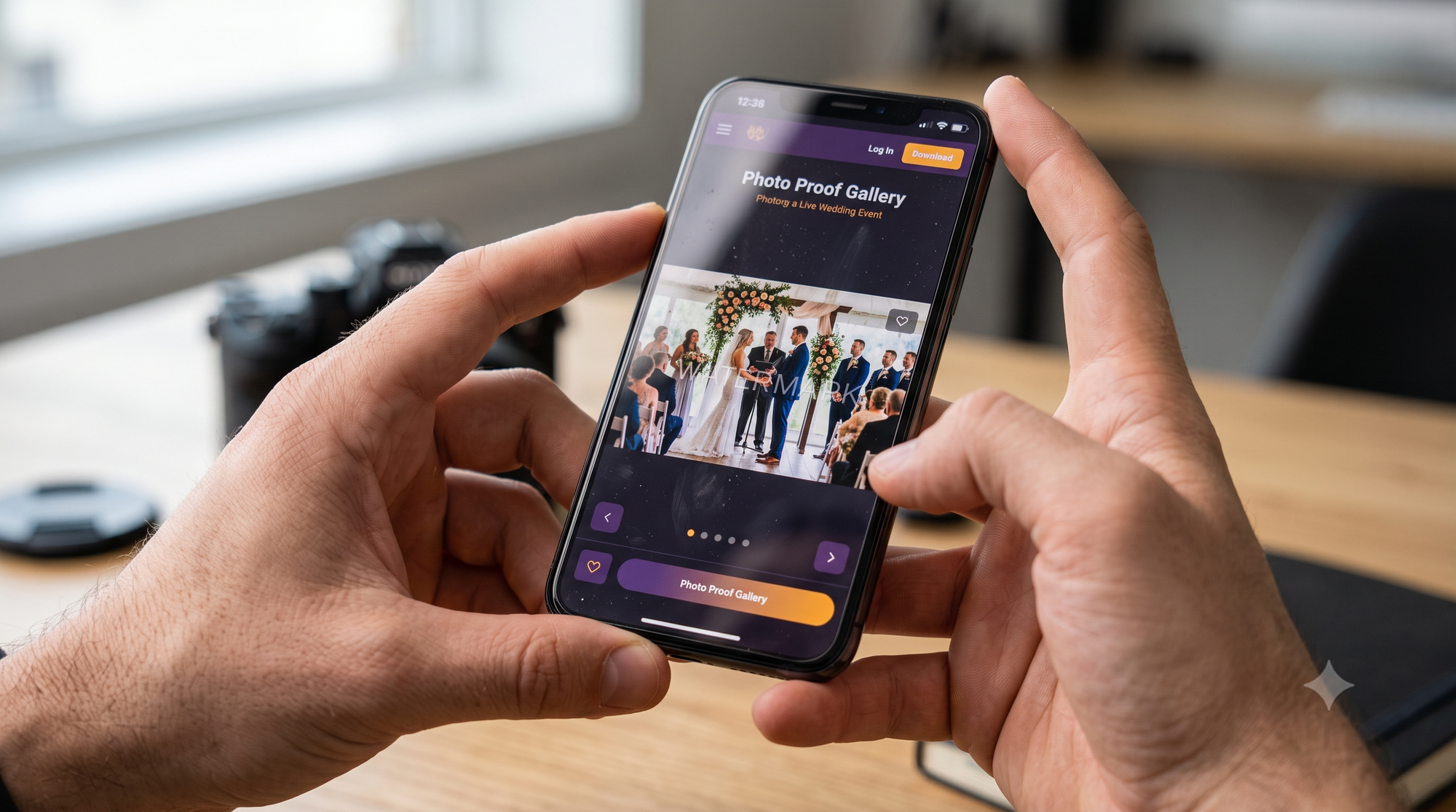
To effectively protect photography copyrights online, your workflow must enforce copyright protection at the server and display level—not inside your local editing software.
1. Ditch Right-Click Disabling for Mobile Protection
Disabling browser right-clicks was obsolete a decade ago. It does zero to block native mobile screen captures, iOS AssistiveTouch shortcuts, or quick desktop screen grab tools like Snipping Tool. Modern protection must treat every rendered pixel on screen as vulnerable to capture.
2. Implement Non-Destructive Server-Side Watermark Overlays
Instead of burning graphics into source pixels, keep your uploads clean. A non-destructive engine renders a protected web preview on the fly. Your originals remain pristine, secure, and ready for instant automated fulfillment.
3. Deploy Multi-Point Grid & Center Micro-Marks
A single, easily cropped corner logo fails to protect your assets. Effective digital rights protection requires either:
- Low-opacity, center-weighted diagonal tiling.
- High-contrast focal point micro-branding placed directly across subject intersections.
This makes casual cropping impossible without destroying the subject composition entirely.
4. Structure Tiered Proof Access
Never show full-resolution images on public or unauthenticated proof galleries. Web displays should be auto-downscaled and watermarked by default, unlocking clean, uncompressed files only through direct payment or authorized client selection.
The Modern Solution: Dual Logo Dynamic Watermarking Software
Corporate events, sports tournaments, and high-end brand activations introduce an extra layer of complexity: co-branding.
Sponsors demand visibility on every attendee photo, while photographers require copyright attribution and theft security. Juggling multiple watermarks using traditional export presets requires endless file duplication.
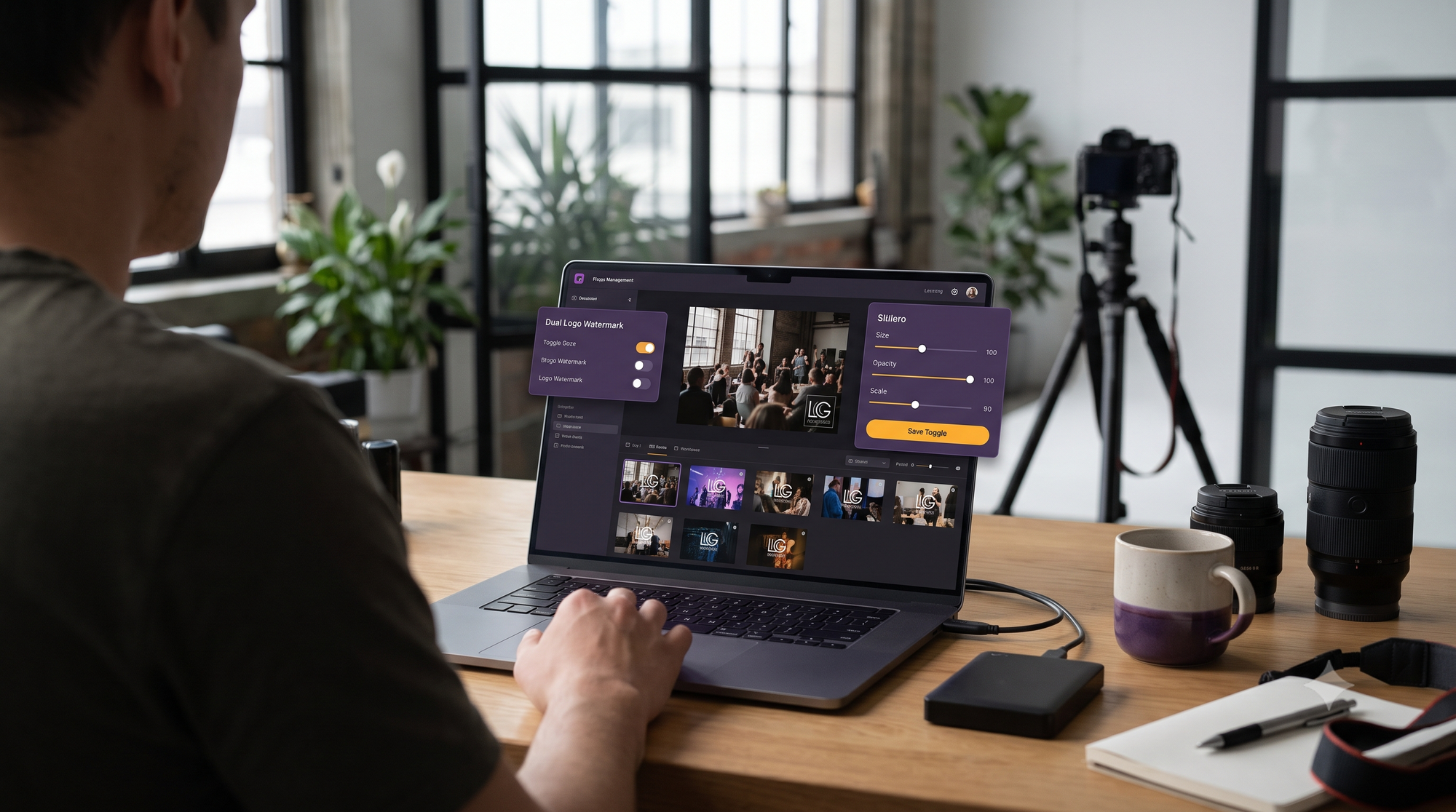
This is where dedicated dual logo dynamic watermarking software becomes an essential operational tool. It separates the business logic of branding from image processing, automatically applying both client logos and creator copyright marks upon gallery ingest.
Equally critical is post upload watermark sizing control. When delivering a mixed gallery containing horizontal wide shots, vertical portraits, and tight square crops, fixed-pixel watermarks either overwhelm the frame or shrink into illegibility. Modern dynamic engines evaluate the aspect ratio of each uploaded asset and automatically scale watermarks to maintain proportional coverage across the entire delivery.
Competitive Advantage: Why Kamero Outperforms Legacy Proofing Platforms
Legacy client galleries (such as Pixieset, Pic-Time, and ShootProof) were designed as passive digital storefronts for portrait photographers. They were not engineered for live, high-volume event delivery where real-time speed and robust security must coexist.
The Legacy Gallery Dilemma
Legacy systems force a painful compromise. If you adjust your logo size, fix an opacity issue, or swap a corporate sponsor mark, you must re-export and re-upload thousands of images. Furthermore, their static watermark overlays rarely adapt cleanly between vertical smartphone screens and widescreen desktop monitors.
The Kamero Edge
Kamero eliminates this friction by integrating copyright protection directly into its high-speed AI delivery infrastructure:
- Real-Time Visual Security: Kamero dynamically renders adaptive watermark overlays across indexed photos without altering your master uploads.
- Instant Dynamic Edits: Adjust opacity, reposition assets, or scale your brand marks across 5,000 live event photos simultaneously with a single click—no re-exports, no bandwidth loss.
- Frictionless Unlocking: Guests search and locate their personal photos in seconds using AI face recognition, viewing secured previews that automatically convert to clean downloads the moment access criteria are met.
Step-by-Step: Setting Up Anti-Theft Watermarking for Your Next Live Event
Follow this standard workflow to secure live event galleries without slowing turnaround times:
- Prepare Scalable Assets: Export your studio watermark as an SVG or high-resolution transparent PNG (at least 2000px on the longest edge) with pure white lettering and a subtle 1px dark drop shadow for contrast against all backgrounds.
- Configure Multi-Asset Rules: When handling commercial or sponsor events, set your sponsor asset to corner placement (bottom-left or top-right) and your studio mark to center-diagonal with 30–40% opacity.
- Verify Responsive Sizing: Test your overlay profile against mixed aspect ratios (3:2 horizontal, 4:5 vertical, and 16:9 panoramic) to ensure the marks adapt automatically.
- Publish Live with AI Indexing: Ingest your unwatermarked files directly to the platform. Let the server handle dynamic branding and AI face indexing in real time while you keep shooting.
Frequently Asked Questions
Can clients easily bypass dynamic watermarks?
No. Unlike client-side CSS overlays that can be inspected and deleted via browser developer tools, modern platforms dynamically render the watermark into the preview image before sending it to the client display. The clean, unwatermarked master file never touches the viewer's device until an authorized download occurs.
Does dynamic watermarking slow down real-time gallery delivery?
When implemented correctly via cloud-native architecture, server-side dynamic watermarking processes previews in milliseconds. Kamero applies these layouts instantaneously alongside its real-time AI face-recognition indexing, delivering personalized galleries directly to guests via WhatsApp and QR access within seconds of upload.
Why is post-upload sizing control important?
Different events require different presentation styles. A private luxury wedding may require a subtle, elegant monogram mark, while a high-profile corporate conference demands prominent sponsor visibility. Having post-upload controls allows you to refine sizing, opacity, and positioning across thousands of already-uploaded images without wasting hours re-exporting.
Protect Your Revenue and Automate Your Event Deliveries
Client screenshot theft is not an inevitable cost of doing business; it is a symptom of outdated gallery infrastructure.
Upgrade to a modern, dynamic proofing workflow that protects your intellectual property, satisfies corporate sponsors, and delivers photos to attendees in seconds.
- Ready to safeguard your images? Sign up on Kamero to start your free trial today.
- Need a tailored setup for your photography business? Book a 1-on-1 Demo with our product specialists.
- Want regular workflow breakdowns and industry insights? Follow us on Instagram @kamero.ai.
About Pavani Nagar
Hey there! Pavani Nagar, a Digital Marketing Manager who enjoys working on content, social media, and figuring out what makes people pay attention. I like trying new ideas, learning along the way, and keeping things simple.